Musicians
Cut rehearsals, gigs, song ideas, and lessons into named files that are easy to review and share with the band.
Record directly in AudioMultiCut, then turn rehearsals, lectures, interviews, or voice notes into separate shareable audio files. Autocut finds the gaps, then every adjusted edge plays instantly so you confirm cuts by ear.
 Free for files up to 10 minutes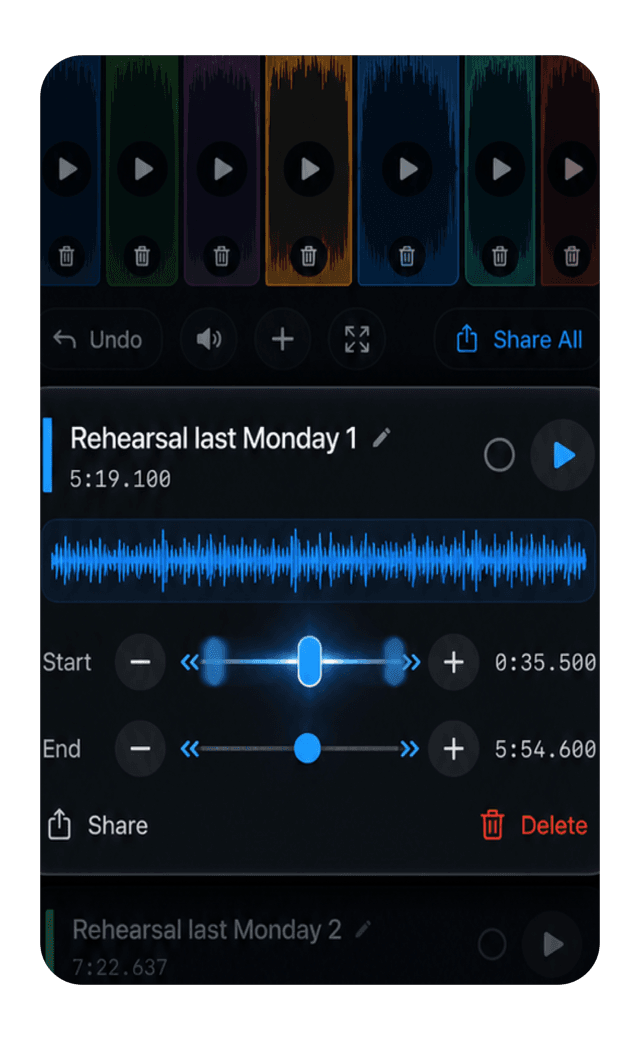
Auto-detect
silence
Fine-tune
every cut
Export
clips
Use
anywhere
 AudioMultiCut for iPhone
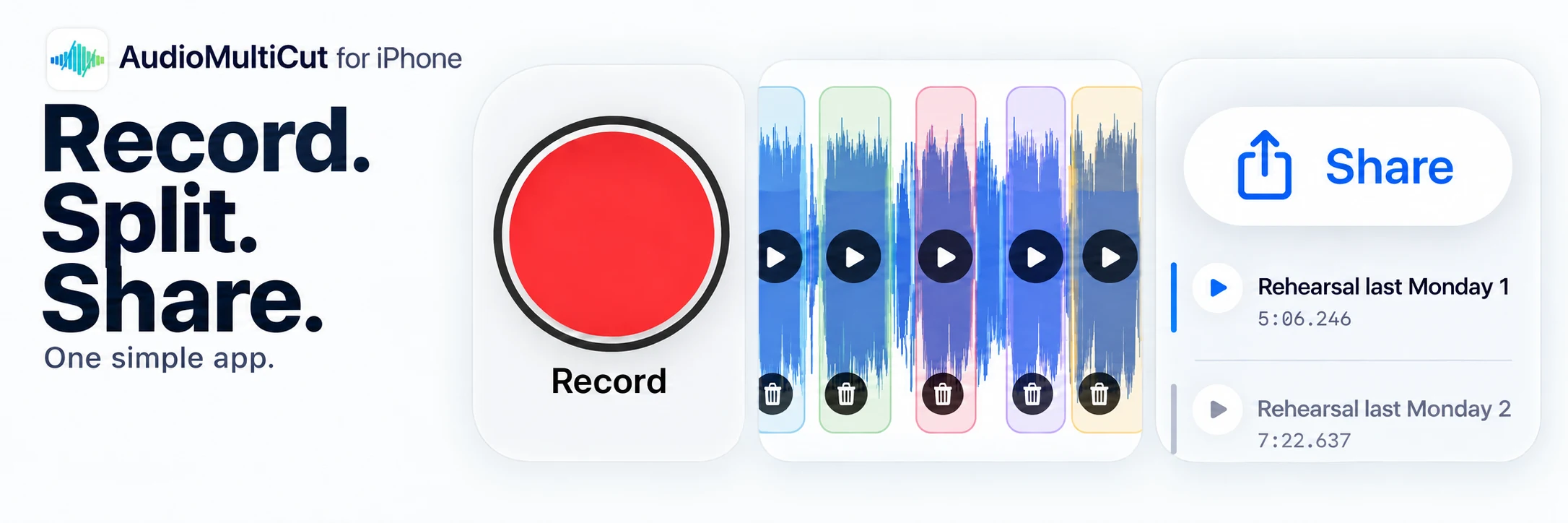
Record. Split. Share.
One simple app. Now with recording.
Recording and sharing originals are free. Clip exports above the free limit require paid access.
Now with recording
Open the Record tab and turn on Auto Segments. As you record, AudioMultiCut shows estimated sections on the waveform. Tap Done, let the app prepare the finished file, and open its saved project to review and adjust the cuts.
Need the whole take instead? Tap Share on the finished recording to send the original. To send separate clips, tap Split, check the boundaries, export, and choose who receives them. Nothing is sent automatically.
How to record, split, and share on iPhone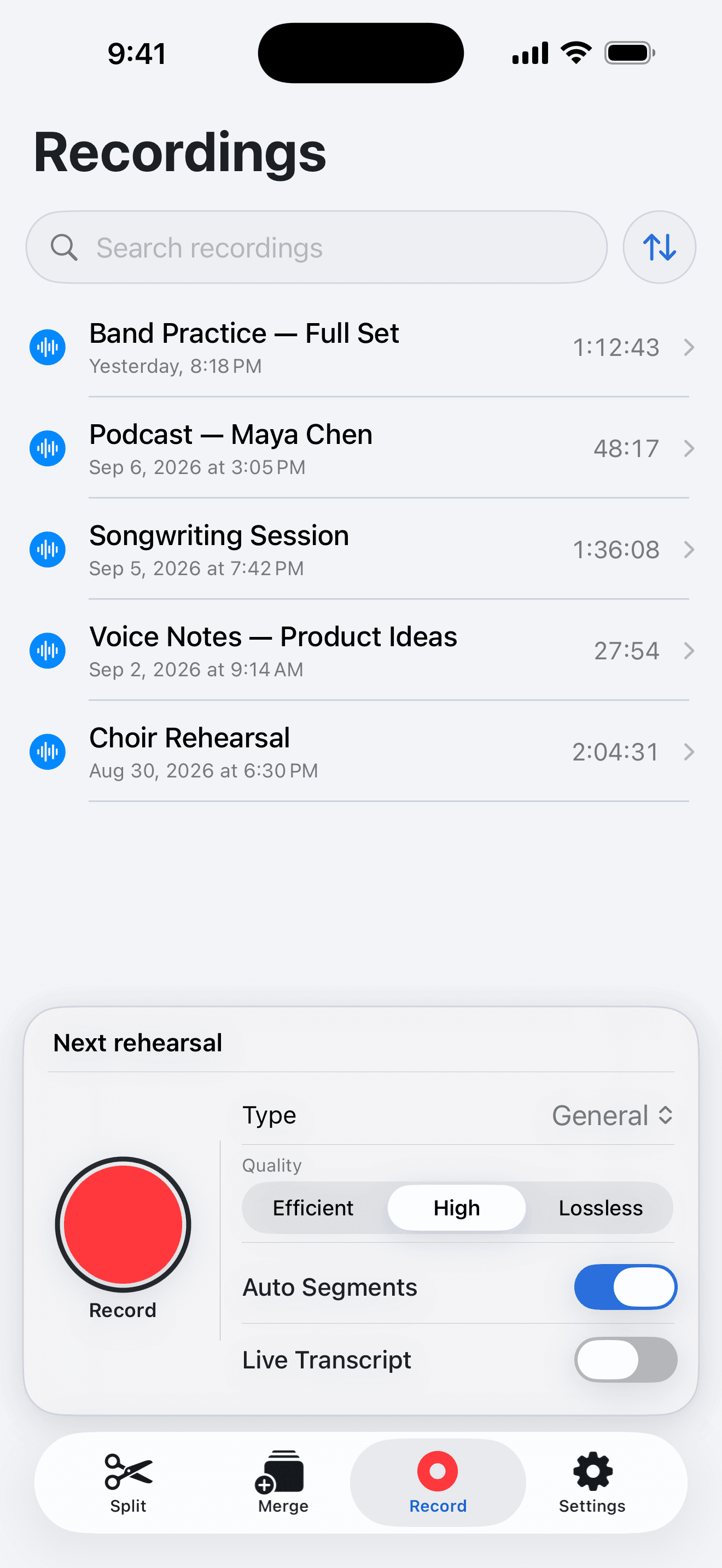
AudioMultiCut for iPhone records audio and splits long recordings into separate audio files on the phone itself. Record in the app or share a recording from Voice Memos, Files, or another app into AudioMultiCut. Let auto-cut find the natural breaks or mark them yourself, and export the clips to Messages, WhatsApp, Telegram, AirDrop, or Files. It also merges audio files, extracts audio from video, and keeps saved projects. Recording and sharing the original are free at any length. Clip exports above the current free limit require monthly or lifetime export access.
Long recordings usually start on the phone and get stuck there. AudioMultiCut lets you capture and organize audio in the same app: start with estimated sections as you record, name the useful clips, keep the project, and export files wherever the work continues.
The workflow stays focused on one job: turn one long recording into the short files people actually need.
Start in the Record tab, or bring in audio from Voice Memos, Files, video, and other apps. Finished recordings become saved projects.
Use silence detection as the starting point, then fine-tune each boundary and hear the exact edge before you keep it.
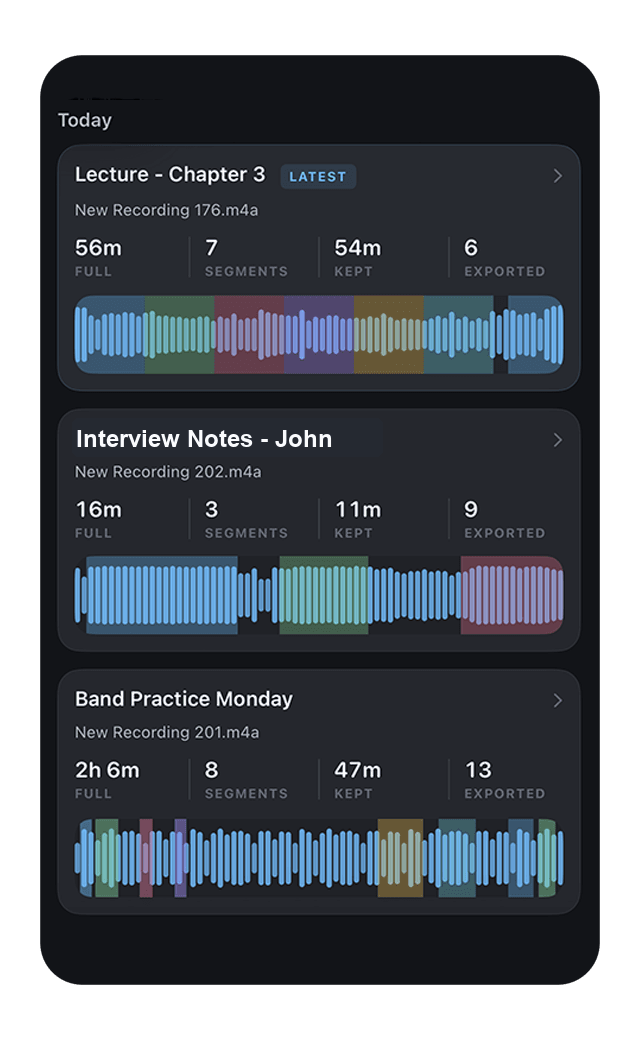
Export the useful pieces once, then send them to chats, AirDrop, Files, cloud storage, video editors, or any share-sheet destination.
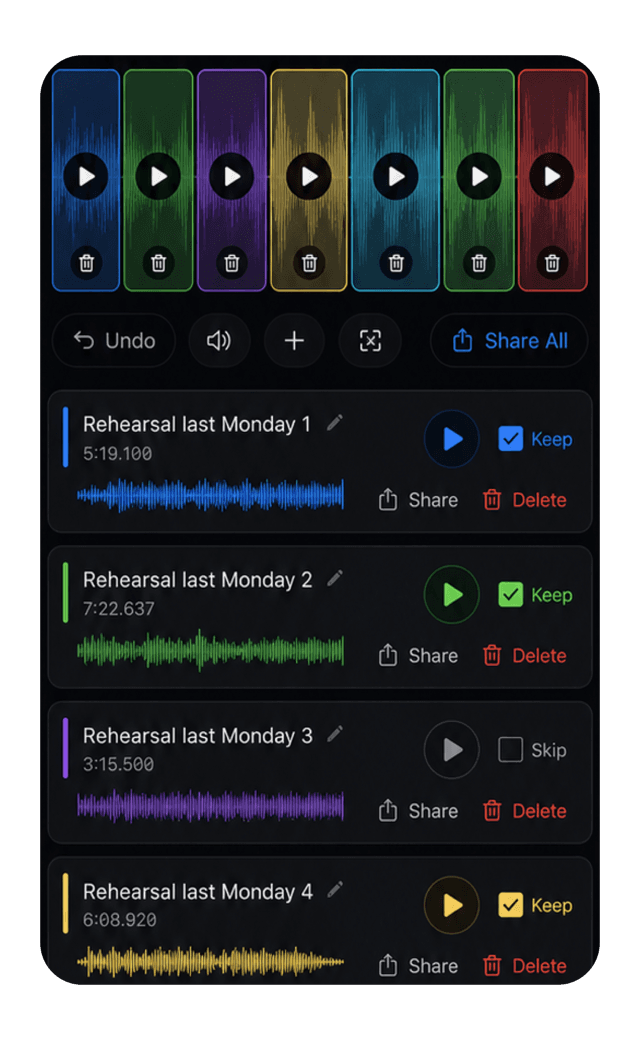
Export songs, lecture sections, quotes, voiceover lines, or sound bites once. The same trimmed files can move into chat threads, cloud storage, AirDrop, Files, social apps, video editors, or a desktop workflow.
The job is simple: get from one messy recording to the exact audio clips worth keeping. That helps whether the final destination is a band chat, a study folder, a podcast cutdown, a video edit, or a file you just need to send.
Cut rehearsals, gigs, song ideas, and lessons into named files that are easy to review and share with the band.
Turn one long memo into named clips you can find, save, send, or reopen later as a project.
Slice long episodes, interviews, sponsor reads, and highlights into focused audio clips before editing or publishing.
Trim voiceovers, music cues, rough takes, and quotes before building Reels, Shorts, TikToks, captions, or timeline edits.
AudioMultiCut keeps the editing surface focused, then gives you the native iPhone pieces that matter: projects, touch controls, merge, video-to-audio, review, export, and sharing.
Keep long recordings organized and reopen edits later instead of rebuilding cut points every time.
Detect the quiet gaps between songs, topics, takes, or sections first, then review the results instead of dragging every boundary from scratch.
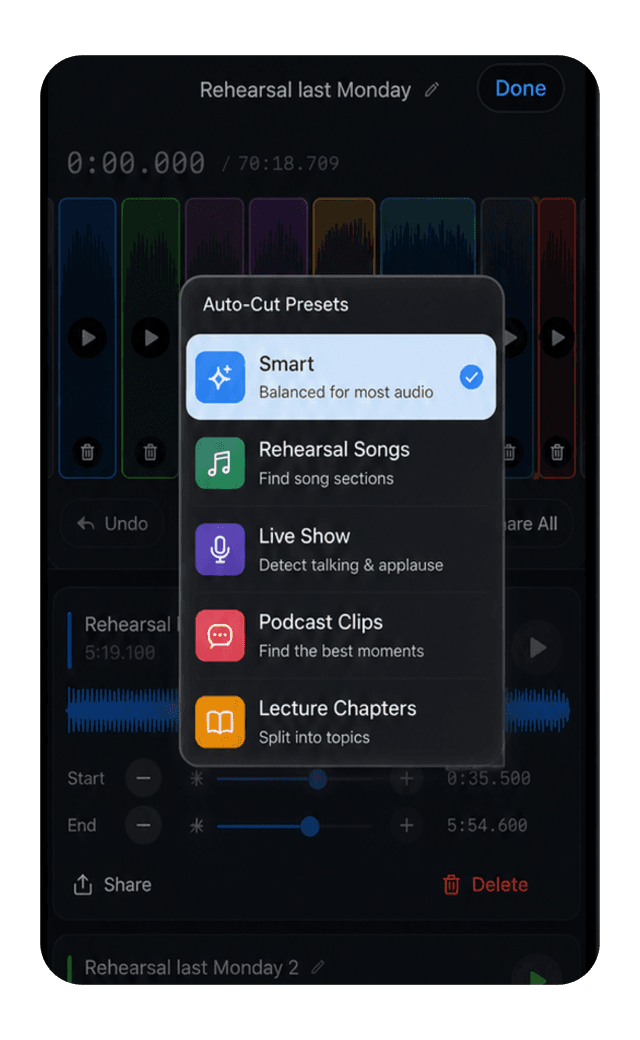
Move a cut point and audition the exact boundary, so verification happens by ear instead of waveform scrubbing.
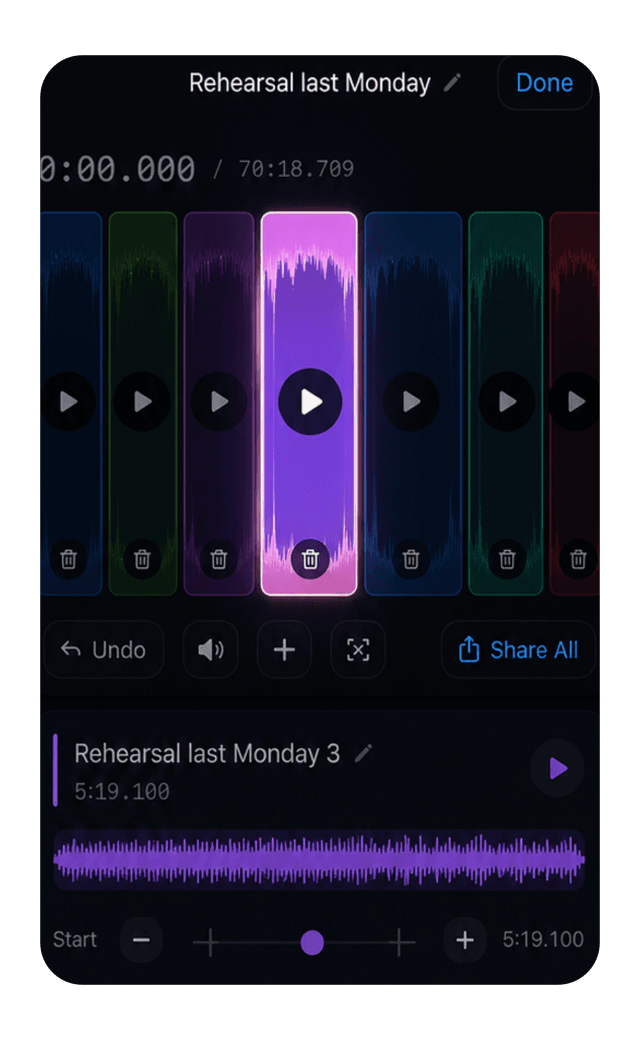
Export several useful clips and move them to Messages, WhatsApp, Telegram, AirDrop, Files, or your editor.
Pricing
As of July 2026, recordings up to 10 minutes include editing and export, so you can try the full workflow on real clips.
Unlimited removes the long-recording limit through an auto-renewing monthly App Store subscription. Apple shows the current local price and renewal terms before purchase.
Start on iPhone, export the clips that matter, then continue in the chat, editor, folder, or workflow that fits the job.
AudioMultiCut for iPhone
Record. Split. Share.
23,812shares