
An audio volume normalizer is useful when the recording is basically right but too quiet, too uneven, or hard to hear on a phone speaker. Use it to make a real-world file easier to listen to.
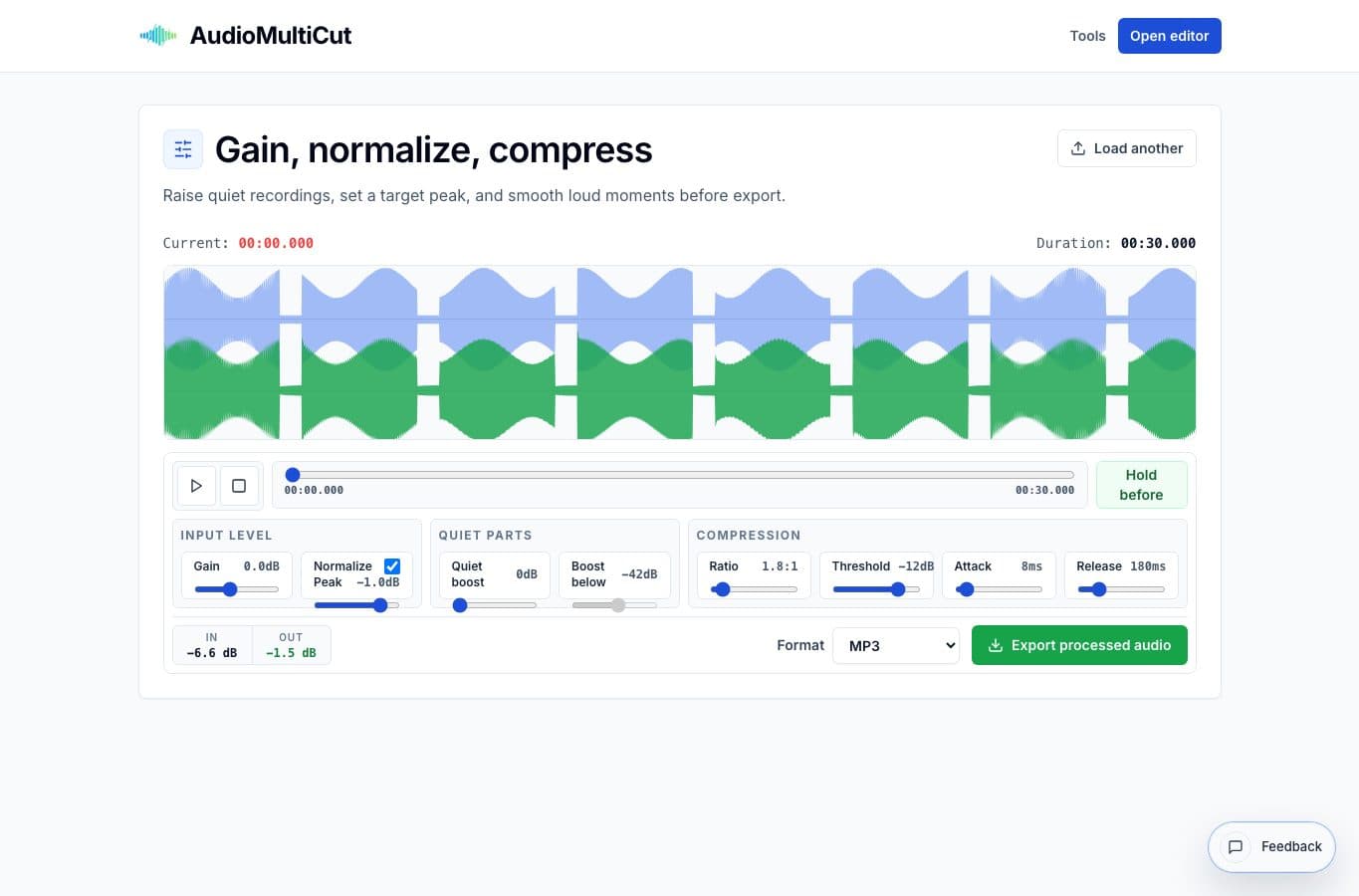
The AudioMultiCut normalizer combines gain, peak normalization, quiet lift, and light compression in one browser tool. It is best for practical cleanup after the edit is already chosen.
Quiet voice memos and lessons
The most common use case is a voice memo recorded too far from the speaker. Raise the gain, keep peak normalization on, and use a little quiet lift if the soft parts still disappear. A small amount of compression can help the loud words and quiet words sit closer together.
This is especially useful for private lessons, notes after a rehearsal, and quick interviews recorded in a normal room. The result only has to be easier to understand.
Clips that need to match each other
Normalization also helps when several exported clips should play at roughly the same loudness. After cutting a lecture into chapters or a rehearsal into songs, run the quiet clips through the normalizer so the listener is not adjusting volume every few minutes.
Do this after cutting. If you normalize a whole two-hour source first, one loud spike can control the gain for everything else and make the useful parts stay too quiet.
When to stay gentle
Compression can make a recording more consistent, but too much makes it tiring. Start with mild settings and use the before/after button often. If music starts pumping or speech starts sounding flattened, back off.
For finished music, mastering, broadcast loudness targets, or repair work, use a proper audio editor. For everyday clips, the simple controls are usually enough.
More loudness guides
Pick simple loudness cleanup or deeper processing
Best Audio Volume Normalizer Alternatives for Loudness Cleanup
Compare AudioMultiCut's volume normalizer with Audacity, Auphonic-style processors, DAWs, video editors, and simple web normalizers.
Use the right tool at the right stage
How to Combine AudioMultiCut Tools Without Making the Edit Messy
A practical workflow for using the cutter, remove-parts editors, normalizer, audiogram maker, video tools, and spectrogram editor together without losing track of the job.
Make practice clips people will actually come back to
How to Cut Private Lesson Recordings Into Practice Clips
A practical guide for turning one private lesson recording into short clips that are easier to replay during practice.
Related pages and tools
Balance a quiet recording
Load audio, preview before and after, then export a louder or more consistent version for sharing.