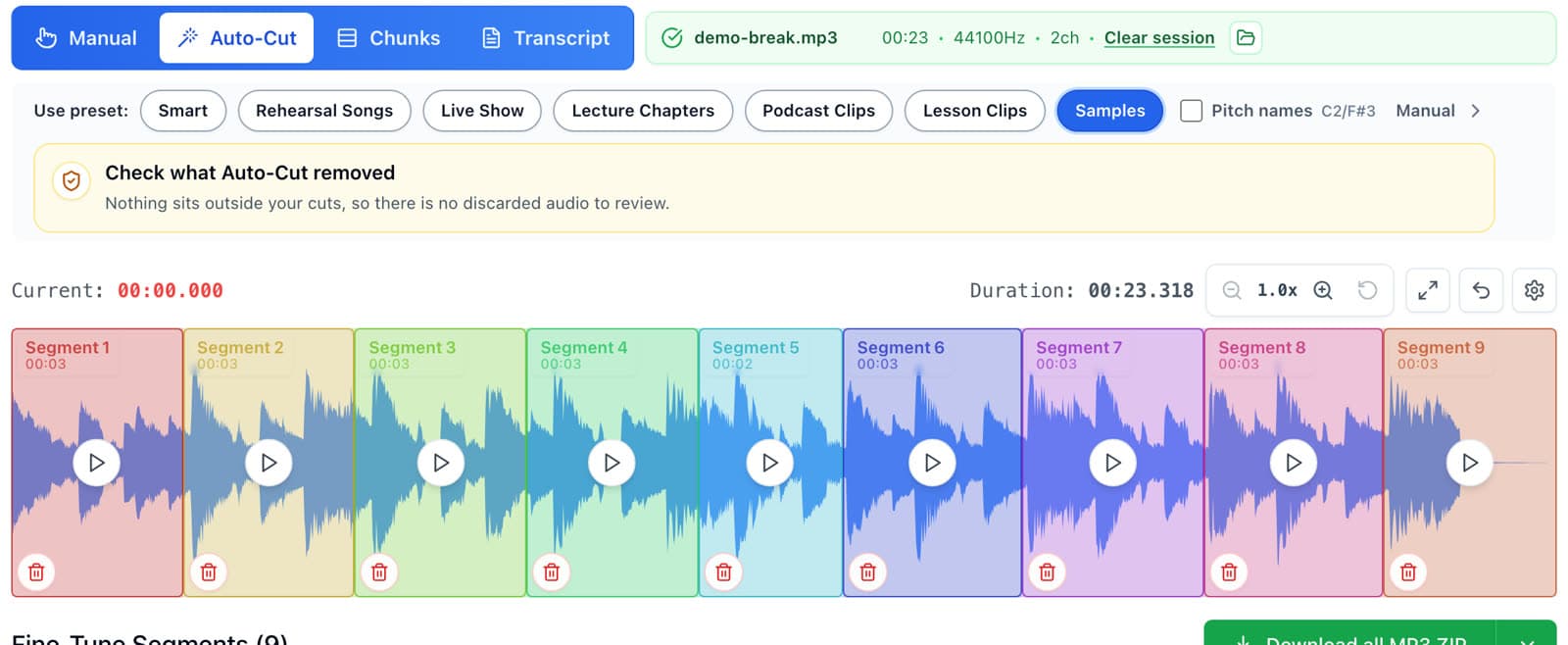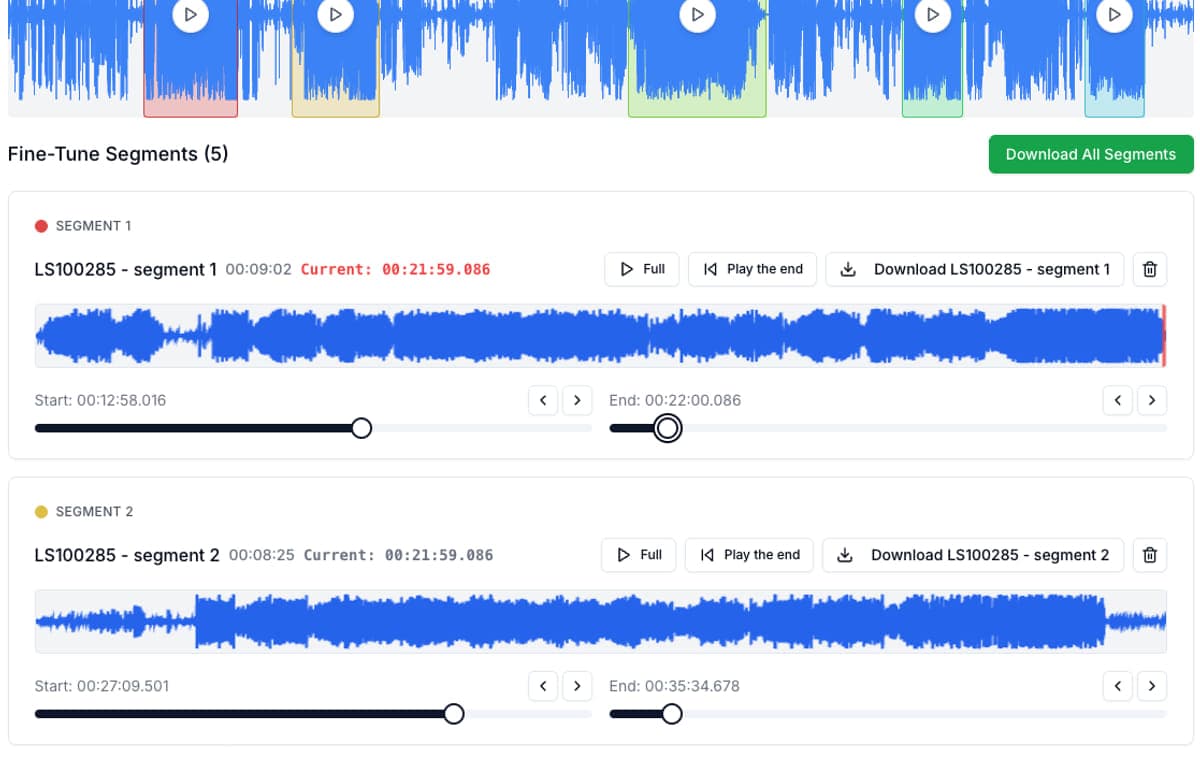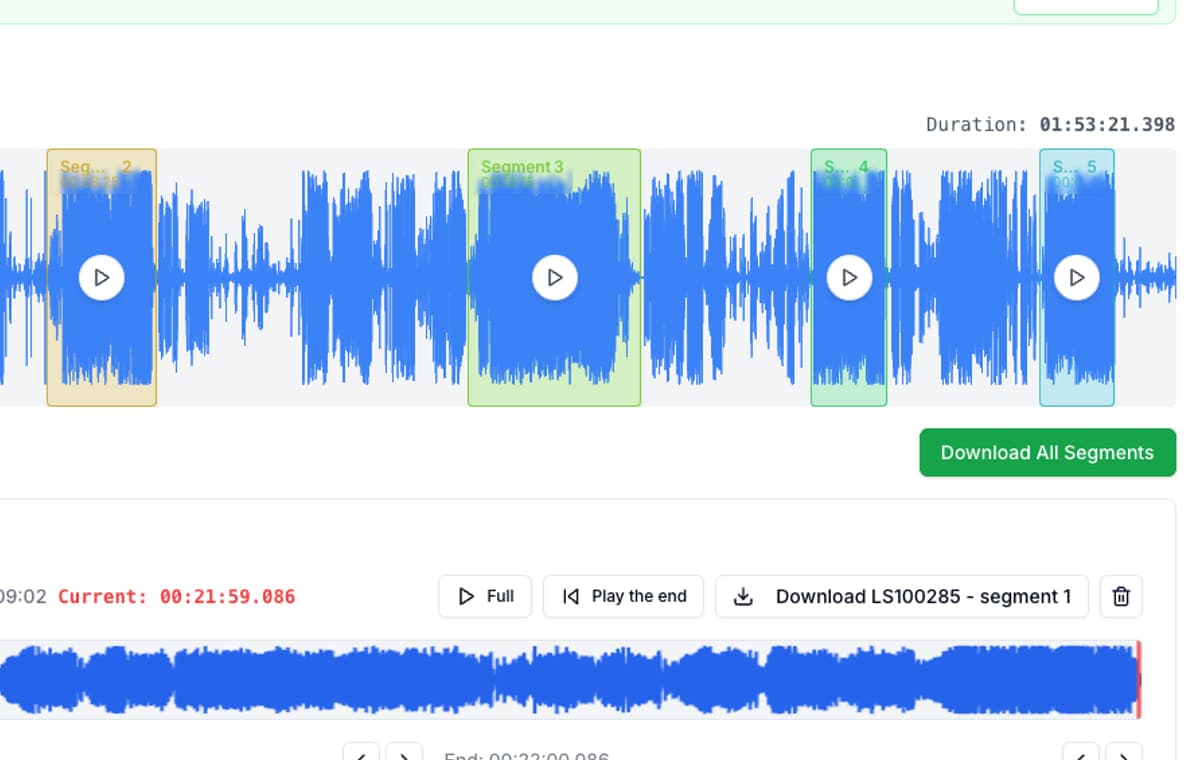
The simplest split jobs should be the fastest
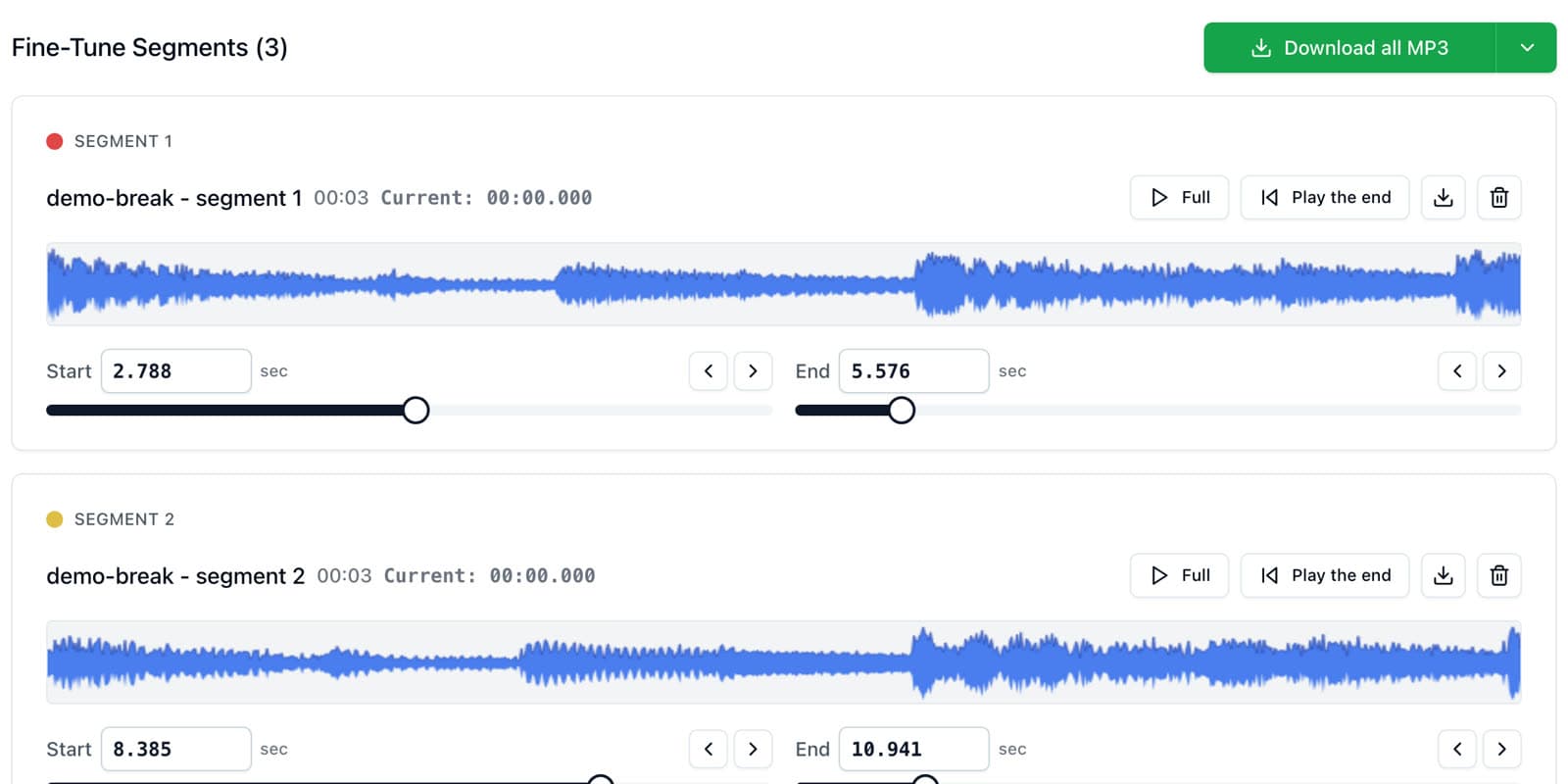
How to Split an Audio File Into Two Parts, or Any Number of Equal PartsSplit audio in half, into thirds, or into exact timed chunks in your browser. No server upload, ads, account, or watermark.
Guides for splitting long recordings, understanding formats like M4A vs MP3, comparing audio cutters, and working faster with rehearsals, lectures, podcasts, lessons, meetings, and other real recordings.
Page 1 of 5
The simplest split jobs should be the fastest
How to Split an Audio File Into Two Parts, or Any Number of Equal PartsSplit audio in half, into thirds, or into exact timed chunks in your browser. No server upload, ads, account, or watermark.

The format your phone records should be the format your cutter accepts
How to Split M4A Files and Voice Memos Into Separate ClipsM4A is what iPhones record, and most cutters handle it badly. Here is how to split M4A recordings in the browser or right on your phone, free and private.

Compare audio cutters by real jobs, speed, and frustration level
Best Audio Cutter Alternatives for Splitting Long RecordingsThe best audio cutter depends on the job. This guide compares AudioMultiCut with the biggest alternatives through 10 common real-world use cases, including how each one handles the work and how long it typically takes.

Compare audio cutters by friction, learning curve, and time to useful result
Audio Cutter Comparison Table: Features, Privacy, Ads, and SpeedA practical comparison of AudioMultiCut, Audacity, VEED, Kapwing, Clideo, and random free cutters based on the things that affect real audio splitting work.

The best private browser audio splitter keeps the recording local and the workflow focused
Best Private Browser Audio Splitter: Privacy and Ads ComparisonWhich audio splitter is best for private recordings? Compare browser-local editing, desktop editing, online suites, ads, accounts, and workflow friction.

The best tool by device is really the one that keeps the workflow easy
Best Online Audio Cutter for Mobile and DesktopThe best online audio cutter is the one that stays usable on the device you actually have. This guide compares phone, desktop, and private browser workflows.

Better for fast splitting jobs, not for full studio-style editing
A Faster Audacity Alternative for Splitting Audio RecordingsAudacity is still excellent for full desktop audio editing. If the job is simply splitting one long recording into multiple finished clips, AudioMultiCut is usually the faster option.

Better when clipping should stay smooth instead of turning repetitive
Clideo Audio Cutter Alternative for Multi-Segment WorkflowsClideo is a solid browser tool for a quick trim or format change. AudioMultiCut is usually better when one long file needs several finished clips.

Better for audio-only work than a full online creator suite
VEED Audio Cutter Alternative — Split Multiple Clips Without the Video SuiteVEED loads a full video editor for audio-only jobs. AudioMultiCut splits one recording into multiple clips in the browser — no account, no watermark, no upload limits.

Better when you want clipping, not creator-suite complexity
Kapwing Audio Cutter Alternative for Long Recording SplitsKapwing is useful when audio editing is part of a wider media workflow. AudioMultiCut is usually faster when the task is turning one recording into many clips.

One recording, several trims, one pass
How to Trim Multiple Parts of an Audio File at OnceMost audio trimmers cut one piece at a time. Here is how to trim several sections out of one recording in a single pass, free and in your browser, with nothing uploaded.

Technical guide to iPhone recordings, codecs, and export time
M4A vs MP3 for iPhone Voice Memos: What You’re Actually RecordingA technical guide to iPhone Voice Memos: what the .m4a file really is, what Apple’s built-in microphones are actually doing, and why exporting to MP3 takes real CPU time.