
Volume tools vary a lot. Some only peak-normalize. Some apply podcast processing. Some are part of a full DAW. The right choice depends on whether the job is everyday listening cleanup or real production.
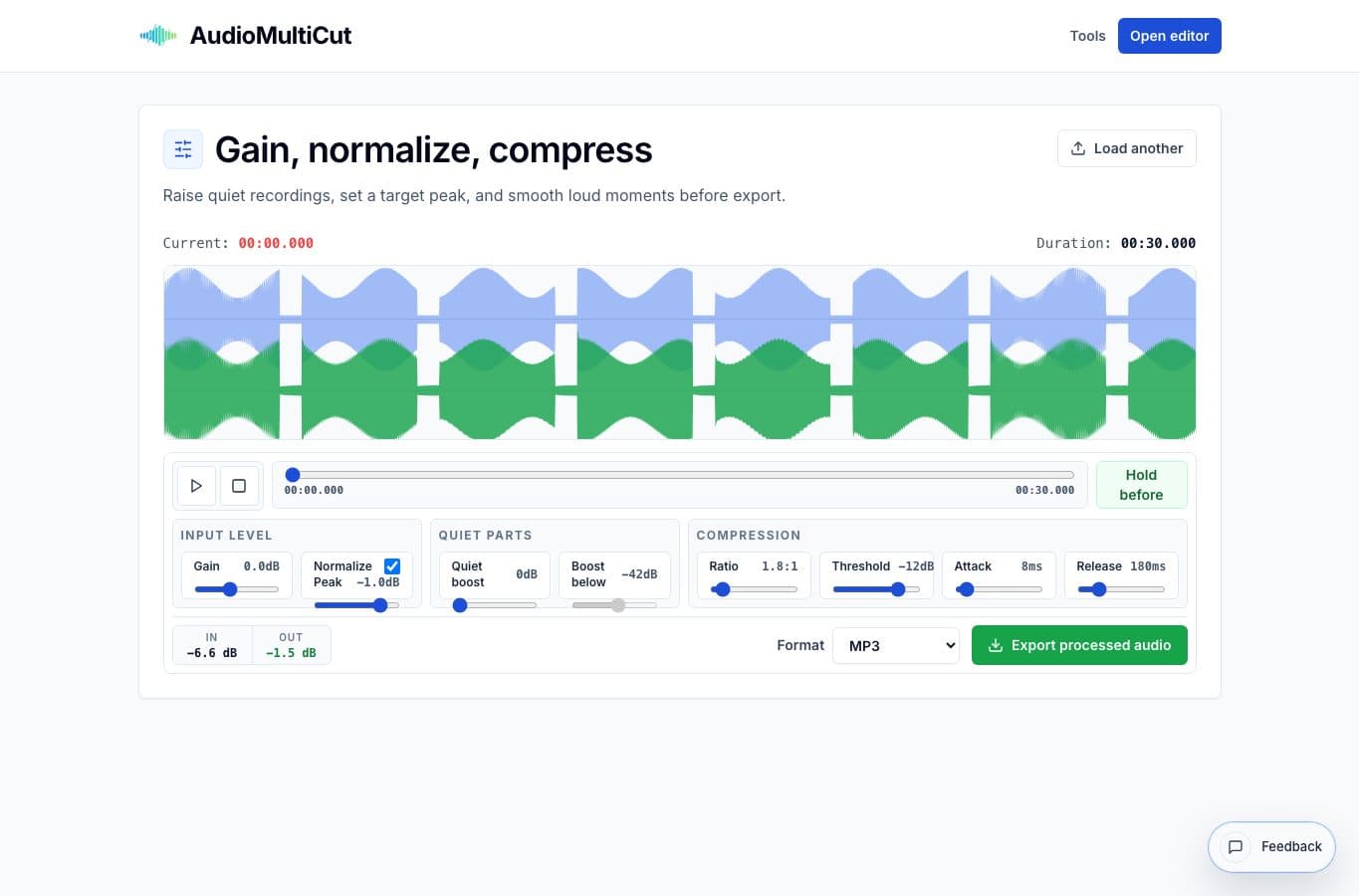
AudioMultiCut's normalizer is strongest when a clip needs quick loudness help and a simple before/after check. It is weaker when the file needs exact LUFS targets, multi-band processing, or detailed mastering decisions.
Normalizer alternatives by job
| Option | Better for | Worse for |
|---|---|---|
| AudioMultiCut Volume Normalizer | Quick gain, peak normalization, quiet lift, and light compression | Formal mastering or exact loudness compliance |
| Audacity | Manual control, effects chains, repair, and desktop export workflows | Fast phone-friendly cleanup |
| Auphonic-style processors | Podcast and speech loudness automation | Simple local edits where account setup feels heavy |
| DAWs | Music mixing, mastering, buses, automation, and plugins | One-off voice memo loudness fixes |
| Basic web normalizers | Single-click peak normalization | Comparing before/after or managing quiet sections |
Where AudioMultiCut fits
Use it when the edit is already done and the file needs to be easier to hear. The interface keeps the controls practical: gain for overall level, normalize for peaks, quiet lift for soft material, and compression for uneven dynamics.
That makes it a good fit for teachers, musicians, podcasters, students, and anyone who has a real recording that sounds a bit too low. You get enough control without having to learn a mastering chain.
Where alternatives win
Audacity wins when you need to inspect the waveform closely, chain effects, or repair problems before loudness work. Podcast processors win when you want automatic standards across full episodes. A DAW wins when music quality, mix balance, and plugin choice matter.
A simple one-click web normalizer can be fine for disposable files, but it can also hide what changed. That is why a before/after preview matters for files people will actually recieve and listen to.
More loudness guides
Make quiet or uneven clips easier to hear
Best Use Cases for an Online Audio Volume Normalizer
When to normalize audio, raise quiet recordings, add light compression, and export a more consistent file without turning the process into mastering.
Use the right tool at the right stage
How to Combine AudioMultiCut Tools Without Making the Edit Messy
A practical workflow for using the cutter, remove-parts editors, normalizer, audiogram maker, video tools, and spectrogram editor together without losing track of the job.
Related pages and tools
Preview loudness changes in the browser
Use the AudioMultiCut normalizer when you need a practical before/after workflow without setting up a production session.