
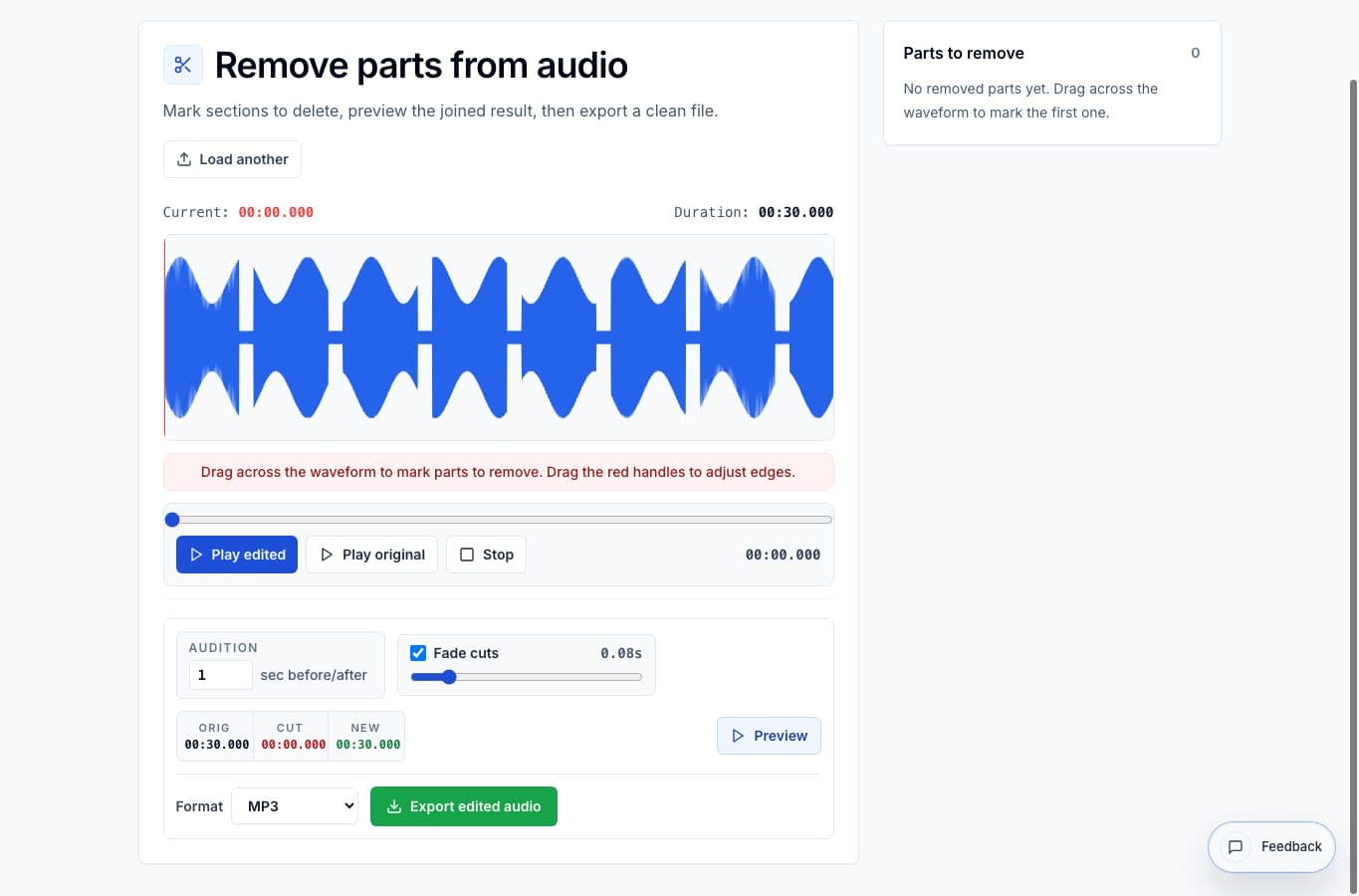
The best alternative depends on the kind of cleanup. Removing a cough from a voice memo is not the same job as repairing a noisy podcast session or rewriting an interview by transcript.
Remove Parts from Audio is built for the middle ground: a few unwanted ranges, a quick join preview, and a finished file without setting up a larger project. A full editor can do more, but more is not always better for this specific job.
Which removal workflow fits?
| Tool type | Better for | Worse for |
|---|---|---|
| Remove Parts from Audio | Fast browser cleanup when one file should stay one file | Detailed mixing, multi-track repair, or heavy restoration |
| Audacity | Precise desktop editing, plugins, noise reduction, and detailed waveform work | Quick phone edits or very simple deletes |
| Transcript editors | Spoken-word edits where deleting text should delete audio | Music, rehearsals, non-speech audio, or visual waveform control |
| Video suites | Audio that is already part of a video project | Small audio-only cleanup jobs |
| Basic online trimmers | One start/end trim | Several interior removals with join preview |
Where this tool is better
Use Remove Parts from Audio when the task is concrete: delete these two pauses, remove that name, cut the false start, and keep the rest. The tool is faster than a full DAW because it does not ask you to think in tracks, effects, or project setup.
The join preview is the important part. Being able to hear the edit before exporting prevents the classic problem where the deletion is technically correct but sounds awkward.
Where alternatives are better
Audacity is better when the recording needs careful repair, layered edits, plugins, or a visual zoom level beyond a simple range removal. Transcript editors are better when the recording is a spoken interview and the editor thinks in sentences rather than waveforms.
Video tools make sense when the file is already video-first. They are usually overkill for audio-only cleanup, and occassionally the export settings add extra decisions that do not help the audio edit.
More cleanup guides
Keep one recording, delete the bad parts
Best Use Cases for Removing Parts From Audio Online
When to use Remove Parts from Audio: dead air, stumbles, coughs, false starts, long pauses, and private details that need to disappear without rebuilding the whole recording.
Use the right tool at the right stage
How to Combine AudioMultiCut Tools Without Making the Edit Messy
A practical workflow for using the cutter, remove-parts editors, normalizer, audiogram maker, video tools, and spectrogram editor together without losing track of the job.
Related pages and tools
Try the focused cleanup workflow
If the job is deleting a few sections from one recording, a focused browser tool can be faster than opening a full editor.