
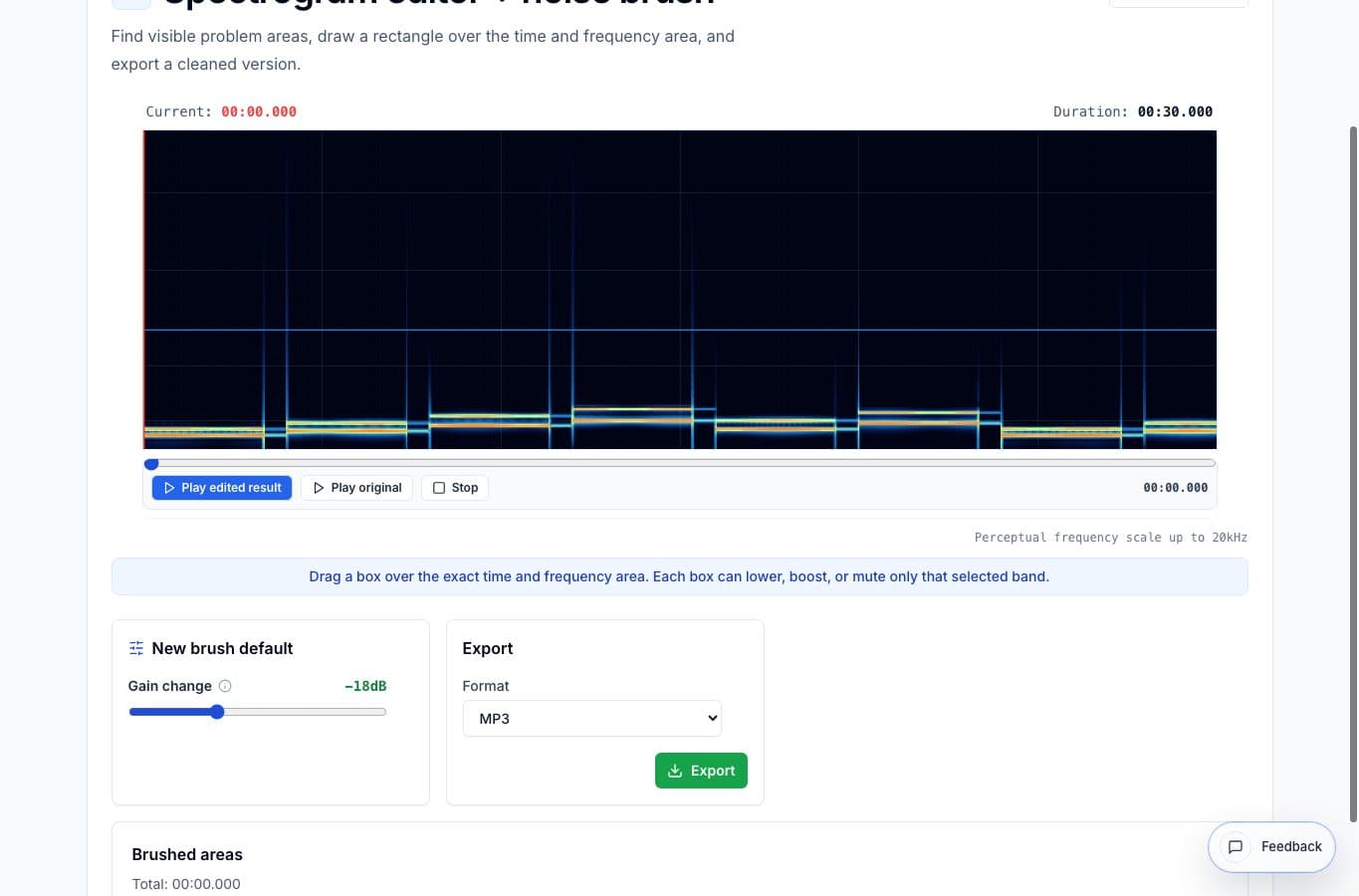
Spectral repair tools range from simple browser brushes to professional restoration suites. Choose based on how much control, analysis, and risk the job needs.
AudioMultiCut's spectrogram editor fits quick targeted repairs. iZotope RX, Adobe Audition, Audacity, and DAW workflows are better when the problem is complex or the audio has to meet professional standards.
Spectrogram and noise repair alternatives
| Option | Better for | Worse for |
|---|---|---|
| AudioMultiCut Spectrogram Editor | Small visible noises, local browser cleanup, quick preview | Advanced restoration and batch repair |
| iZotope RX | Professional spectral repair, dialogue cleanup, de-click, de-hum, and restoration | Simple one-off browser edits |
| Adobe Audition | Detailed spectral editing inside a broader audio production workflow | Fast lightweight fixes |
| Audacity | Free desktop editing with spectrogram views and effects | Touch-friendly quick repairs |
| Simple noise reducers | Broad hiss or room tone reduction | Specific frequency-time problems that need precision |
Where AudioMultiCut is better
It is better when the problem is obvious and bounded. A bump at 1:14, a whistle in one sentence, or a click before a note does not always need a professional restoration session. A focused brush can be faster.
Because the tool is local and browser-based, it also fits quick experiments. Select the area, preview the edit, adjust, and export if it sounds right.
Where professional tools win
RX and Audition win when the audio is valuable, noisy throughout, or technically difficult. They have better repair modules, monitoring workflows, visual tools, and undoable restoration chains. Audacity is a strong free choice when desktop work is acceptable.
Simple noise reducers are useful for broad hiss, but they can smear speech or music when pushed too far. Spectral work is precise, and precision needs a bit of patience even in a lightweight tool.
More noise cleanup guides
Fix visible noises without touching the whole file
Best Use Cases for a Spectrogram Editor and Noise Brush
When a spectrogram editor helps: clicks, hum, bumps, squeaks, coughs, and short noises that are easier to see by frequency than edit on a waveform.
Use the right tool at the right stage
How to Combine AudioMultiCut Tools Without Making the Edit Messy
A practical workflow for using the cutter, remove-parts editors, normalizer, audiogram maker, video tools, and spectrogram editor together without losing track of the job.
Related pages and tools
Try targeted spectral cleanup
Use the spectrogram editor for visible noises that need a small repair, not a full restoration session.