
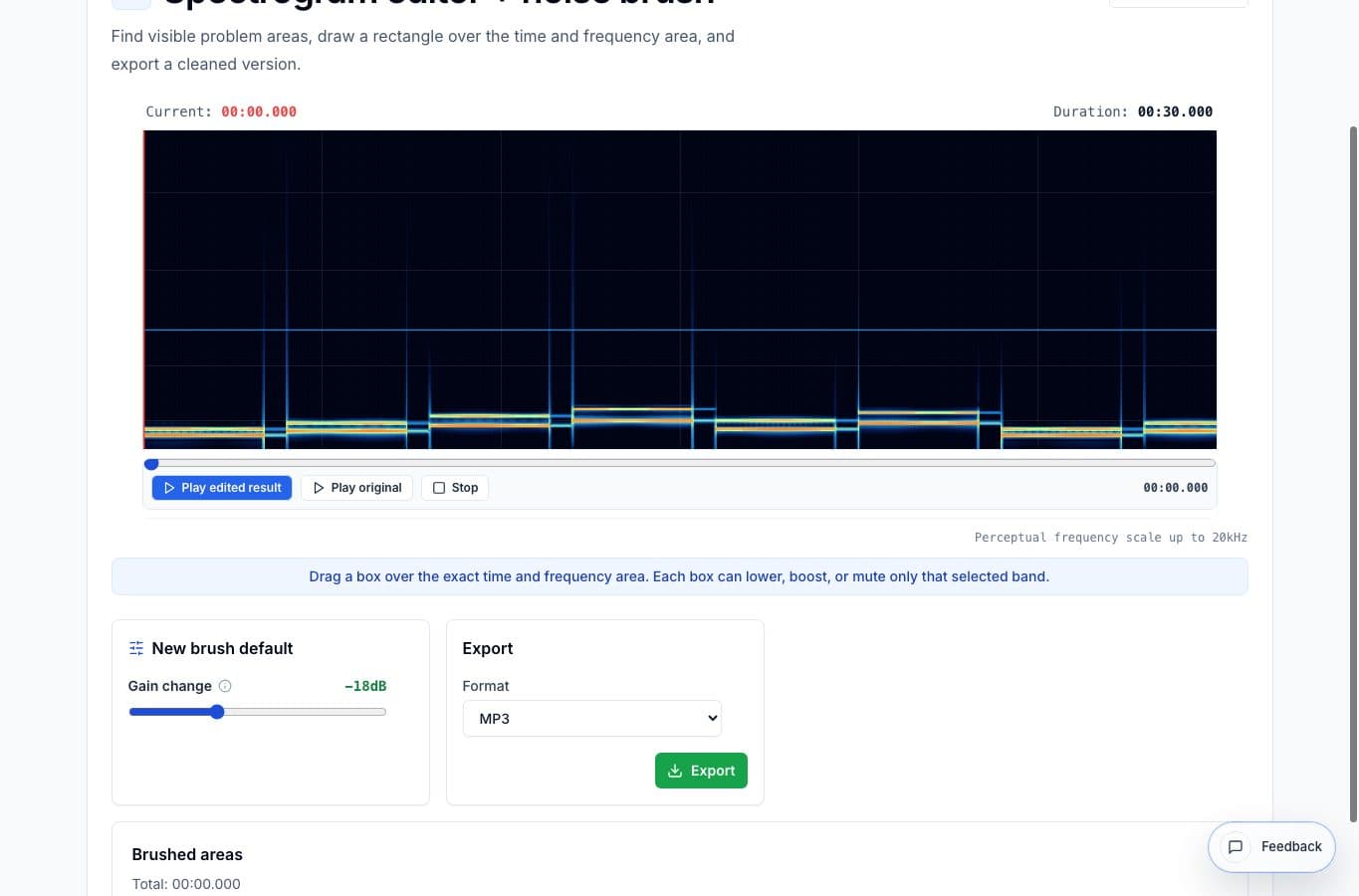
A waveform shows loudness over time. A spectrogram shows time and frequency, which makes some problems much easier to find. A click, whine, hum stripe, chair scrape, or bump can appear as a shape you can select instead of guessing from the waveform alone.
The AudioMultiCut spectrogram editor is made for targeted repairs. It is not meant to sterilize an entire recording or replace a restoration suite.
Short noises with a visible shape
The best use case is a short problem that stands out visually: a click, a mic bump, a squeak, a cough edge, a plosive thump, or a narrow electrical tone. Select the smallest area that covers the problem and preview the result.
Small selections matter. If you brush a large block, you may remove useful tone along with the noise, and the repair can sound dull or strange.
Hum and narrow bands
A steady hum or whine often appears as a horizontal line. A spectrogram view can make that obvious in a way a waveform cannot. Select only the frequency area that contains the problem, then reduce it carefully.
This is where the tool feels different from a normal cutter. You are reducing part of the sound inside a specific time range, which can preserve the surrounding speech or music better.
When to use something stronger
If the entire recording is noisy, clipped, distorted, or badly recorded, a brush is not enough. Use a dedicated restoration tool or a full editor with noise profiles, de-click, de-hum, spectral repair, and careful monitoring.
The spectrogram editor is best for the obvious trouble spots you can point to. It is not a one-button rescue for a broken recording.
More noise cleanup guides
Targeted browser repair versus professional restoration
Best Spectrogram Editor Alternatives for Noise Repair
Compare AudioMultiCut's spectrogram editor with iZotope RX, Audacity spectrogram workflows, Adobe Audition, DAWs, and simple noise reducers.
Make quiet or uneven clips easier to hear
Best Use Cases for an Online Audio Volume Normalizer
When to normalize audio, raise quiet recordings, add light compression, and export a more consistent file without turning the process into mastering.
Use the right tool at the right stage
How to Combine AudioMultiCut Tools Without Making the Edit Messy
A practical workflow for using the cutter, remove-parts editors, normalizer, audiogram maker, video tools, and spectrogram editor together without losing track of the job.
Related pages and tools
Brush a visible noise
Open a file, find the sound on the spectrogram, select the area, and preview the cleaned result before exporting.