
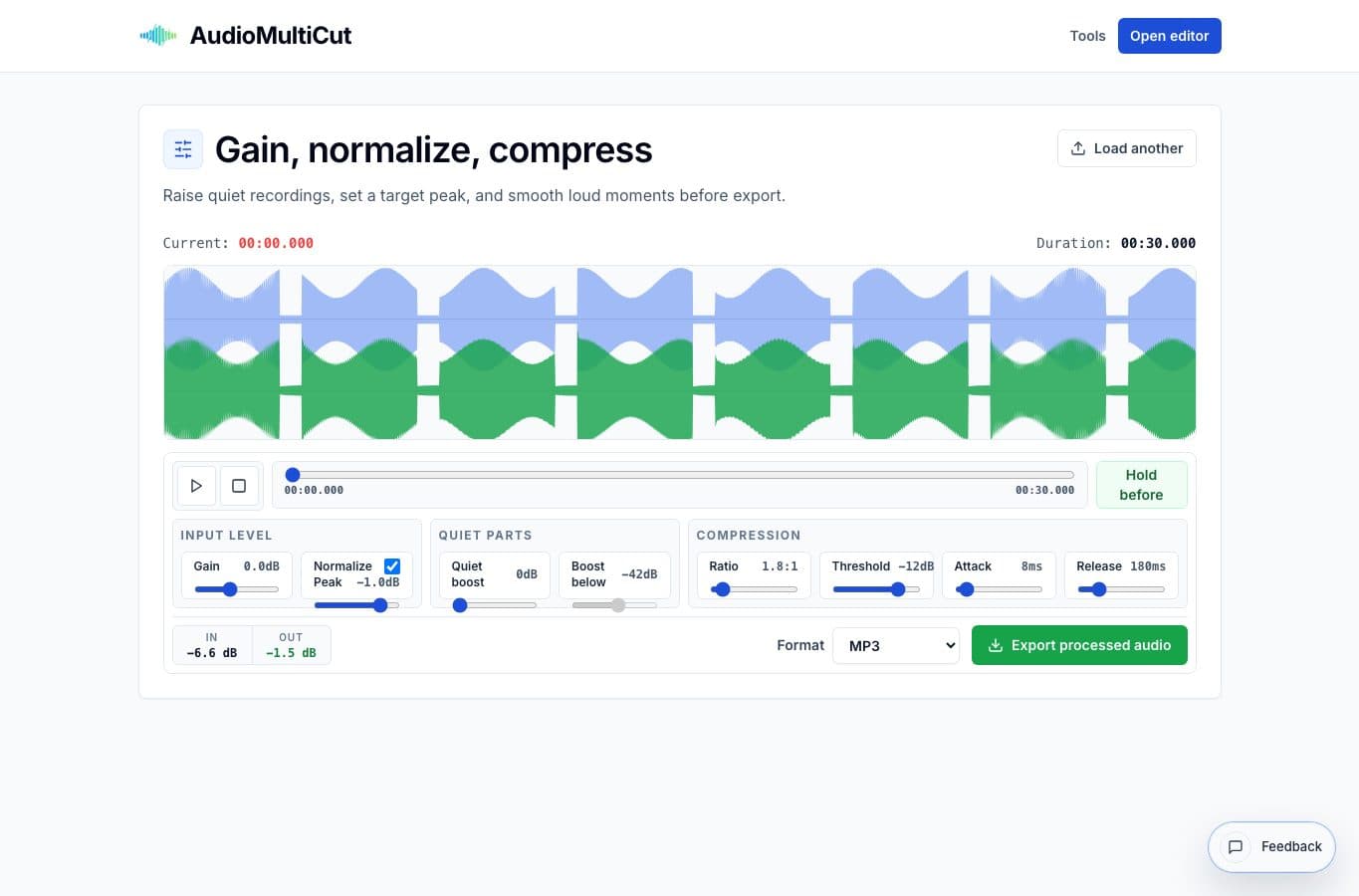
Quiet audio is usually easy to improve, but easy to overdo. If you only push gain, the loudest peaks can distort before the useful parts are comfortable.
A better workflow is to raise the level, keep a peak target, then use a small amount of compression or quiet lift only when the recording still feels uneven.
Start with a peak target
Turn on peak normalization and set a target around -1 dB. That leaves a little headroom and prevents the export from hitting full scale.
Then raise gain slowly while listening to the loudest part of the recording. If a shout, clap, or mic bump starts to feel harsh, stop pushing gain and use compression instead.
Bring up soft speech carefully
Quiet lift is useful when low-level speech disappears but the peaks are already high enough. Use it gently, because it can also raise room tone, fan noise, and background movement.
For lessons and meetings, a small improvement is usually better than a dramatic one. People would rather hear a natural recording with a little noise than a crushed file with every breath pulled forward.
Export and test it
After the preview sounds right, export a copy and play it on normal speakers or headphones. If it still feels too quiet, adjust in small steps rather than jumping to extreme settings.
The final file should sound easier, not louder at all costs. That distinction matters alot when the recording is speech.
More loudness guides
Make quiet or uneven clips easier to hear
Best Use Cases for an Online Audio Volume Normalizer
When to normalize audio, raise quiet recordings, add light compression, and export a more consistent file without turning the process into mastering.
Louder is not always more even
Audio Normalizer vs Compressor: What Is the Difference?
A plain-English comparison of gain, peak normalization, quiet lift, and compression for making everyday recordings easier to hear.
Use the right tool at the right stage
How to Combine AudioMultiCut Tools Without Making the Edit Messy
A practical workflow for using the cutter, remove-parts editors, normalizer, audiogram maker, video tools, and spectrogram editor together without losing track of the job.
Related pages and tools
Make a quiet recording easier to hear
Preview loudness changes locally in the browser and export a cleaner listening copy.