
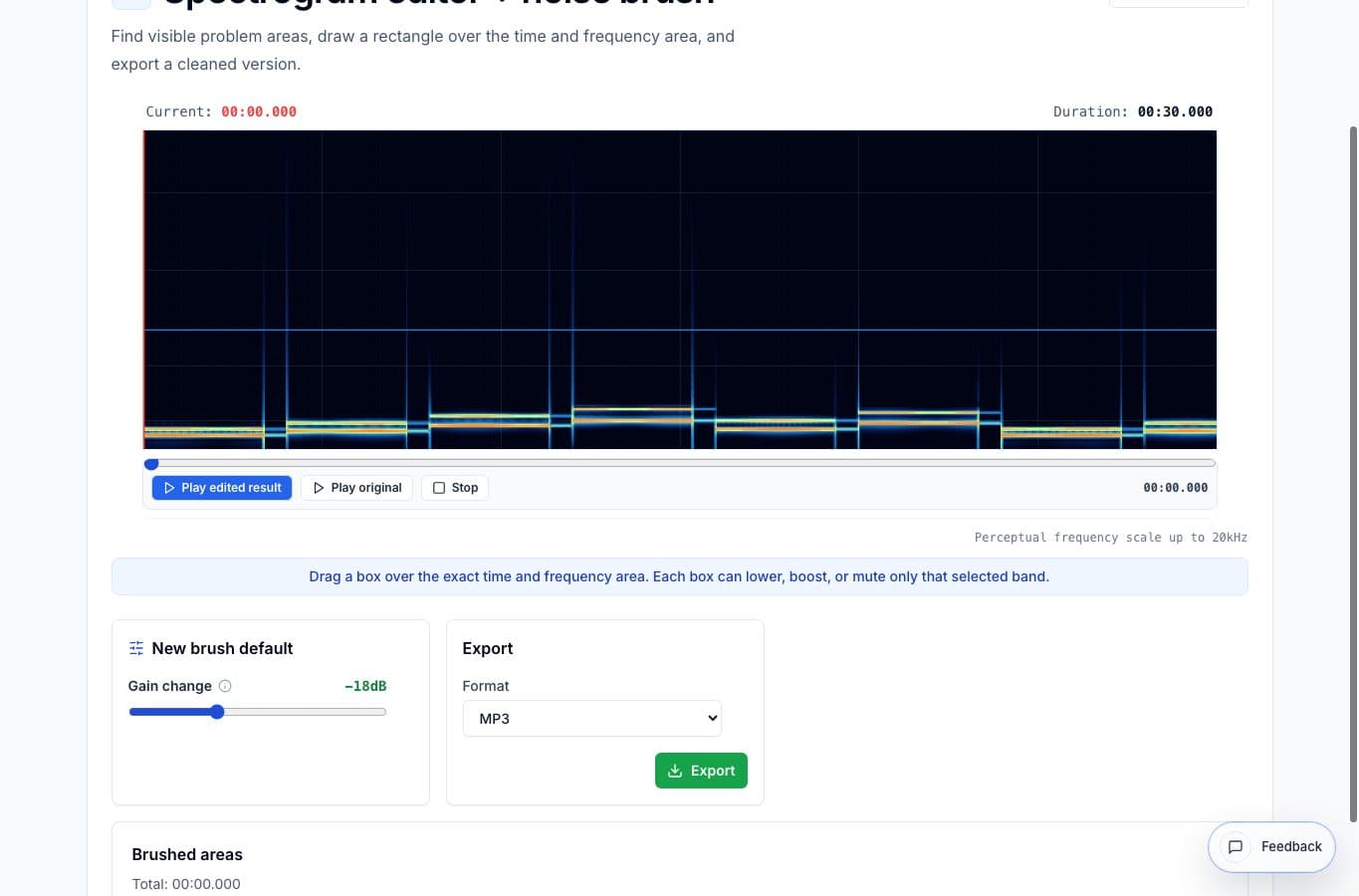
Spectrogram editing and noise reduction both clean audio, but they are not the same repair. Noise reduction usually works across a broad noise bed. Spectrogram editing targets a visible problem in time and frequency.
Choosing the wrong one can make the audio worse. Broad reduction can smear a voice, while a tiny spectral brush will not fix a room full of steady hiss.
Which repair fits?
| Problem | Better tool | Why |
|---|---|---|
| One click before a word | The problem is short and localized. | |
| Constant room hiss under the whole file | Noise reduction | The problem is broad and continuous. |
| Narrow electrical hum line | The frequency band can be selected directly. | |
| Noisy recording from start to finish | Noise reduction or restoration suite | A small brush cannot repair the whole bed. |
Where spectrogram editing wins
It wins when the unwanted sound has a visible shape: a pop, click, squeak, whistle, mic bump, or horizontal hum line. You select the problem area and reduce only that part.
The advantage is restraint. You are not changing the whole recording just because one second has a problem.
Where noise reduction wins
Noise reduction is better for constant background noise, especially speech recorded under a fan, air conditioner, or room tone. It works by reducing a broader noise profile rather than brushing one spot.
The danger is pushing it too hard. Heavy noise reduction can make speech watery, metallic, or phasey, which is often more distracting than teh original noise.
More noise cleanup guides
Fix visible noises without touching the whole file
Best Use Cases for a Spectrogram Editor and Noise Brush
When a spectrogram editor helps: clicks, hum, bumps, squeaks, coughs, and short noises that are easier to see by frequency than edit on a waveform.
Targeted browser repair versus professional restoration
Best Spectrogram Editor Alternatives for Noise Repair
Compare AudioMultiCut's spectrogram editor with iZotope RX, Audacity spectrogram workflows, Adobe Audition, DAWs, and simple noise reducers.
Find the noise, select less than you think
How to Remove Clicks and Hum With a Spectrogram Editor
A practical guide to finding clicks, hum lines, bumps, and small noises on a spectrogram and brushing only the problem area.
Related pages and tools
Fix a visible noise by frequency
Use the spectrogram editor when a problem is visible in a specific time and frequency area.