
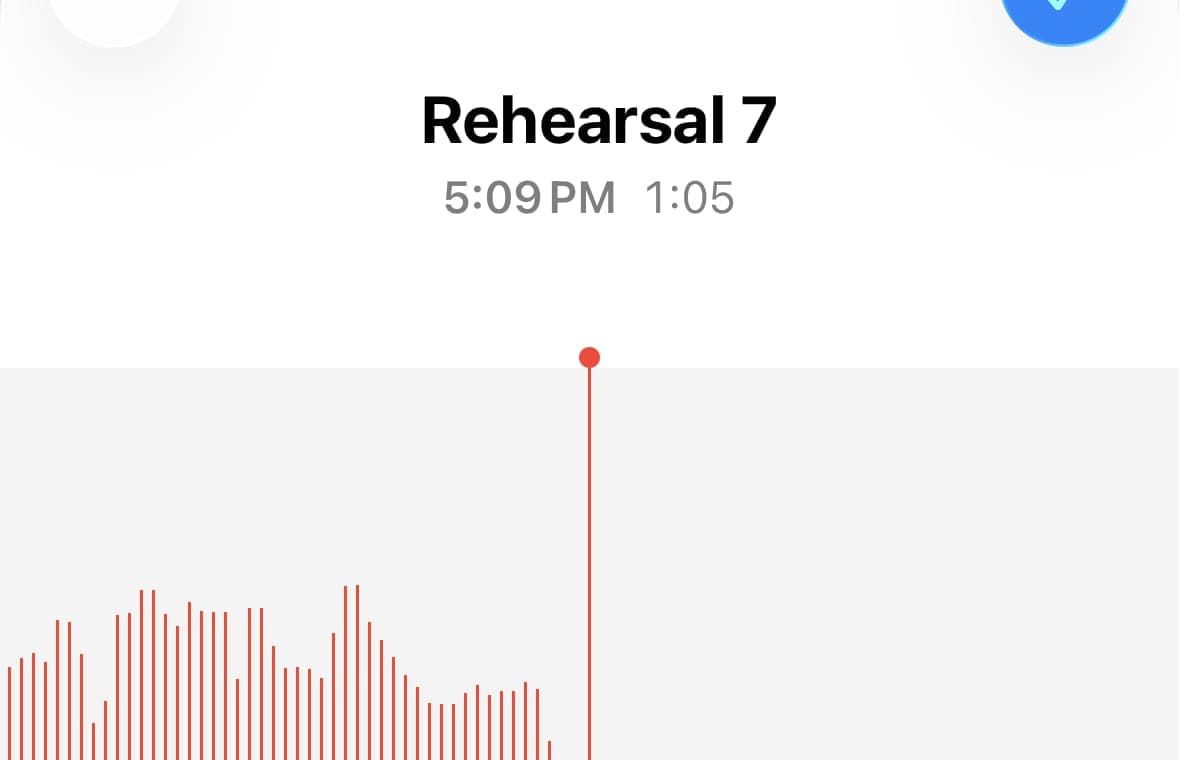
Band rehearsal recordings are useful only if people can get to the right song quickly. One hour-long file is fine for archiving, but it is terrible for review. Nobody wants to scrub around looking for take three of the fourth song.
This is one of the clearest AudioMultiCut workflows: record the rehearsal, upload the one long file, split it into songs, clean the edges, and send the finished files. The workflow stays light enough that you will actually do it right after rehearsal.
Start with the recording you already made
If the rehearsal started in iPhone Voice Memos, that is already enough. You do not need to move into a full DAW just to turn one rehearsal file into song files. If you recorded on a Zoom device instead, the same idea applies once the file reaches your phone or computer.
The important part is that the workflow starts from the recording you already have. AudioMultiCut is at its best when you are not creating a project from scratch. You are taking one long file and turning it into useful outputs quickly.
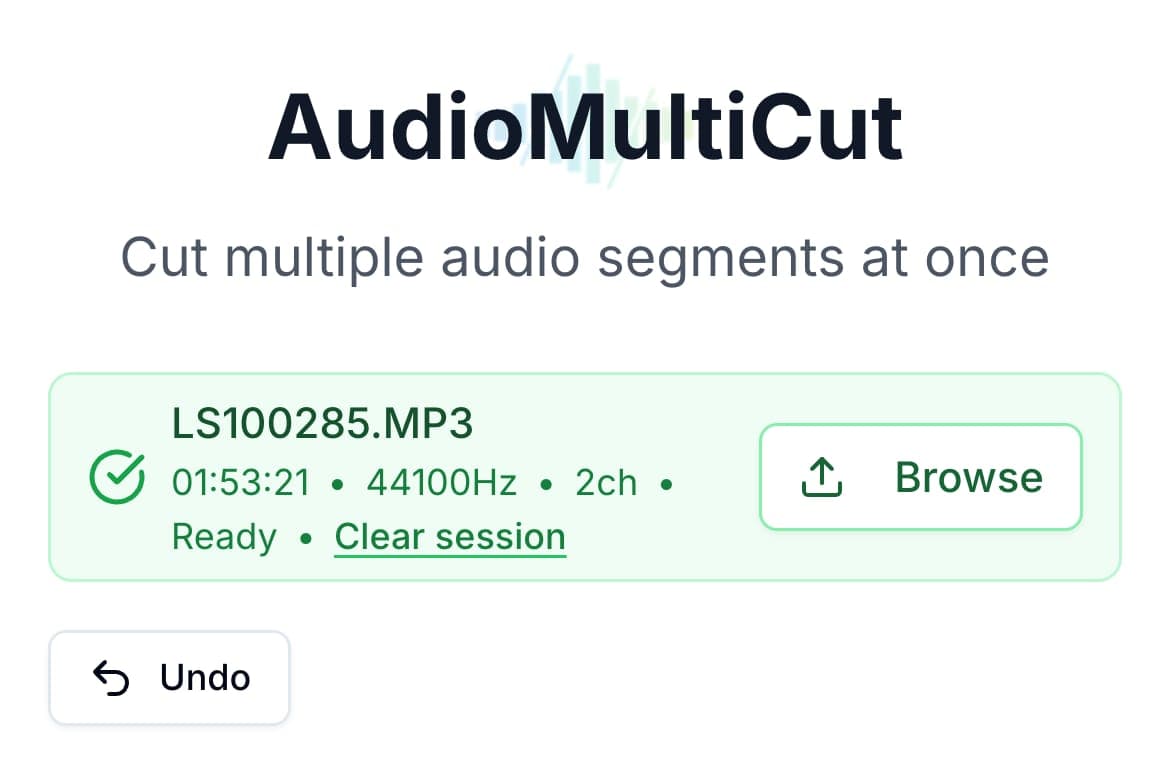
Turn the rehearsal into song cards
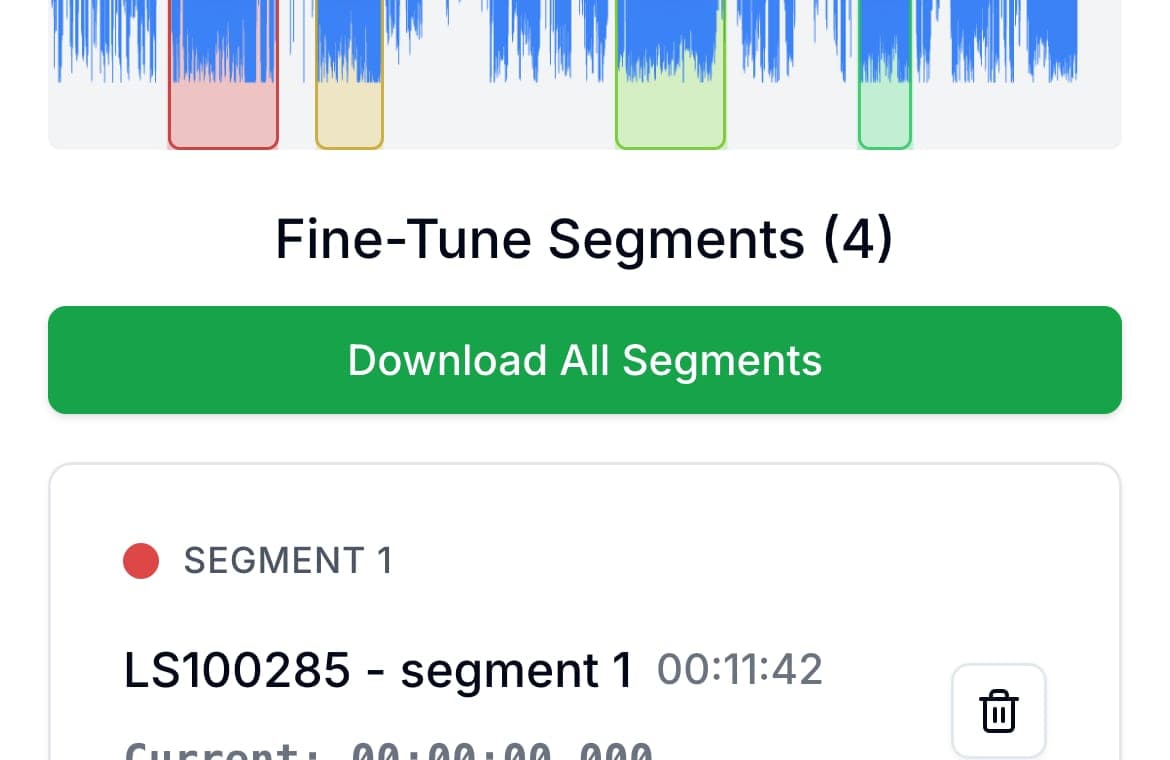
Upload the full recording once. If there are clear pauses between songs, run auto-cut first and see how close it gets. If the rehearsal is tighter or includes talkback, create the sections manually on the waveform.
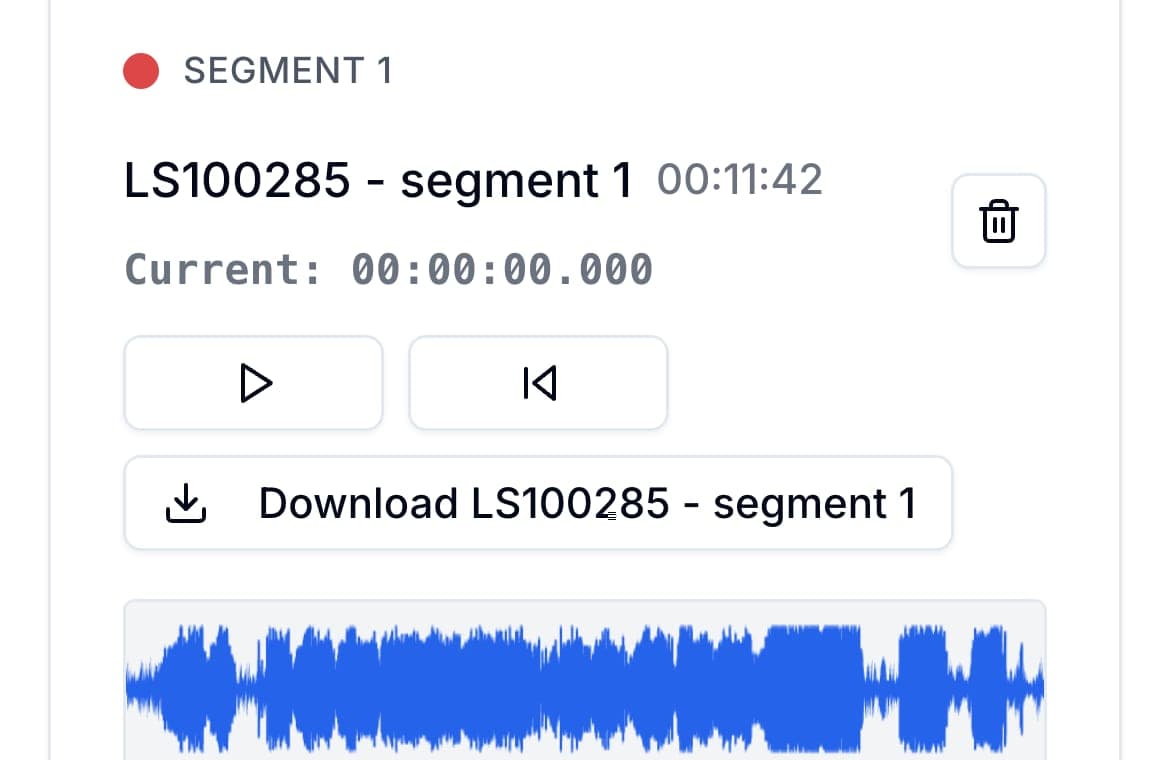
What makes the phone flow unusually good here is the segment-card layout. Each song gets its own controls, waveform strip, and download action, so you can work song by song instead of wrestling with one crowded mobile timeline.
Clean the starts and endings by ear
This is where the session speeds up. Use the start and end controls in each segment card to remove count-ins, room noise, dead air, or too much post-song chatter. When you change a boundary, AudioMultiCut immediately plays the second you just changed, so you know what got tighter without replaying the whole song.
That is the difference between a light workflow and a frustrating one. On a phone especially, repeated edge cleanup is only pleasant if the tool keeps you close to the exact boundary you are adjusting.
- Trim late starts if the first note is clipped
- Trim endings so applause or chatter does not eat the next export
- Rename each segment to the actual song title before downloading
Export for the way your band actually works
If the files are just for quick review in chat or on the drive home, export MP3. If someone still wants to bring a song into a DAW later, export WAV for that one instead. The important part is that every song becomes its own file while the session is still fresh.
FAQ
Should I use auto-cut for rehearsals?
Use it as a starting point when there are clear pauses between songs. If the rehearsal is tight or full of talkback, manual boundaries usually give you the cleaner result.
Why is AudioMultiCut good for rehearsals?
Because the job is one long recording that becomes several songs. That is exactly the workflow the tool is built around.
More recording workflows
Compare audio cutters by real jobs, speed, and frustration level
Best Audio Cutter Alternatives for Splitting Long Recordings
The best audio cutter depends on the job. This guide compares AudioMultiCut with the biggest alternatives through 10 common real-world use cases, including how each one handles the work and how long it typically takes.
Compare audio cutters by friction, learning curve, and time to useful result
Audio Cutter Comparison Table: Features, Privacy, Ads, and Speed
A practical comparison of AudioMultiCut, Audacity, VEED, Kapwing, Clideo, and random free cutters based on the things that affect real audio splitting work.
Make practice clips people will actually come back to
How to Cut Private Lesson Recordings Into Practice Clips
A practical guide for turning one private lesson recording into short clips that are easier to replay during practice.
Related pages and tools
Cut the rehearsal into songs while the session is still fresh
Upload the full rehearsal, mark each song, and export clean files before the notes and setlist details disappear from memory.