
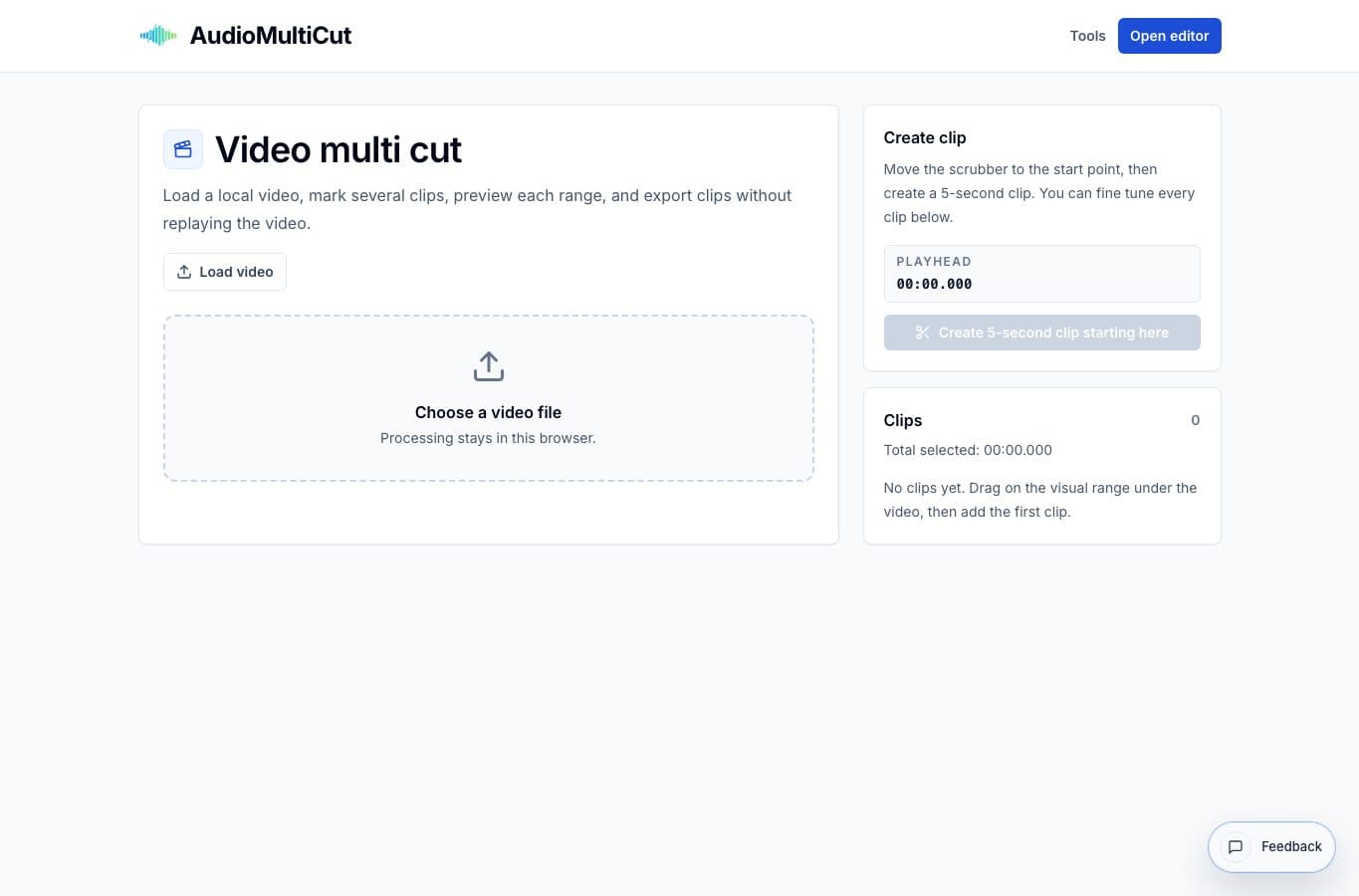
A video trimmer is built for one cut: choose a start, choose an end, export. Video Multi Cut is built for the more common review problem where one long source contains several useful moments.
The difference shows up after the second or third clip. A basic trimmer starts to feel repetitive, while a multi-cut workflow keeps every selected moment in one place.
When a trimmer is enough
Use a basic video trimmer when you only need the beginning, middle, or end of one file. A single mistake at the start of a video does not require a multi-clip workflow.
Simple trimmers are also fine for disposable edits. If the job is one start point and one end point, keep it simple.
When multi-cut is better
Use Video Multi Cut when the source is a class, rehearsal, show, game review, interview, or screen recording with several sections worth keeping. Mark the clips once, name them, and export the parts that matter.
That structure is easier to audit. You can look at the clip list and see what will come out before committing to export, instead of guessing wich trim you already made.
More video clipping guides
Pull multiple moments from one long video
Best Use Cases for Video Multi Cut
When to cut several moments from one long video: rehearsals, shows, talks, classes, screen recordings, interviews, and review footage.
Clip extraction versus full video editing
Best Video Multi Cut Alternatives for Cutting Several Clips
Compare Video Multi Cut with CapCut, Premiere Pro, DaVinci Resolve, online video trimmers, and transcript/video suites for extracting many moments from one source.
Review once, export the moments that matter
How to Cut a Long Video Into Multiple Clips
A practical workflow for turning a long show, rehearsal, class, interview, or screen recording into separate clips.
Related pages and tools
Cut several clips from one video
Use Video Multi Cut when a long source contains multiple moments worth exporting.