
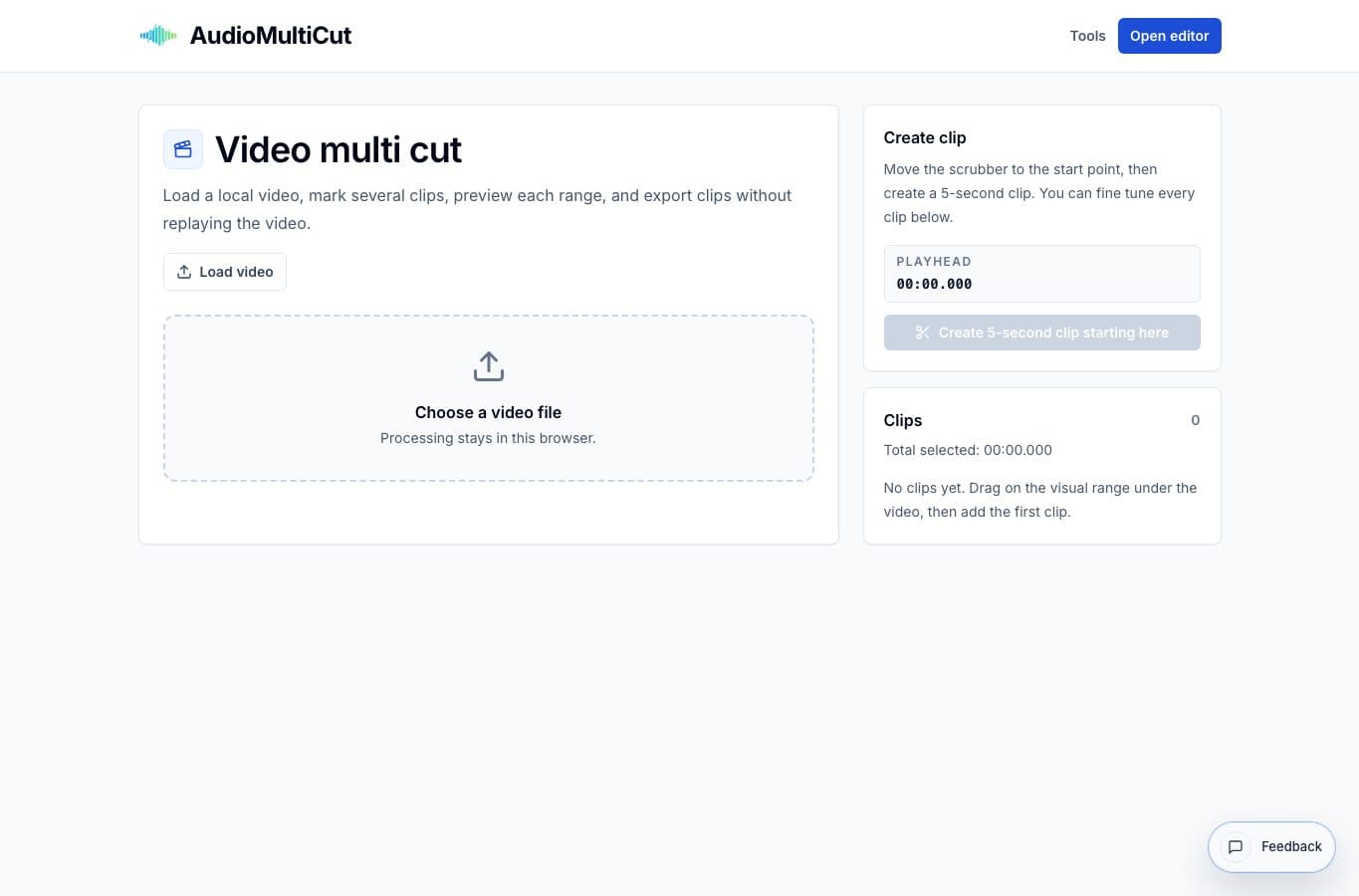
Video Multi Cut is not trying to replace Premiere Pro, Resolve, Final Cut, or CapCut. Those tools are better for building finished videos. This tool is for extracting several clips from a single source with less setup.
That distinction matters. A full editor gives you power, but it also gives you timelines, bins, render settings, and more decisions than a simple clip extraction job needs.
Video cutting alternatives
| Option | Better for | Worse for |
|---|---|---|
| Video Multi Cut | Extracting multiple clips from one local video | Complex edits, captions, color, audio mixing, and transitions |
| CapCut | Social video editing, captions, templates, and quick mobile edits | Plain multi-clip extraction without styling |
| Premiere Pro / Final Cut / Resolve | Professional editing and finishing | Fast one-source clip pulls |
| Online video trimmers | One quick trim | Several clips from the same source |
| Transcript/video suites | Speech-heavy footage organized by text | Music, performances, or visual selection by timeline |
Where Video Multi Cut is better
It is better when the output is a set of raw or lightly prepared clips. Think rehearsal songs, coaching moments, screen recording highlights, or a few shareable clips from a class. The interface stays focused on marking and exporting sections.
That focus is useful when the footage is already good enough. You do not need a timeline just to avoid sending the parts nobody needs.
Where the alternatives are better
CapCut wins when captions, templates, social pacing, and quick effects matter. Premiere, Final Cut, and Resolve win for serious finishing. Transcript-based suites win when the video is mostly speech and searching by words is faster than scrubbing.
A basic online trimmer can work for a single clip, but it gets annoying when the same source needs five exports. That repeated upload-trim-export loop is the exact workflow Video Multi Cut is meant to avoid.
More video clipping guides
Pull multiple moments from one long video
Best Use Cases for Video Multi Cut
When to cut several moments from one long video: rehearsals, shows, talks, classes, screen recordings, interviews, and review footage.
Use the right tool at the right stage
How to Combine AudioMultiCut Tools Without Making the Edit Messy
A practical workflow for using the cutter, remove-parts editors, normalizer, audiogram maker, video tools, and spectrogram editor together without losing track of the job.
Related pages and tools
Try multi-clip video extraction
Use Video Multi Cut when one long video needs several clips and a full editing suite would slow the job down.