
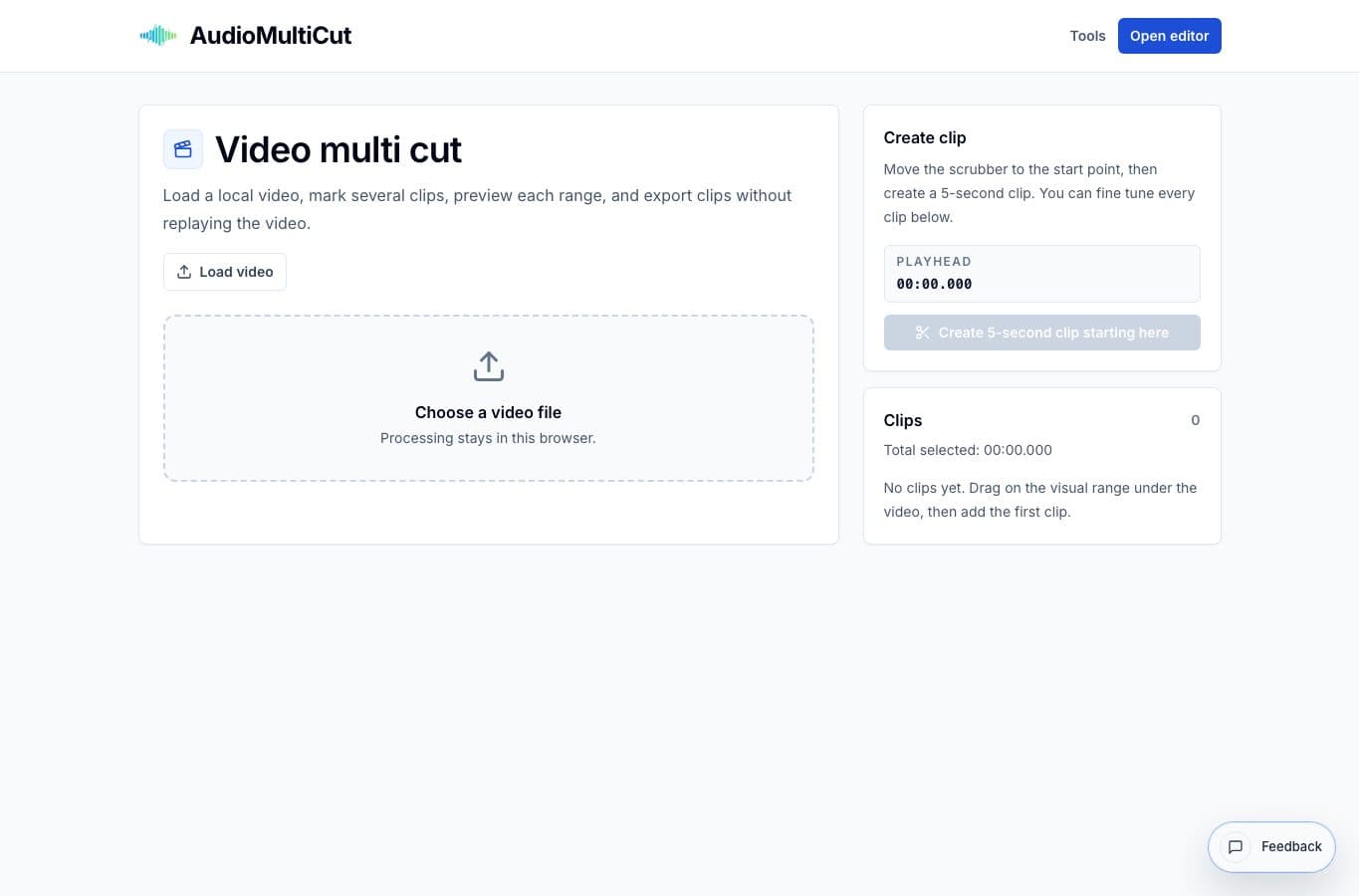
Video Multi Cut is for the same problem AudioMultiCut solves for sound: one long file contains several useful moments, and exporting them one by one is slower than it should be.
It fits rehearsal videos, show recordings, class captures, interviews, screen recordings, and review footage. Use it to extract the good parts cleanly without setting up a full timeline edit.
Performances and rehearsals
A long rehearsal video often has several complete songs, a few useful takes, and a lot of setup time. Mark each keeper, preview it, name it, and export clips for the band. The same pattern works for dance practice, theater runs, and live show review footage.
This is faster than trimming the same source repeatedly in a generic editor. It also keeps the decisions visible because all marked clips stay in one list.
Classes, demos, and screen recordings
Long teaching videos usually contain a few moments worth sharing: the clear explanation, the demo, the mistake and fix, or the question that everyone asks. Video Multi Cut lets you pull those moments out without building a full lesson edit.
For screen recordings, it is useful after a long troubleshooting session. Cut the reproducible bug, the fix, and the final result into seperate clips instead of sending a 40-minute file.
When a full video editor is better
Use a full editor when you need transitions, overlays, color correction, captions, multi-camera sync, music beds, or a final narrative sequence. Video Multi Cut is intentionally narrower.
If the task is “make a finished video,” use a video editor. If the task is “give me these six moments from this one file,” use Video Multi Cut.
More video clipping guides
Clip extraction versus full video editing
Best Video Multi Cut Alternatives for Cutting Several Clips
Compare Video Multi Cut with CapCut, Premiere Pro, DaVinci Resolve, online video trimmers, and transcript/video suites for extracting many moments from one source.
Use the right tool at the right stage
How to Combine AudioMultiCut Tools Without Making the Edit Messy
A practical workflow for using the cutter, remove-parts editors, normalizer, audiogram maker, video tools, and spectrogram editor together without losing track of the job.
Related pages and tools
Cut multiple video moments
Load a long local video, mark the useful sections, and export the clips you actually need.