
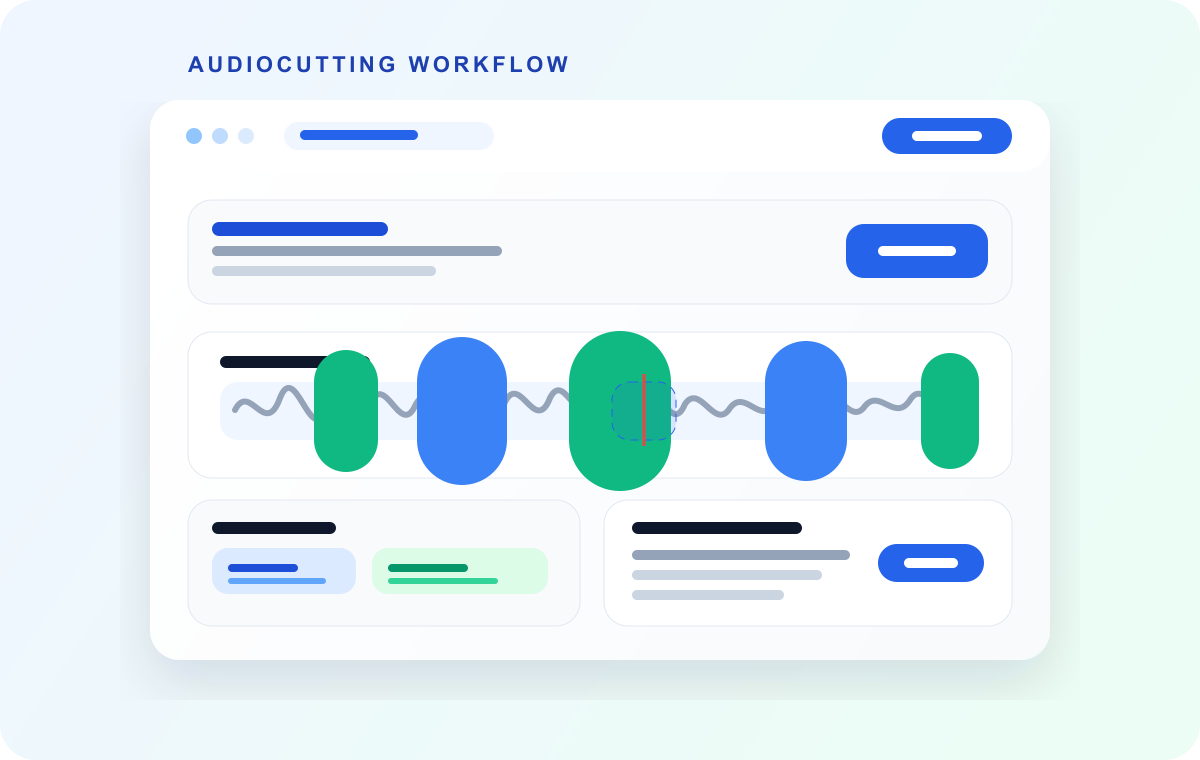
Most transcription issues are workflow issues, not model issues. Very long files are harder to retry, slower to review, and more painful when one section needs to be reprocessed.
Segmenting first gives you operational control. You can process in batches, isolate noisy parts, and map transcripts back to clear chunks with less manual cleanup.
Video transcript
Most transcription problems aren't model problems. They're workflow problems. One three-hour file. One failed upload. Start again from zero. Split first, and you get control. Smaller retries, parallel review, and clean boundaries. So how long should a chunk be? Quick meeting notes: two to five minutes. Fast uploads, easy retries. Podcast interviews: five to ten minutes. Coherent, and still easy to review. Lecture archives: eight to fifteen minutes. Fewer files, organized by section. Noisy field recordings: two to four minutes, so errors stay local. These are workflow ranges, not vendor limits. Speech pace, noise and your review process decide the rest. Not sure? Five minutes is a strong default. Test a batch, then adjust. Shorter chunks don't always mean better accuracy. They mean faster retries and easier review. Name chunks in a stable order: project zero zero one, project zero zero two. And keep a tiny overlap, so sentences reassemble cleanly. AudioMultiCut splits long recordings into predictable chunks, and Auto-Cut can find natural silences for you. Prepare cleaner chunks before you transcribe. At audiomulticut.com
Recommended chunk-size ranges
| Use case | Suggested chunk length | Why it works |
|---|---|---|
| Quick meeting notes | 2-5 minutes | Fast upload and easy retries if one chunk fails |
| Podcast interviews | 5-10 minutes | Good balance between coherence and manageable review |
| Lecture archives | 8-15 minutes | Fewer files while keeping sections logically organized |
| Noisy field recordings | 2-4 minutes | Limits damage from bad sections and simplifies correction |
These are practical workflow ranges, not vendor limits. The best value depends on speech pace, noise level, and your review process.
Why chunking improves transcription operations
Smaller chunks lower risk. If one upload fails, you retry only that section instead of the whole recording. This also shortens debug loops when audio quality drops in one part.
Chunking also makes human review easier. Editors can parallelize proofing, assign sections to teammates, and attach comments to precise clip boundaries.
How to pick a chunk length
Start with how you plan to review transcripts. If one person is proofreading manually, shorter chunks reduce fatigue and context switching. If you need broad semantic continuity, slightly longer chunks can reduce handoff overhead.
Then account for audio quality. Noisy recordings benefit from shorter segments because errors stay localized and rescoring is quicker.
Naming and ordering conventions that save time
Use a stable naming pattern such as `projectname_001`, `projectname_002`, and so on. Keep chunk order fixed across audio files and transcript files to avoid downstream mismatches.
When possible, preserve a tiny overlap between neighboring chunks so sentence boundaries are easier to reconstruct during final assembly.
FAQ
What is the safest default chunk size to start with?
For most spoken-word workflows, 5 minutes is a strong starting point and can be adjusted after a test batch.
Do shorter chunks always improve transcript quality?
Not always. They mainly improve reliability and review speed. Quality still depends heavily on recording clarity and speaker behavior.
Should I keep overlaps between chunks?
A small overlap can help preserve sentence continuity at boundaries, especially when assembling a final master transcript.
More audio guides
Technical guide to iPhone recordings, codecs, and export time
M4A vs MP3 for iPhone Voice Memos: What You’re Actually Recording
A technical guide to iPhone Voice Memos: what the .m4a file really is, what Apple’s built-in microphones are actually doing, and why exporting to MP3 takes real CPU time.
Turn one long meeting recording into focused clips people can replay, forward, and act on
How to Cut Meeting Recordings Into Shareable Clips and Follow-Ups
A practical workflow for turning standups, client calls, interviews, trainings, and leadership meetings into clear audio clips people can actually use.
Chapter a lecture on your phone without turning it into a desktop project
How to Split Lecture Recordings Into Chapters on Your Phone
A phone-first workflow for turning one long lecture into topic-based chapters that are easier to review, study, and share.
Related pages and tools
Prepare cleaner chunks before you transcribe
Split your long recording into predictable sections so transcription and QA are easier end-to-end.