
Meeting recordings are useful only if people can get back to the right moment quickly. A one-hour file might contain a clean decision, a customer requirement, a blocker update, a training walkthrough, and a next-step recap, but nobody wants to scrub through the whole thing later just to find one of them.
AudioMultiCut is a strong fit for turning one long spoken recording into several focused clips that are easier to share, archive, and revisit. That is especially valuable for teams who already record internal calls, research interviews, customer meetings, and training sessions on a regular basis.
Think in agenda blocks, not in one giant file
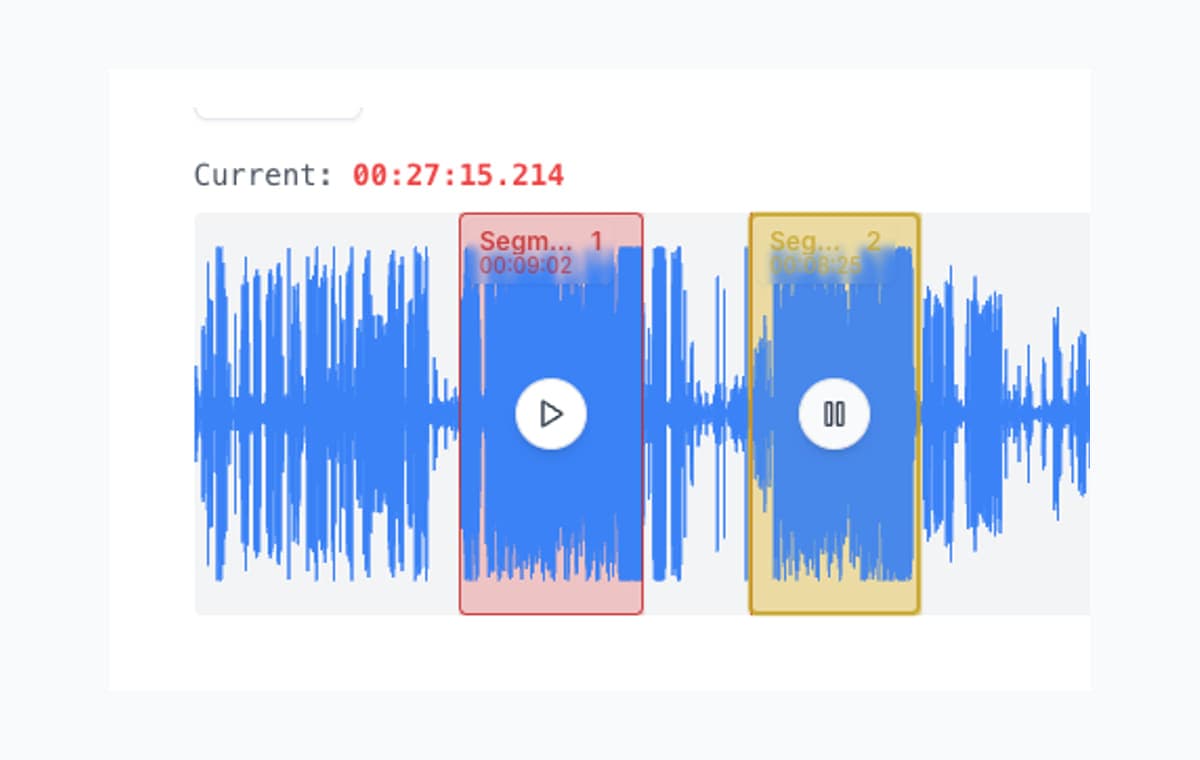
The easiest way to cut a meeting recording is to stop treating it like one thing. Most recordings already have natural blocks: introductions, status updates, a client requirement discussion, a decision, a Q&A, a wrap-up. Those are the clips.
Once you work that way, the recording becomes much more useful. Instead of asking someone to listen from minute 27 to minute 41, you can give them the exact two or three clips they need.
Different meeting types create different useful clips
Daily standups usually turn into blocker clips, owner handoffs, or a quick recap for people who missed the call. Client and discovery meetings usually turn into clips with requirements, objections, pricing discussion, or agreed next steps.
User interviews and research calls are often about isolating quotes by theme. Training sessions and internal demos work better once they are split into short modules. Leadership meetings, board reviews, and postmortems become much easier to revisit when decisions, risks, and action items live in separate clips instead of inside one long archive file.
Protect names, context, and decisions at the edges
Spoken recordings are unforgiving. If the trim starts half a second too late, the owner name or first condition can disappear. If the trim ends too early, the action item feels unfinished. That is why boundary preview matters so much on meetings: every adjustment lets you hear the exact second you changed.
It keeps the clips useful without forcing you to replay the entire segment over and over. That is the difference between a workflow you tolerate and a workflow you actually keep using after every meeting.
Share the parts that matter and keep the rest private
A short clip is often better than a long summary because it preserves tone, nuance, and exact wording. Send the customer requirement clip to product, the decision clip to stakeholders, or the training section to a teammate onboarding next week.
This use case also benefits from AudioMultiCut staying in the browser. Internal recordings, customer calls, and sensitive leadership conversations are often not files people want bouncing through extra services when the actual job is just cutting and exporting the relevant sections.
FAQ
Which kinds of meeting recordings fit this best?
Standups, client calls, discovery calls, user interviews, trainings, onboarding sessions, leadership reviews, postmortems, and any other recording where one long file really contains several distinct topics.
Should I export meeting clips as MP3 or WAV?
Use MP3 for easy sharing in chat, email, or docs. Use WAV only if the clip is heading into a deeper editing or production workflow afterward.
Why cut the audio instead of just sharing notes?
Because short audio preserves tone, exact wording, and context. A useful clip can sit alongside the written summary and remove ambiguity about what was actually said.
More recording workflows
Chapter a lecture on your phone without turning it into a desktop project
How to Split Lecture Recordings Into Chapters on Your Phone
A phone-first workflow for turning one long lecture into topic-based chapters that are easier to review, study, and share.
Turn one rehearsal file into useful song files without the usual cleanup pain
How to Split Band Rehearsal Recordings Into Individual Songs
A practical workflow for taking one long rehearsal recording and turning it into clean song files your band can actually review and share.
Compare audio cutters by real jobs, speed, and frustration level
Best Audio Cutter Alternatives for Splitting Long Recordings
The best audio cutter depends on the job. This guide compares AudioMultiCut with the biggest alternatives through 10 common real-world use cases, including how each one handles the work and how long it typically takes.
Related pages and tools
Turn the meeting into useful follow-up clips before the thread gets lost
Upload the full recording once, split it by agenda topic, trim the awkward edges, and export only the sections that actually matter.