
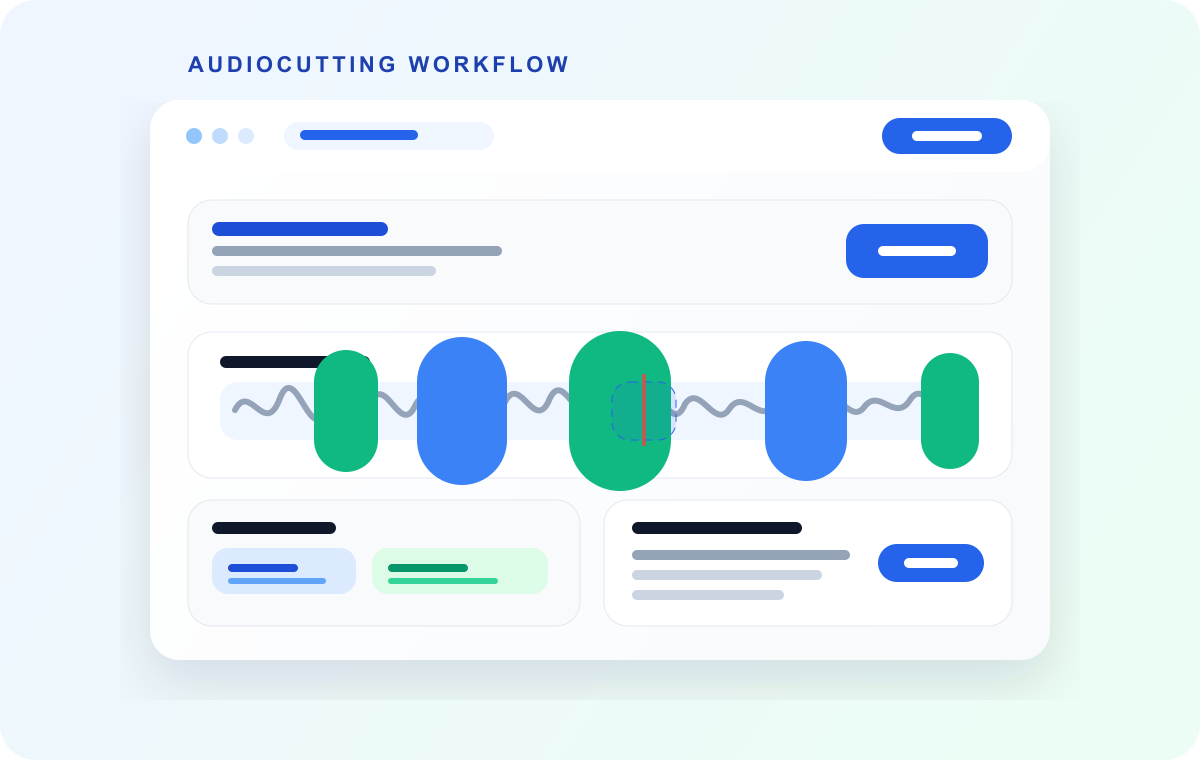
One recording, many clips
Mark every section you want to keep, review the boundaries, then export the selected clips together.
Split Audio Online
Cut audio files into multiple parts in seconds. Automatic or manual selection, no signup required, completely free and private.
Upload audio
Drop your recording here and jump straight into the full splitter with the waveform loaded and ready to cut.
Quick answer
AudioMultiCut is best when one long recording needs several separate clips. Upload the file once, create every segment you need, preview the cut points, and export the selected clips without sending the audio to a server.
Use this page when the job is to divide one recording into a set of useful files. These examples are intentionally broad because the same workflow works across different kinds of source audio.
Mark every section you want to keep, review the boundaries, then export the selected clips together.

Turn a class recording into sections like intro, topic one, examples, questions, and recap.
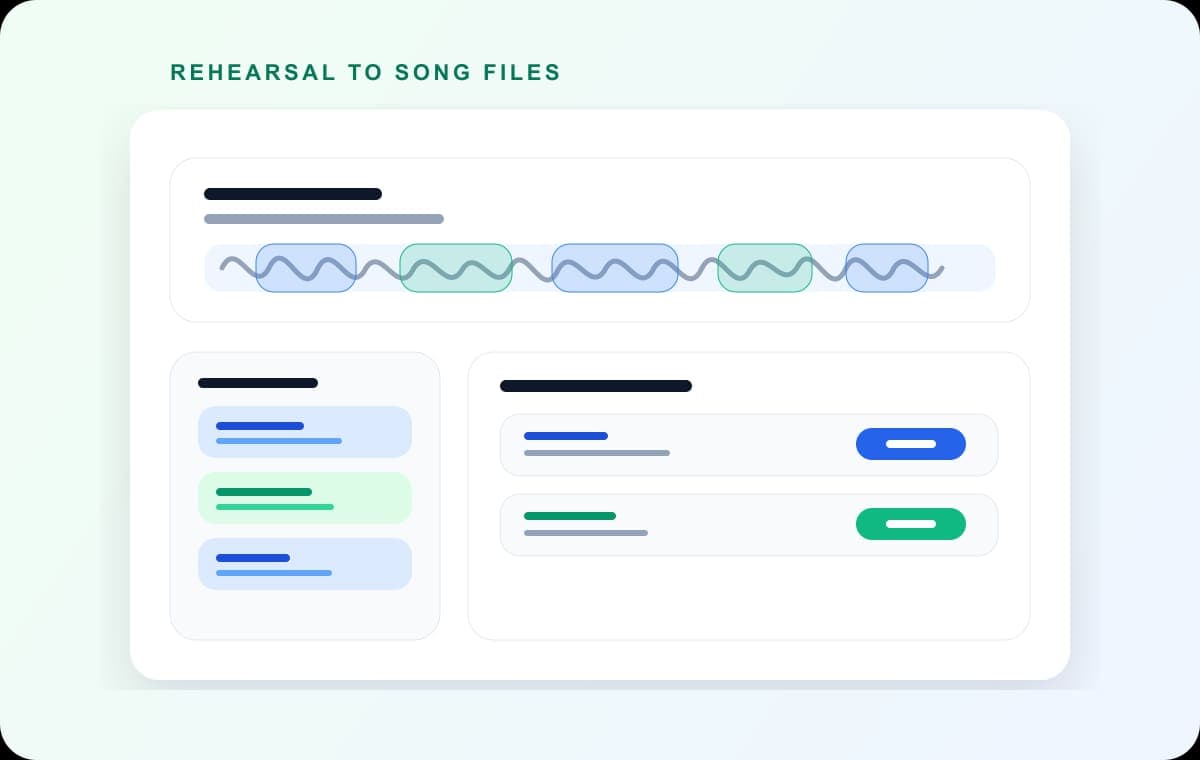
Use silence between songs as a starting point, then adjust each song boundary by ear.
Follow these simple steps to split your audio file online:
Visit AudioMultiCut and drag your audio file into the drop zone, or click to browse. We support MP3, M4A, WAV, and most other formats.
Choose between automatic detection (finds natural breaks) or manual selection (click and drag to create segments). For files over 8 minutes, automatic detection is especially useful.
Automatic detection shows segments like:
AudioMultiCut shows each segment with mini-controls. Drag the start and end boundaries to position them exactly where you want. You can play back segments to hear the exact cuts.
Export segments individually or download all at once. Choose your format (MP3 for compatibility, WAV for lossless). Files export in seconds.
AudioMultiCut works with all major audio formats. Your browser handles decoding automatically:
MP3
Supported
M4A
Supported
WAV
Supported
OGG
Supported
FLAC
Supported
AAC
Supported
OPUS
Supported
WEBM
Supported
Basic splitters usually handle one cut at a time. AudioMultiCut is built for multi-segment work: select several parts from one recording, review them, then export the clips together.
No. The editor processes audio locally in your browser. Your file does not need to leave your device just to be split into clips.
Yes. Export one segment when you only need a single clip, or use batch export to download all selected segments from the same recording.
AudioMultiCut is free, fast, and private. No signup, no install, no server upload.
Trim and cut audio files with precision controls.
Specific guide for splitting MP3 files and comparing formats.
Use silence detection to find natural breaks in longer recordings.
Learn the full process of splitting audio with detailed examples and tips.