
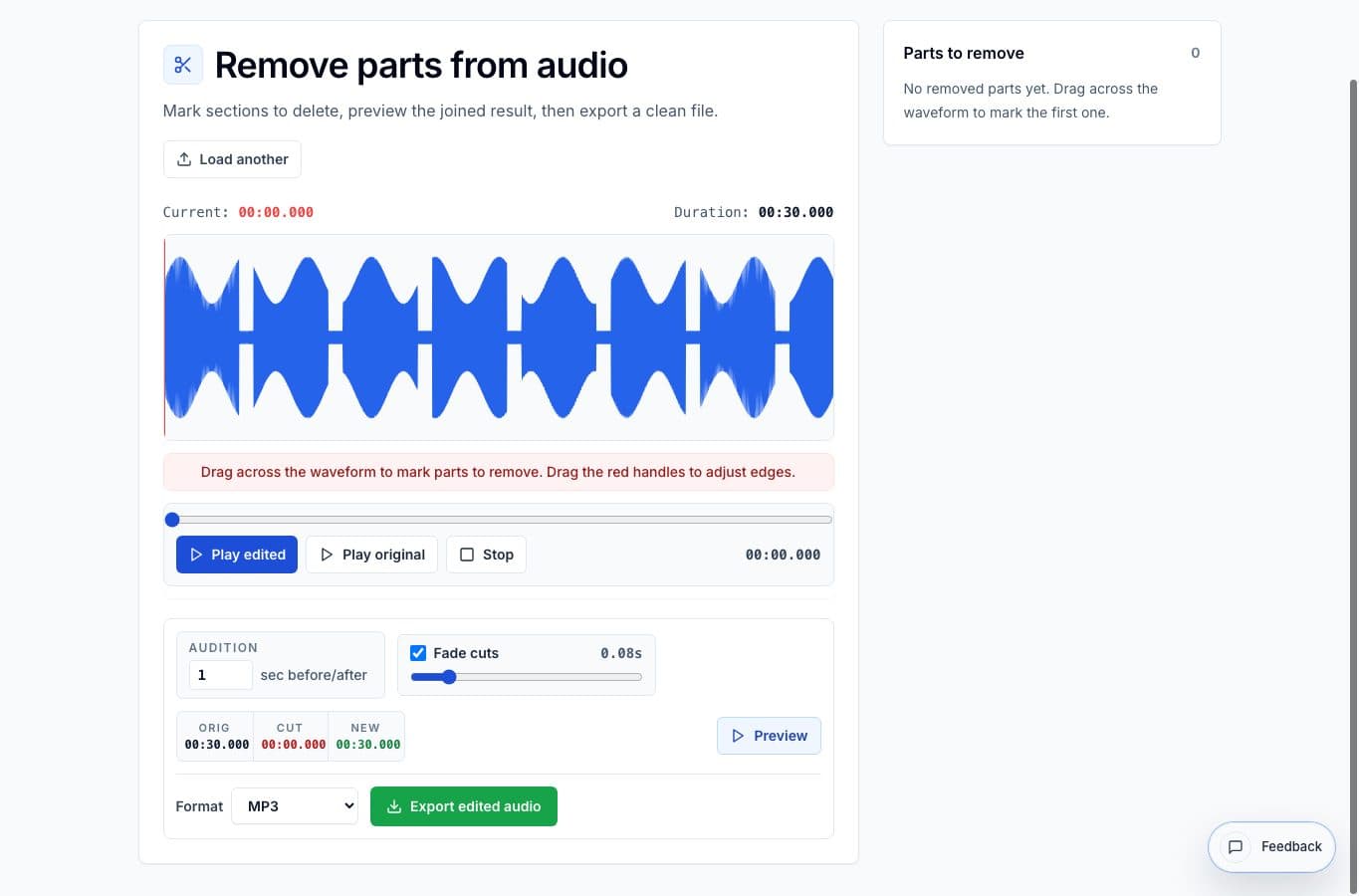
An audio cutter and a remove-parts editor look similar at first because both ask you to mark time ranges. The difference is the final shape of the file.
Use an audio cutter when you want to pull out a clip or split one long recording into several files. Use Remove Parts from Audio when you want one continuous file with a few sections taken out, like a cleaned-up voice memo or rehearsal take.
Fast decision guide
| Job | Better tool | Why |
|---|---|---|
| Remove a cough from the middle of a lecture | The lecture should remain one file after the bad moment is gone. | |
| Export five podcast highlights | Audio cutter | Each highlight should become a separate clip. |
| Delete a private phone number from a meeting recording | You are removing sensitive content, not creating a new clip set. | |
| Split a rehearsal into songs | Audio cutter | Each song needs its own file name and export. |
The simple rule
If the answer should be one cleaned file, use Remove Parts from Audio. If the answer should be one or more new clips, use an audio cutter. That rule works for most everyday editing decisions.
The wrong choice usually adds friction. Cutting out a cough with a clip extractor can leave you rebuilding the original file by hand, while using a remove-parts editor to make ten separate clips gets repetitive real quick.
Where the workflows overlap
There are cases where either tool can technically work. A short intro removal, for example, can be handled by trimming the start or by marking the intro as a deleted range. In that case, pick the tool with the preview that feels clearer.
For interior edits, the join preview matters more than the exact start/end controls. Hearing the edit point tells you whether the removal sounds natural enough to share.
More cleanup guides
Keep one recording, delete the bad parts
Best Use Cases for Removing Parts From Audio Online
When to use Remove Parts from Audio: dead air, stumbles, coughs, false starts, long pauses, and private details that need to disappear without rebuilding the whole recording.
Choose by how much cleanup you really need
Best Remove Parts From Audio Alternatives for Quick Cleanup
A comparison of Remove Parts from Audio, Audacity, browser trimmers, Descript-style editors, and full video suites for deleting mistakes or unwanted sections.
Compare audio cutters by real jobs, speed, and frustration level
Best Audio Cutter Alternatives for Splitting Long Recordings
The best audio cutter depends on the job. This guide compares AudioMultiCut with the biggest alternatives through 10 common real-world use cases, including how each one handles the work and how long it typically takes.
Related pages and tools
Use the editor that matches the shape of the job
Open Remove Parts from Audio when the final result should stay as one file with mistakes removed.