
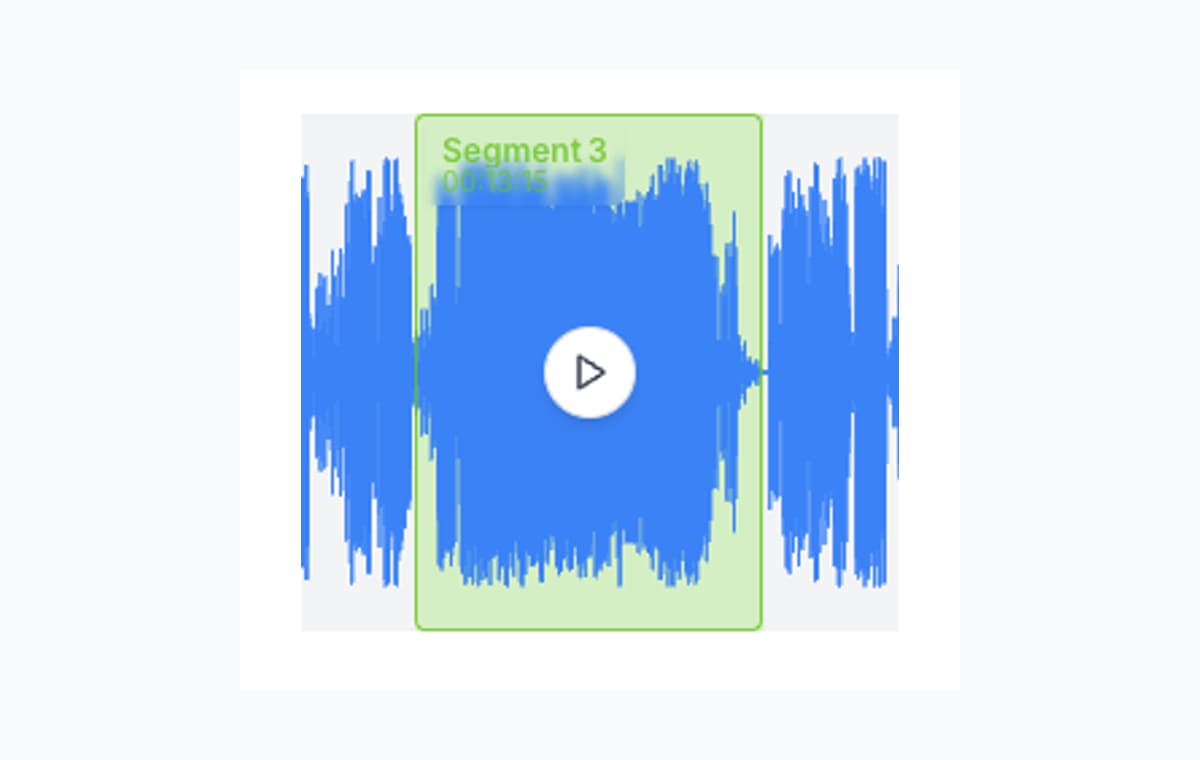
Keep one clean section
Select the exact part worth saving and ignore the rest of the source file.
Cut Audio Online
Trim, cut, and extract multiple segments from any audio file. Fast, private, and completely browser-based. No signup required.
Upload audio
Upload a file above the fold, let AudioMultiCut decode it locally, and continue in the full cutter for precise trimming.
Quick answer
AudioMultiCut is best when you want to keep specific moments from a recording: one quote, several takes, useful highlights, or cleaned-up sections from a longer file. The workflow stays in the browser from upload through export.
Use it for quick trims, but also for the cases where a basic one-cut trimmer slows you down: several highlights, takes, mistakes, or sections from the same source file.
Cut multiple segments from one file
MP3 encoding at 20x speed
Files never leave your browser
Download all segments at once
This page is for precise cutting: removing the messy start of a recording, keeping one quote, pulling several useful takes from a session, or trimming a clip before you share it.
Select the exact part worth saving and ignore the rest of the source file.
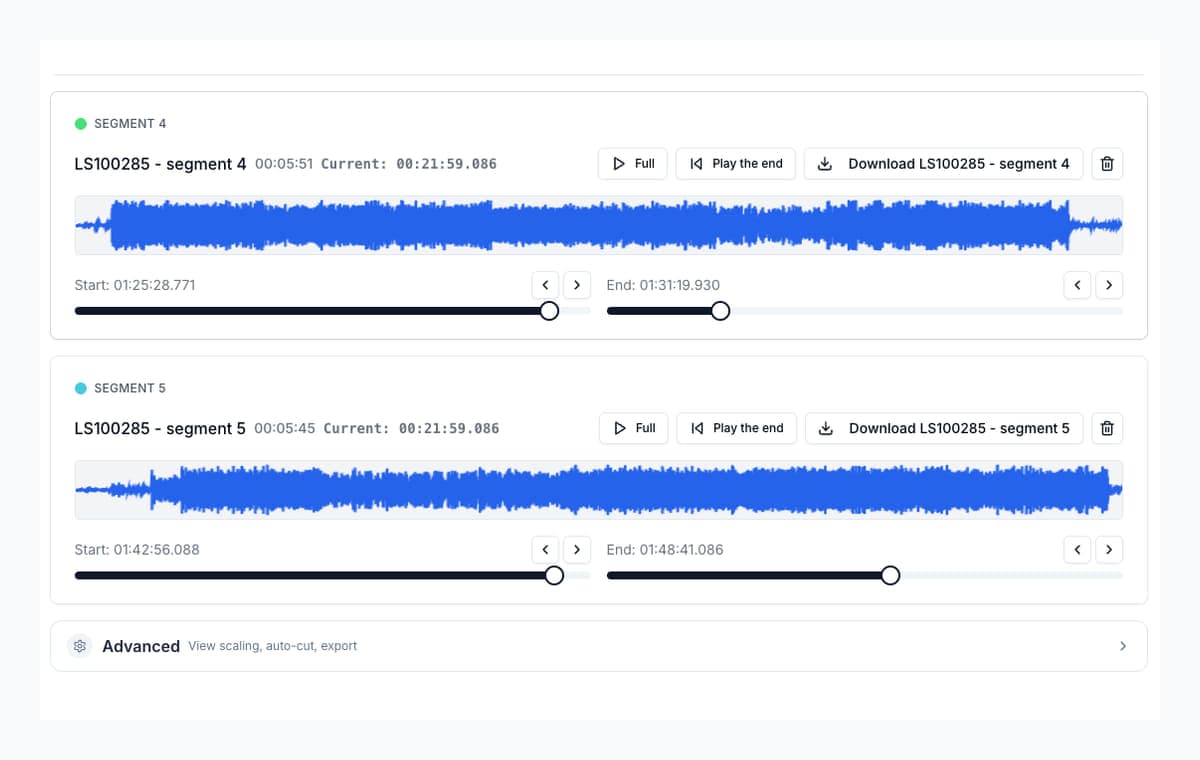
Adjust start and end points after listening, so clips do not begin too early or end too late.
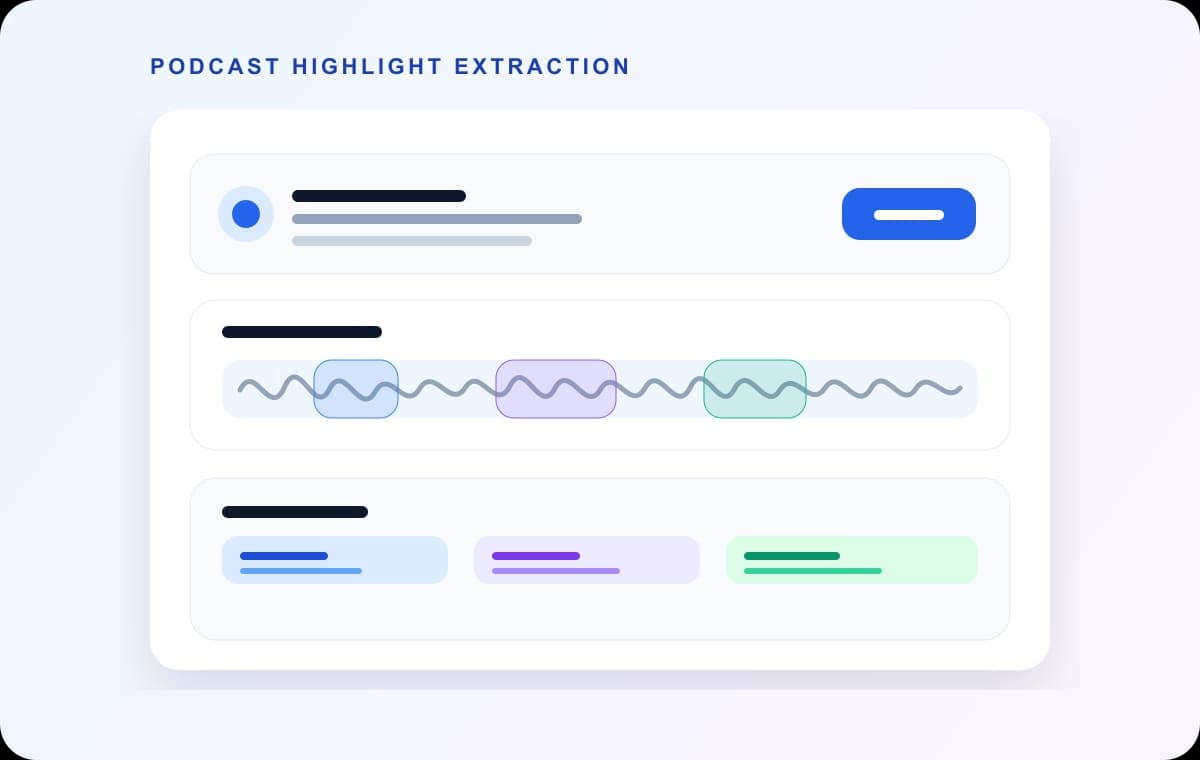
Cut several highlights or mistakes from the same recording without re-uploading the file.
Drag and drop your file or click to browse. Supports MP3, M4A, WAV, OGG, FLAC, and more.
Click and drag on the waveform to select segments. Create as many cuts as you need. For long recordings, use auto-detection to find natural breaks automatically.
Select multiple segments:
Download each segment individually or export all at once. Choose MP3 for compatibility or WAV for lossless quality.
Split band rehearsals into individual songs, extract specific takes, or isolate parts from a long recording session.
Break a 2-hour lecture into chapters or topics. Students can review specific sections without scrubbing through the full recording.
Extract highlights, remove dead air, or cut a long episode into clips for social media promotion.
Trim voice recordings, extract important parts from meeting notes, or clean up audio messages before sharing.
Use AudioMultiCut when you may need more than one clip from the same recording. It lets you keep several useful sections in one session instead of repeating the upload-cut-download loop.
No. The web editor decodes, previews, cuts, and exports audio locally in your browser. Your original file is not sent to AudioMultiCut servers.
Yes. For recordings over 8 minutes, AudioMultiCut offers automatic segment detection that finds natural breaks (like silence between songs or topics). You can then fine-tune the detected segments.
23,812shares