
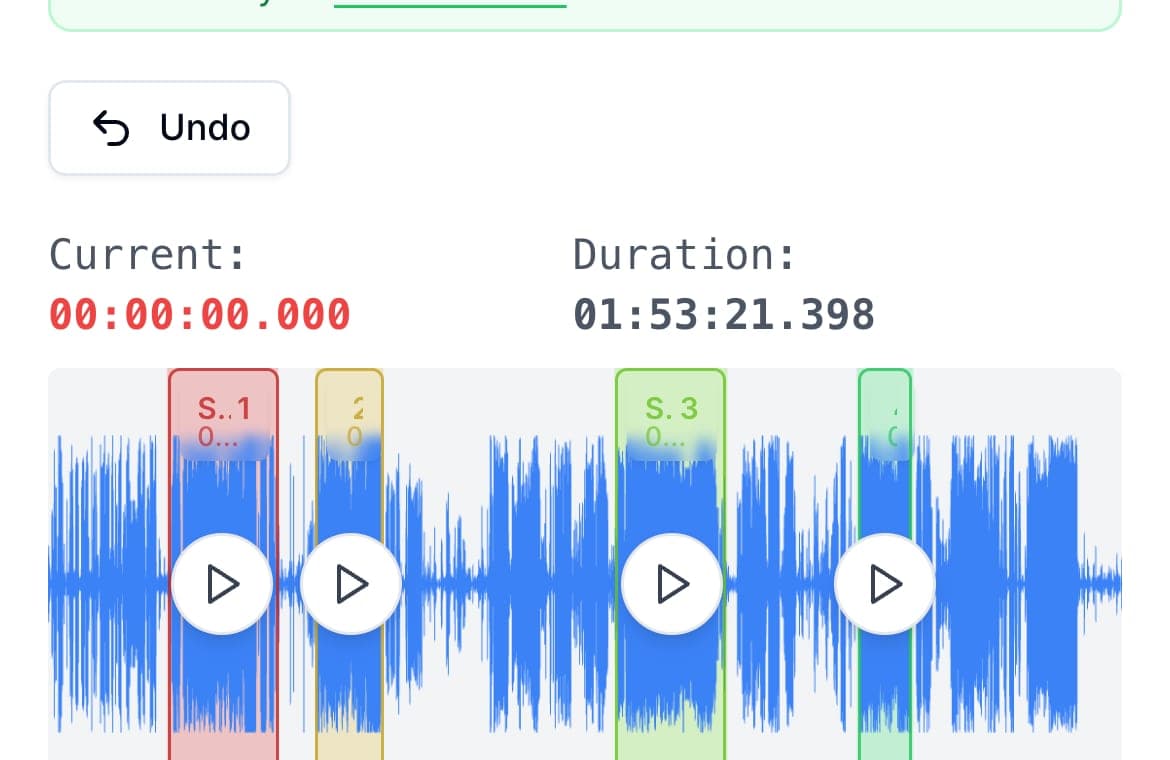
When an audio file is too large for quick sharing, the best fix is usually not re-recording. It is splitting the recording into shorter, logical clips so each part sends reliably and still makes sense on its own.
This matters for meeting recaps, field updates, lecture snippets, and multilingual voice notes where people consume audio in bursts. AudioMultiCut helps because you can make several clips in one pass instead of repeatedly trimming and exporting one file at a time.
Split at meaningful boundaries
The fastest approach is to divide audio at natural transitions: intro, key point, decision, and next step. That way each clip has a clear purpose when someone taps play in a chat thread.
If you cut strictly every two minutes, listeners often lose context because sentences or ideas break in the middle. Clean boundaries make clips easier to forward and understand later.
A repeatable 5-step workflow
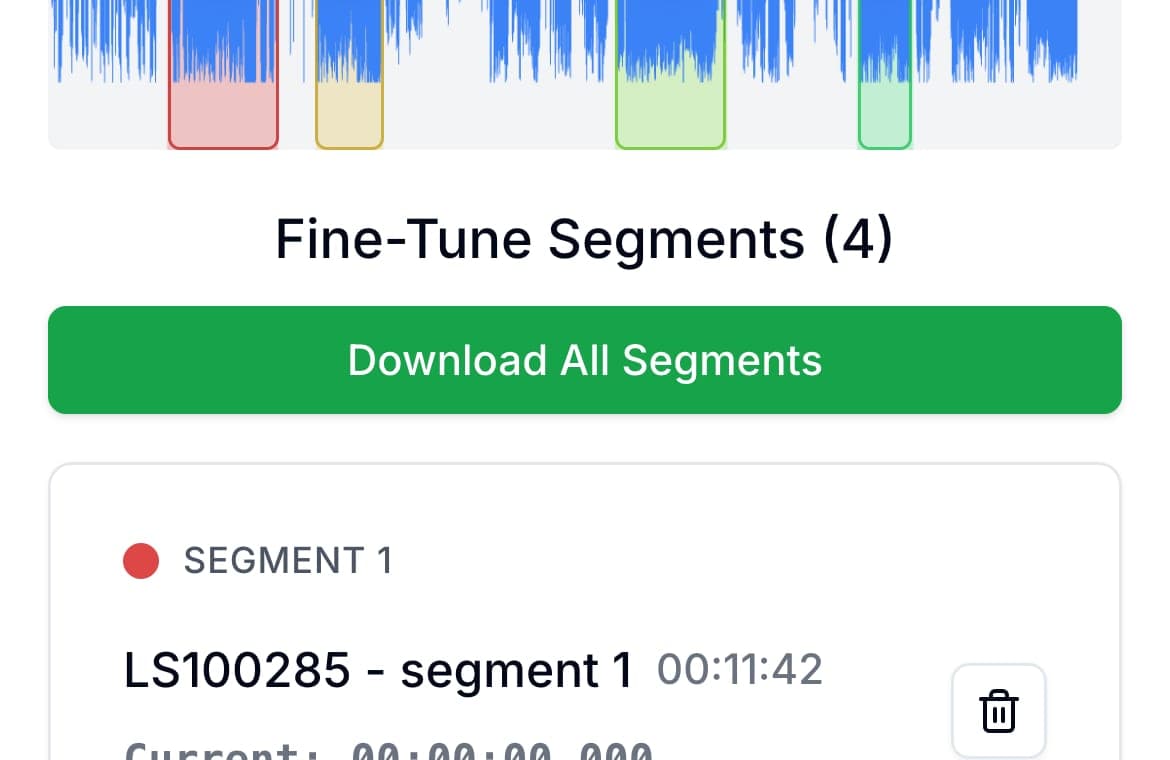
Use the Split for Chat Apps button to upload the full recording. The browser creates consecutive MP3 clips automatically, sized to stay under 10 MB each. Download the clips and attach them in your chat. You can preview, rename, or adjust the cuts first if you want to split by topic.
This workflow is especially helpful on mobile because it avoids repeated upload-edit-download loops for every single clip.
- Use short descriptive names like “Client scope” or “Action items”
- Keep each clip focused on one topic
- Preview the first and last second before exporting
- Send only relevant clips instead of one giant file
Recommended export format for messaging
MP3 is usually the safest default for WhatsApp and Telegram sharing because files stay compact and play everywhere. WAV is better only when the clip is headed to further editing or archival.
For spoken-word updates, short MP3 clips are generally the best tradeoff between quality and send speed.
FAQ
How long should each chat clip be?
Aim for one idea per clip. In practice, that is often 30 seconds to 3 minutes depending on the topic and audience.
Should I split by time or by topic?
Topic is usually better for comprehension and reuse. Time-based splits can be a fallback if you are only optimizing file size quickly.
Is MP3 good enough for voice updates?
Yes. MP3 is typically ideal for voice messaging because it keeps files smaller while preserving clear speech.
More recording workflows
Turn one long meeting recording into focused clips people can replay, forward, and act on
How to Cut Meeting Recordings Into Shareable Clips and Follow-Ups
A practical workflow for turning standups, client calls, interviews, trainings, and leadership meetings into clear audio clips people can actually use.
Chapter a lecture on your phone without turning it into a desktop project
How to Split Lecture Recordings Into Chapters on Your Phone
A phone-first workflow for turning one long lecture into topic-based chapters that are easier to review, study, and share.
Make practice clips people will actually come back to
How to Cut Private Lesson Recordings Into Practice Clips
A practical guide for turning one private lesson recording into short clips that are easier to replay during practice.
Related pages and tools
Cut long recordings into chat-ready clips
Upload once to create MP3 clips automatically, each under 10 MB, then download and share.