
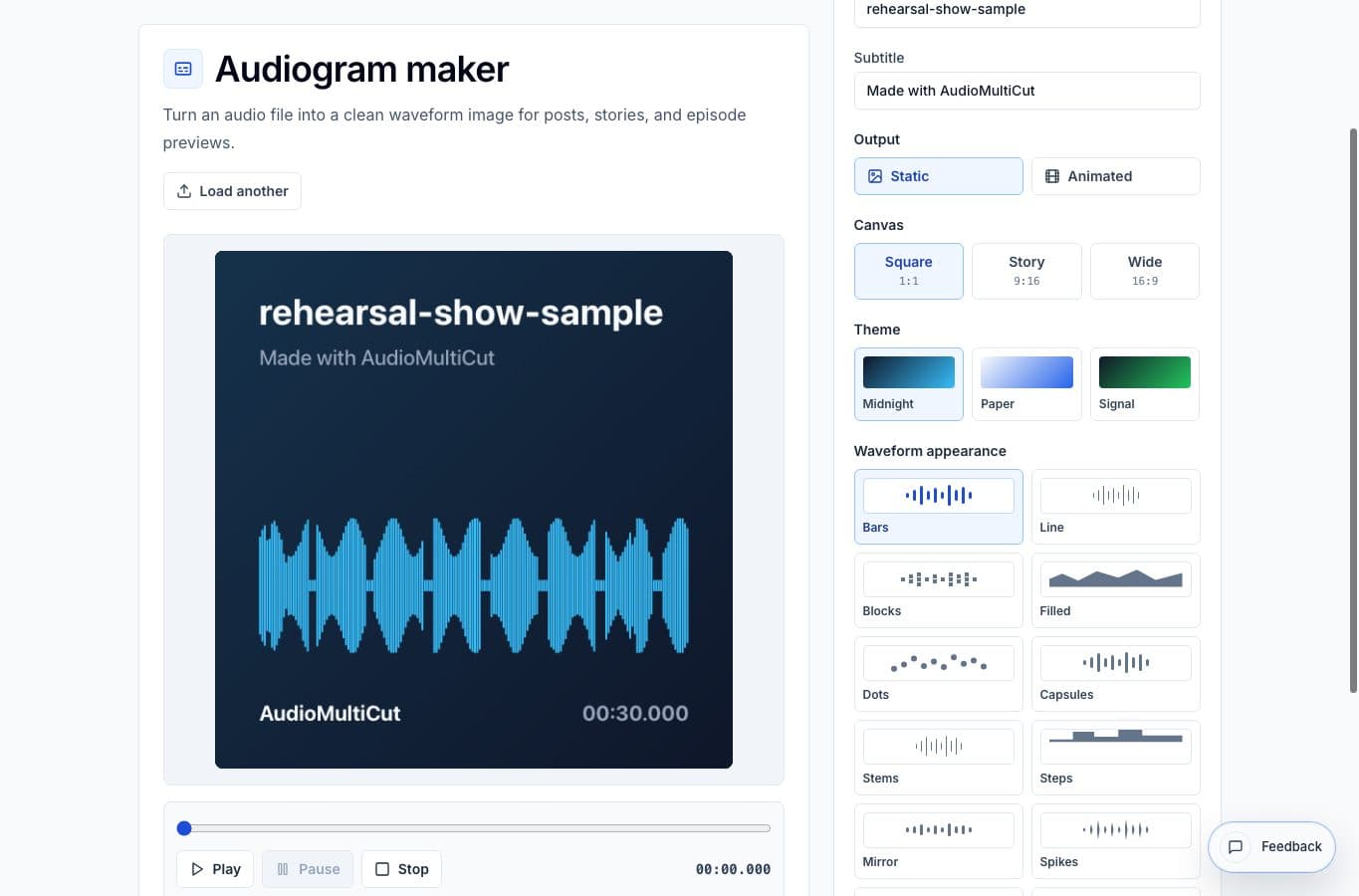
Audiogram alternatives split into two groups. Some tools are made specifically for podcast promotion. Others are general design or video apps that can produce the same kind of asset if you build the layout yourself.
AudioMultiCut is better when the clip is ready and the job is straightforward: waveform, title, ratio, export. It is worse when you need brand templates, captions, team libraries, complex animation, or a full campaign workflow.
Audiogram maker alternatives
| Option | Better for | Worse for |
|---|---|---|
| AudioMultiCut Audiogram Maker | Fast waveform visuals from finished clips | Brand systems, caption workflows, and campaign management |
| Headliner-style tools | Podcast promotion, templates, captions, and social publishing | Tiny one-off clips where setup feels slow |
| Canva | Designed posts, brand kits, thumbnails, and layout polish | Audio-first waveform editing |
| Video editors | Motion-heavy posts and clips that mix video with audio | Simple waveform images |
| Native social apps | Fast informal posts | Reusable polished assets and downloadable files |
Where this audiogram maker is better
It is better for focused, repeatable exports. Load the clip, choose square, story, or wide, pick the waveform style, and export without leaving the browser. That is enough for many quote cards, podcast teasers, voice notes, and lesson snippets.
It also fits well after AudioMultiCut. Cut the moment, normalize it if needed, then make the visual. The workflow stays small, which matters when you are making assets every week.
Where alternatives are better
Canva is better when the design matters more than the waveform. Headliner-style tools are better when captions and podcast distribution are part of the job. A video editor is better when the post needs B-roll, animated typography, or precise visual timing.
The practical question is whether you need a designed campaign or just a clean audio visual. For teh second job, a focused audiogram maker is usually faster.
More audiogram guides
Turn the finished clip into something people can see
Best Use Cases for an Audiogram Maker
When to turn audio clips into waveform images or short videos for podcasts, interviews, lessons, newsletters, and social posts.
Use the right tool at the right stage
How to Combine AudioMultiCut Tools Without Making the Edit Messy
A practical workflow for using the cutter, remove-parts editors, normalizer, audiogram maker, video tools, and spectrogram editor together without losing track of the job.
Related pages and tools
Create a focused audiogram
Use AudioMultiCut when you already have the clip and need a clean waveform visual without building a full design project.