
An audiogram is useful when the audio is good but the destination expects a visual. A podcast quote, lesson excerpt, interview answer, or voice note can be much easier to share when it has a title, waveform, and format that fits the feed.
The important part is choosing the clip first. The audiogram maker is a publishing tool, not a replacement for editing.
Podcast and interview clips
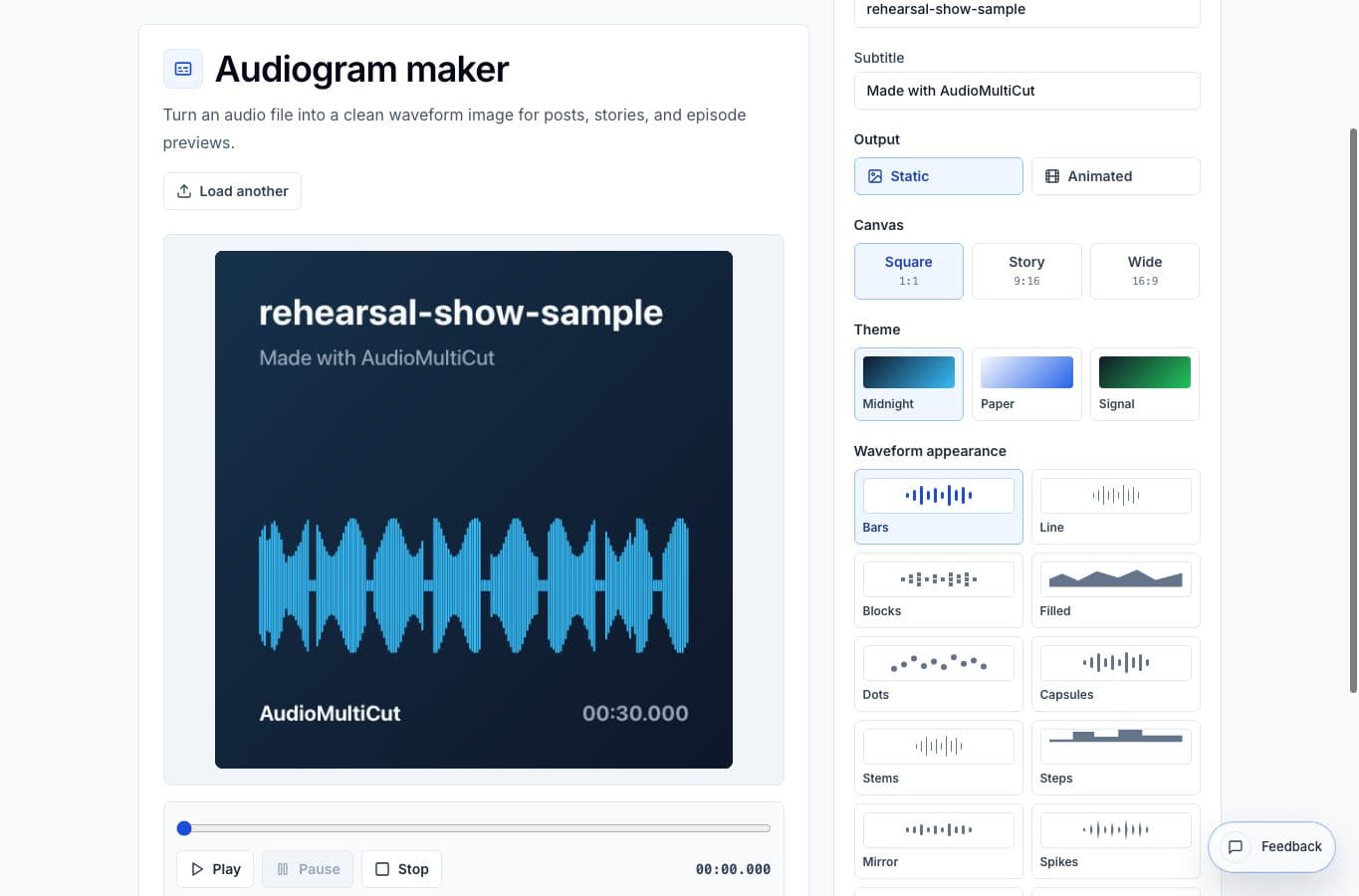
The strongest use case is a short spoken clip that has one clear idea. Pull the quote from the full episode, trim the awkward lead-in, normalize it if needed, then make a square or vertical audiogram. The visual gives people a reason to stop scrolling before they hear the first word.
Keep the title direct. A line like “Why we changed the rehearsal workflow” usually works better than a clever headline that hides the point.
Lessons, courses, and internal updates
Audiograms also work for teaching material. A guitar teacher can share a practice instruction, a coach can send a short reminder, and a team lead can turn a useful meeting answer into a quick internal clip. The waveform makes it feel like a media asset rather than a random file attachment.
For these uses, clarity beats decoration. Use the ratio that matches the channel, keep the background readable, and do not cram too much text into the frame.
When not to use an audiogram
If the clip is too long, unfocused, or mostly music with no context, an audiogram will not fix it. Cut a tighter moment first. If the destination supports plain audio well, a direct MP3 or WAV might be cleaner.
Audiograms are best when the visual helps the audio get noticed. They are not magic packaging for a weak excerpt, even if the waveform looks neat.
More audiogram guides
Simple waveform visuals versus full creator suites
Best Audiogram Maker Alternatives for Podcast and Voice Clips
Compare AudioMultiCut's audiogram maker with Headliner-style tools, Canva, video editors, social apps, and manual design workflows.
One quote should not become a full editing project
A Faster Podcast Clip Workflow: Split, Clean, Normalize, Audiogram
A practical order for making a podcast clip: pull the quote, clean only that clip, fix loudness, then make the audiogram.
Make quiet or uneven clips easier to hear
Best Use Cases for an Online Audio Volume Normalizer
When to normalize audio, raise quiet recordings, add light compression, and export a more consistent file without turning the process into mastering.
Related pages and tools
Make a waveform visual from a clip
Load a finished audio clip, choose a layout, add the title text, and export a visual asset for sharing.