
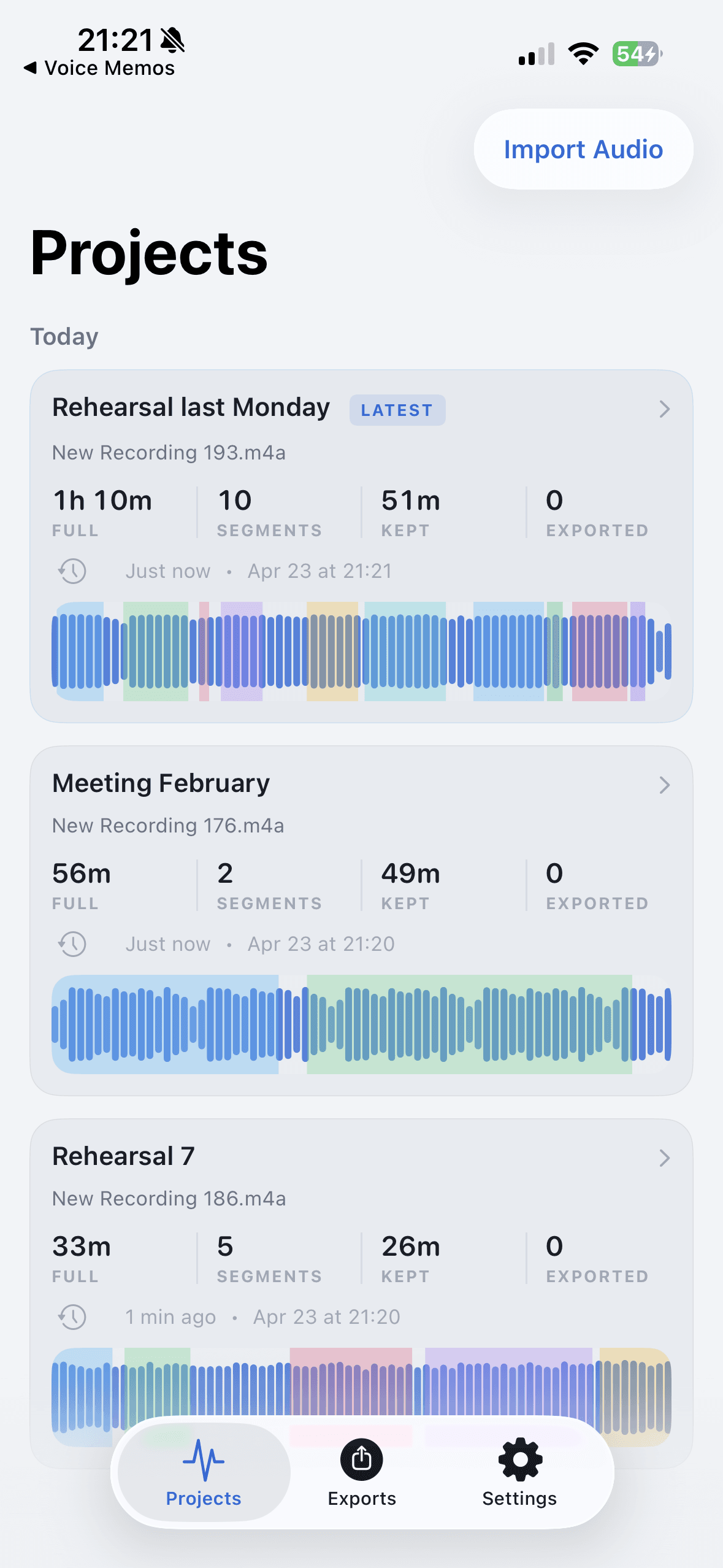
Desktop editors like Audacity and full production tools are excellent when you need deep control. They are too much setup when all you need is six clips from an iPhone recording.
AudioMultiCut iOS is for the phone recording that needs to become files you can send. It brings splitting and merging closer to where the recording already lives, without making you learn a desktop editing model first.
What desktop tools are better at
A desktop editor is the right call for multitrack production, restoration, mastering, complex fades, or anything that needs a big screen with lots of visible detail. If the recording is becoming a produced piece, use the bigger tool.
That is not the everyday iPhone case. A lesson, meeting, lecture, rehearsal, or live recording often needs structure more than production. It needs clean segments, useful names, a format choice, and a fast way to share.
What the iPhone app is better at
AudioMultiCut iOS keeps the path short. Import from Files, Photos, or another app. Split the recording into useful parts. Merge files when one export makes more sense. Preview boundaries so the first word or first note is not clipped. Export MP3 or WAV, then share.
That is enough for a lot of phone recordings. You should not need to move a Voice Memo to a computer just to turn it into the four clips you already know you need.
A practical split
Use the desktop when the edit is a production. Use AudioMultiCut iOS when the edit is organization: clips from one source, one merged file from several sources, or quick exports from phone recordings.
Keep the desktop for production work, and let the phone handle the recordings that only need to become usable files.
FAQ
Can AudioMultiCut iOS replace Audacity?
Not for deep editing or production. It can replace the desktop handoff for many simple long-recording jobs: splitting, merging, previewing, exporting, and sharing from iPhone.
What file types should I export?
Use MP3 for small, shareable clips. Use WAV when the file is going into another editor or you want a higher-quality handoff.
More recording workflows
A real iPhone workflow beats a repeat upload loop
Best iPhone Audio Splitter App for Long Recordings vs Online Cutters
Online cutters are fine for one quick trim. The AudioMultiCut iPhone app is better when you keep coming back to long recordings, saved projects, merging, and sharing.
Long recording in, useful clips out
How to Split Long Recordings on iPhone with AudioMultiCut
A step-by-step iPhone workflow for splitting Voice Memos, rehearsals, lectures, meetings, and live recordings into clean MP3 or WAV clips.
Merge iPhone recordings without moving to a desktop
How to Merge Audio Files on iPhone with AudioMultiCut
Use AudioMultiCut iOS to combine recordings into one clean export for lessons, rehearsals, voice notes, sample chains, and shared listening.
Related pages and tools
Skip the desktop handoff when the edit is straightforward
Use AudioMultiCut on iPhone for the long recordings that need clips, merged files, and sharing rather than a full production session.