
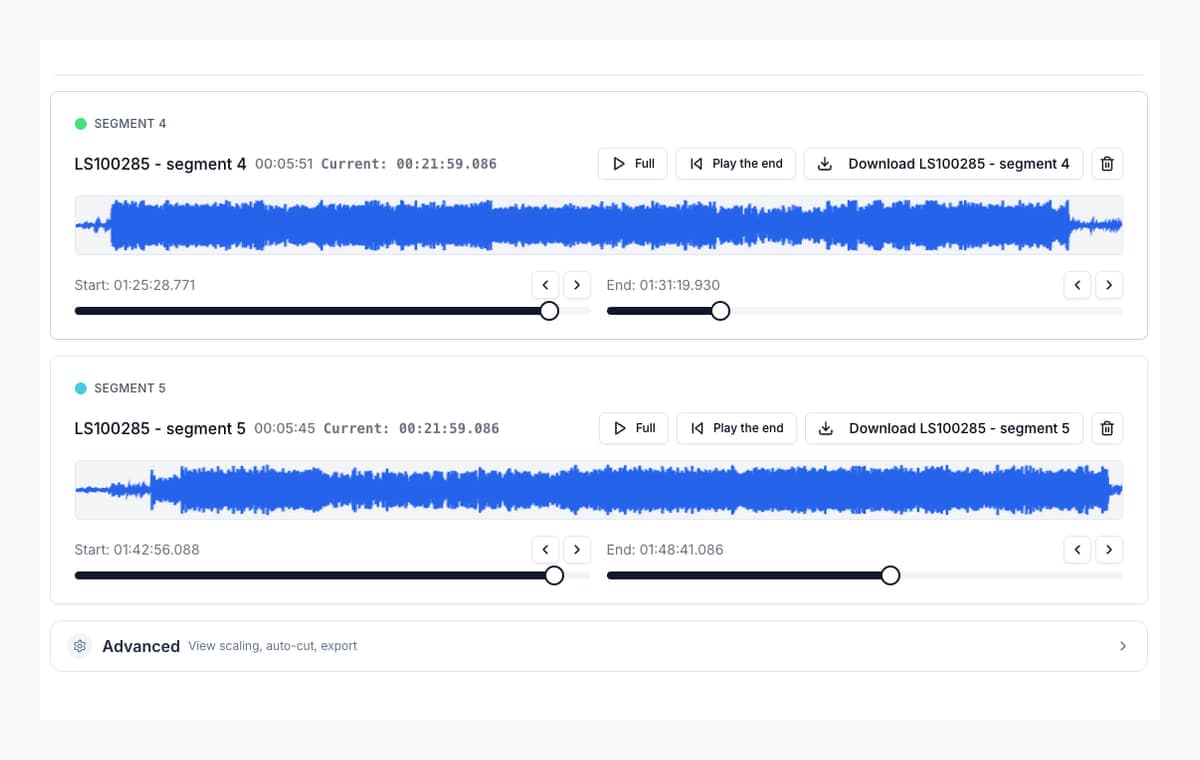
Trim the ends
Cut the dead air before and after the content. Nudge each boundary while previewing until it lands exactly right.
Audio Trimmer
Choose the part of your MP3, M4A or WAV that you want to keep. Preview the start and end, then download your clip. You can also keep several clips from the same recording.
Upload audio
Open an MP3, M4A or WAV from your device to start trimming in your browser.
Quick answer
Open your recording and select the section to keep. Adjust its start and end while listening, then download it as MP3 or WAV. To keep several moments, add more selections and export them together. To delete sections and keep one continuous file, use Remove Parts from Audio.
Cut the dead air before and after the content. Nudge each boundary while previewing until it lands exactly right.
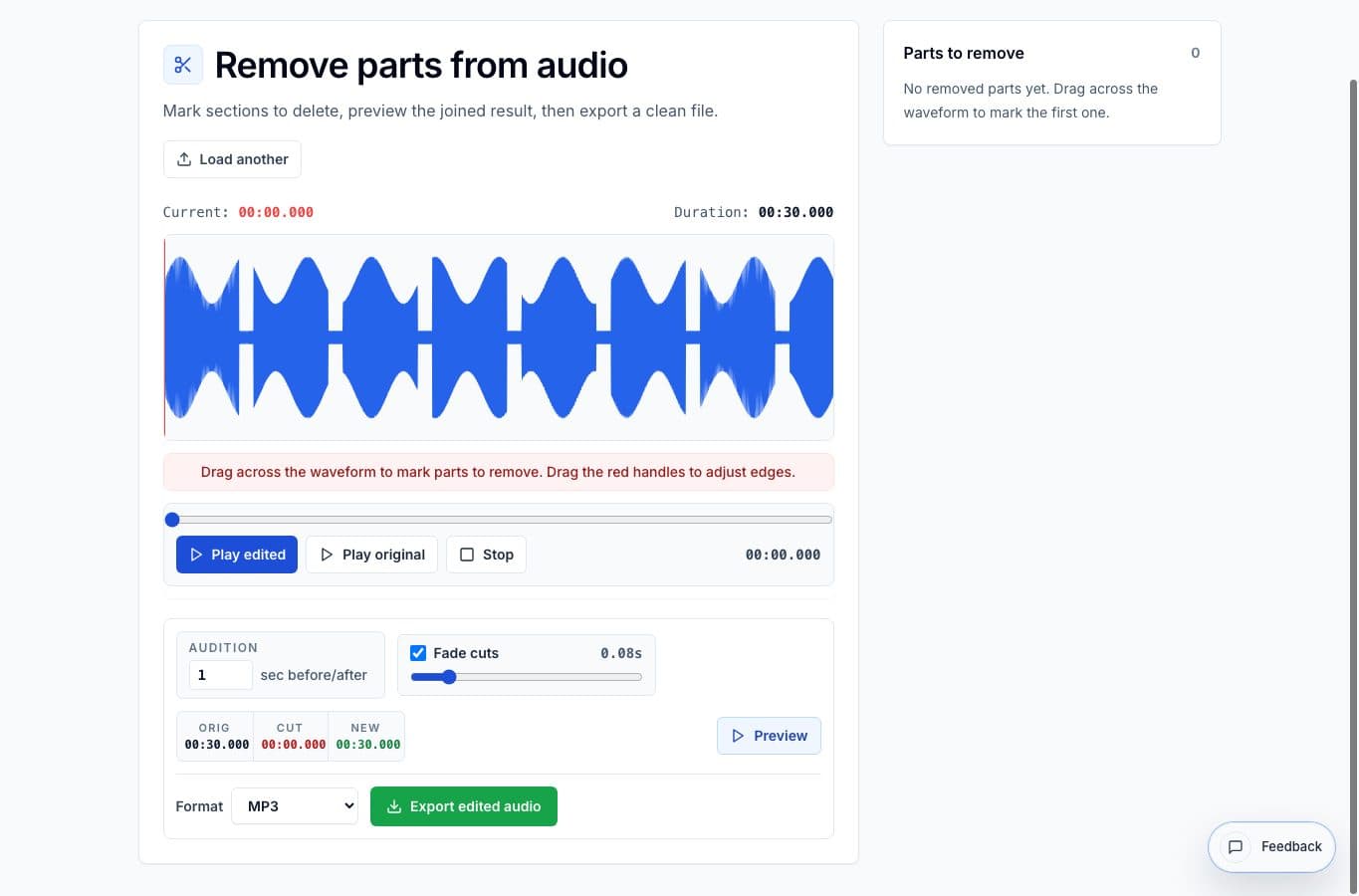
A cough, a false start, a private aside: mark the ranges and export one clean continuous file.
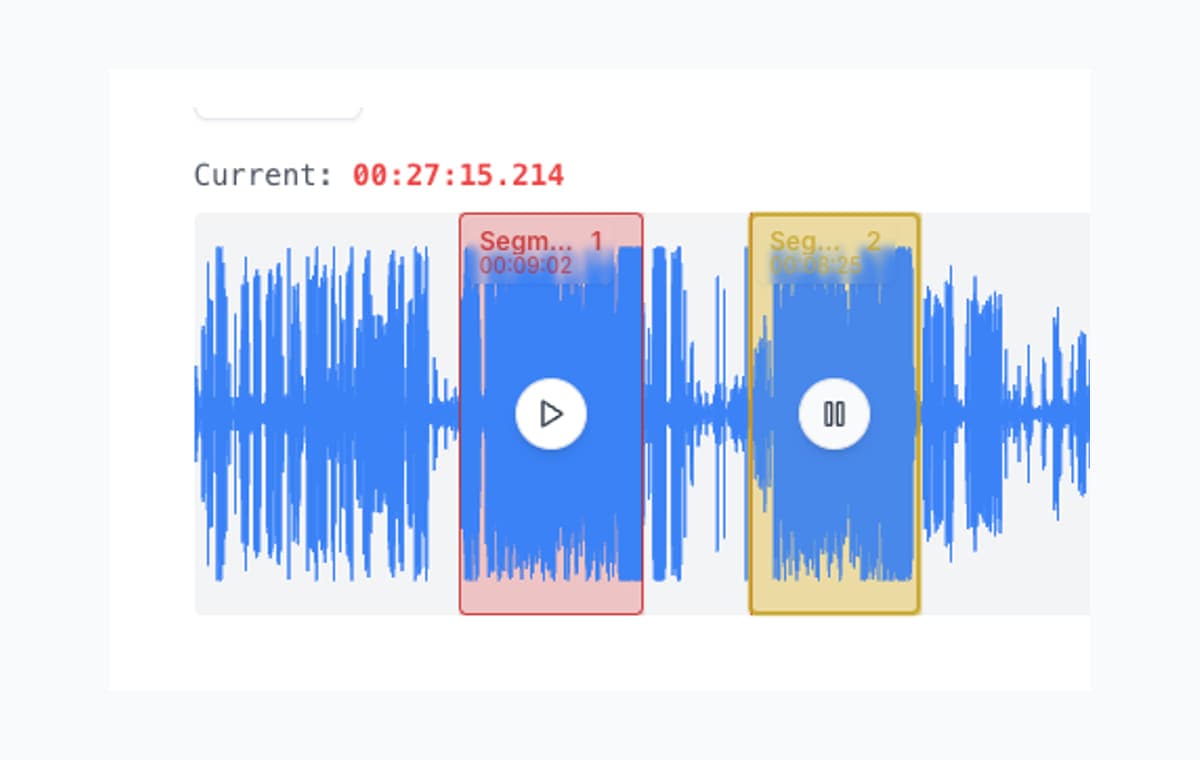
When three moments in one recording matter, trim all three in one pass and export them as separate files.
Trimming usually means cutting silence or junk from the start and end of a file, and any trimmer can do that once. Real recordings tend to need more: a voice memo with three usable sections, an interview with dead air in the middle, a track that needs both ends tightened and a stumble removed. Doing that one selection at a time is slow.
AudioMultiCut treats the whole file as the workspace. Mark everything in one session, listen to each edit before committing, and export once. If the output should be one continuous file with pieces deleted, use Remove Parts from Audio. If the output is several separate clips, use the main cutter. Both are free and both run locally in your browser.
Trim several useful sections in one session
Yes. Mark as many sections as the recording needs in one session and export them together. There is no per-pass limit.
Yes. AudioMultiCut processes audio directly in your browser, so the file never leaves your device.
Trimming removes unwanted audio, usually from the edges. Splitting divides one file into several. AudioMultiCut does both, plus mid-file deletion with Remove Parts from Audio.
Open the recording once, preview every edge, and export.
Open the audio trimmer23,812shares