
Talks and interviews
Extract the track from a filmed talk and cut it into the answers or chapters worth keeping.
Extract Audio from Video
Drop an MP4 or WebM video and work with its audio on a waveform: take the whole track, or cut just the parts you need. Runs in your browser, nothing is uploaded.
Upload audio
Drop the video file. The audio opens on a waveform where you can export all of it or mark the clips you want.
Quick answer
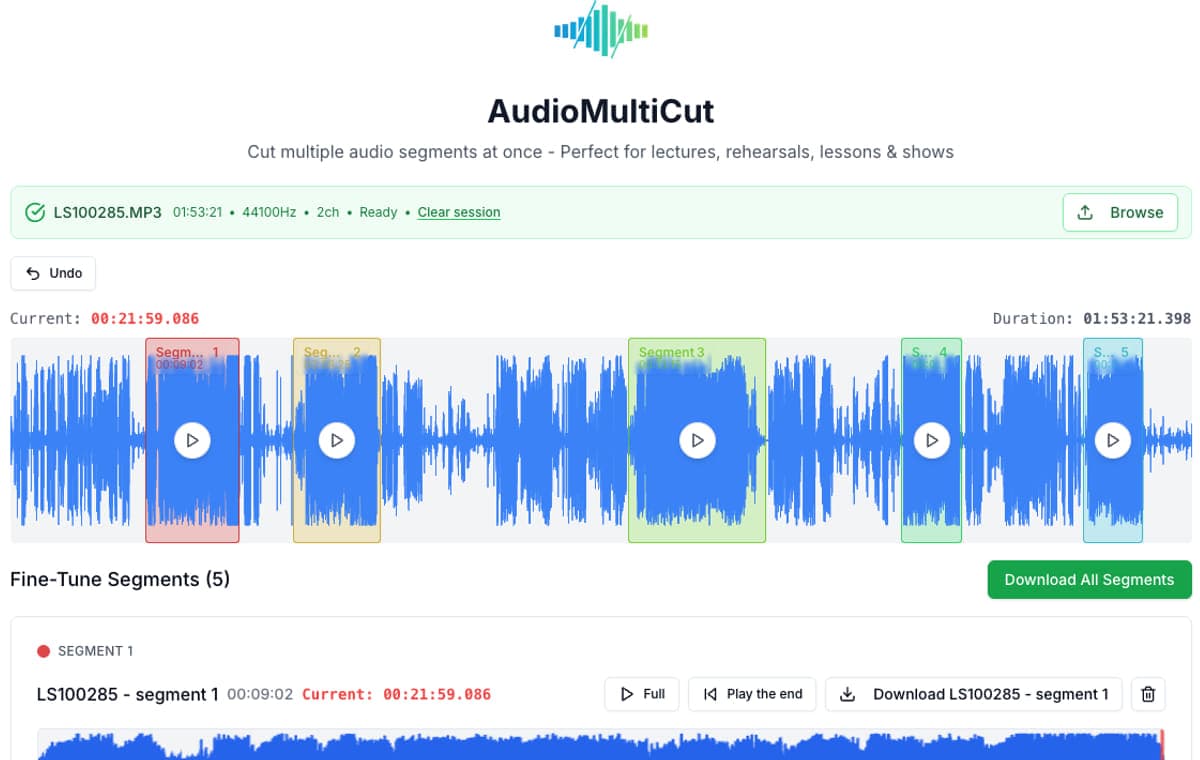
Most extractors give you one big audio file and stop. AudioMultiCut opens the video's audio on a waveform, so extraction and cutting happen in one step: keep the full track, or mark the interview answers, songs, or quotes and export just those. Processing is local in your browser, so the video is never uploaded.
Extract the track from a filmed talk and cut it into the answers or chapters worth keeping.
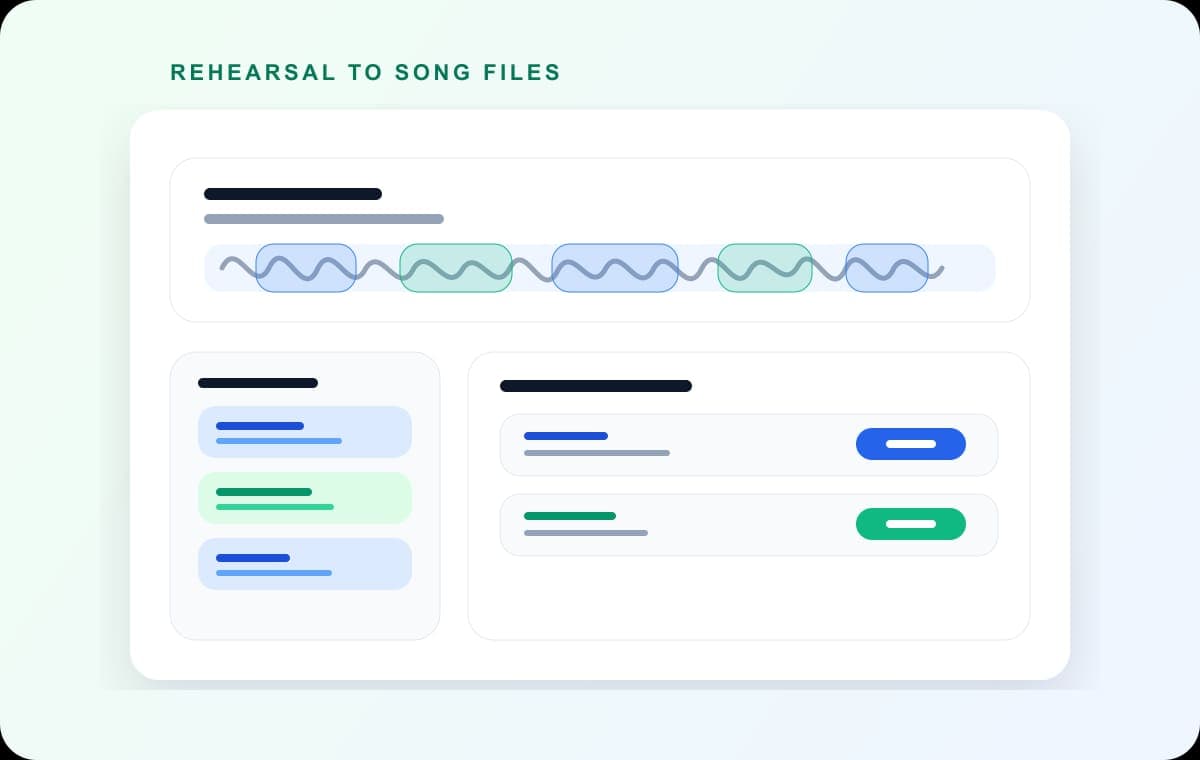
Pull the audio from a filmed set and split it into one file per song.
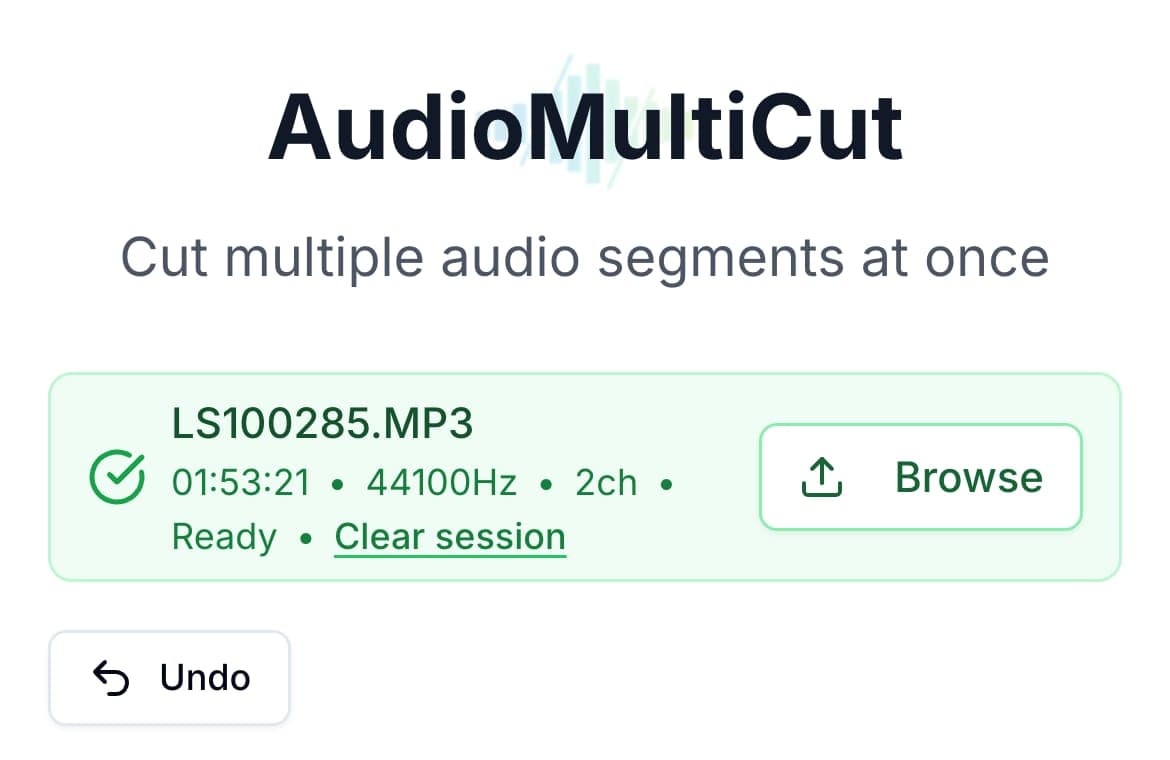
Screen recordings and camera videos on iPhone: extract and cut without moving files to a computer.
The usual workflow is two tools: an extractor that converts video to audio, then a cutter for the audio. AudioMultiCut collapses that into one step. Drop the MP4 and the audio track appears on a waveform. If you want the whole thing, export it once. If you want pieces, mark them like any other AudioMultiCut job: drag segments, preview boundaries, export MP3 or WAV.
Because everything runs locally in your browser, a one-hour video does not need to be uploaded anywhere just to get its audio out. That matters for meetings and lectures you are not allowed to share, and it makes the process fast: no upload wait, no server queue, no file size tier.
MP4 or WebM
Waveform
MP3 or WAV clips
Videos usually live on the phone that filmed them. The AudioMultiCut iPhone app extracts audio from video files natively: share the video to the app, and the audio opens ready to split, trim, or merge. Export the clips and send them through Messages, WhatsApp, Telegram, AirDrop, or Files without the video ever leaving the phone. The app is free for recordings up to 10 minutes; AudioMultiCut Unlimited removes the limit.
Get AudioMultiCut for iPhoneDrop the MP4 into AudioMultiCut in your browser. The audio opens on a waveform and you can export it as MP3 or WAV, in full or in clips. Free, no upload, no account, no watermark.
Yes. The AudioMultiCut iPhone app extracts audio from video natively and lets you split, merge, and share the result through the iOS share sheet. Free up to 10 minutes per recording; AudioMultiCut Unlimited unlocks longer files.
MP4 and WebM work in the browser editor. On iPhone, the app handles the video formats iOS itself supports. If a file will not open, the audio codec inside the container may not be supported by your browser.
23,812shares