
AudioMultiCut Android beta
Cut long recordings into clips on Android.
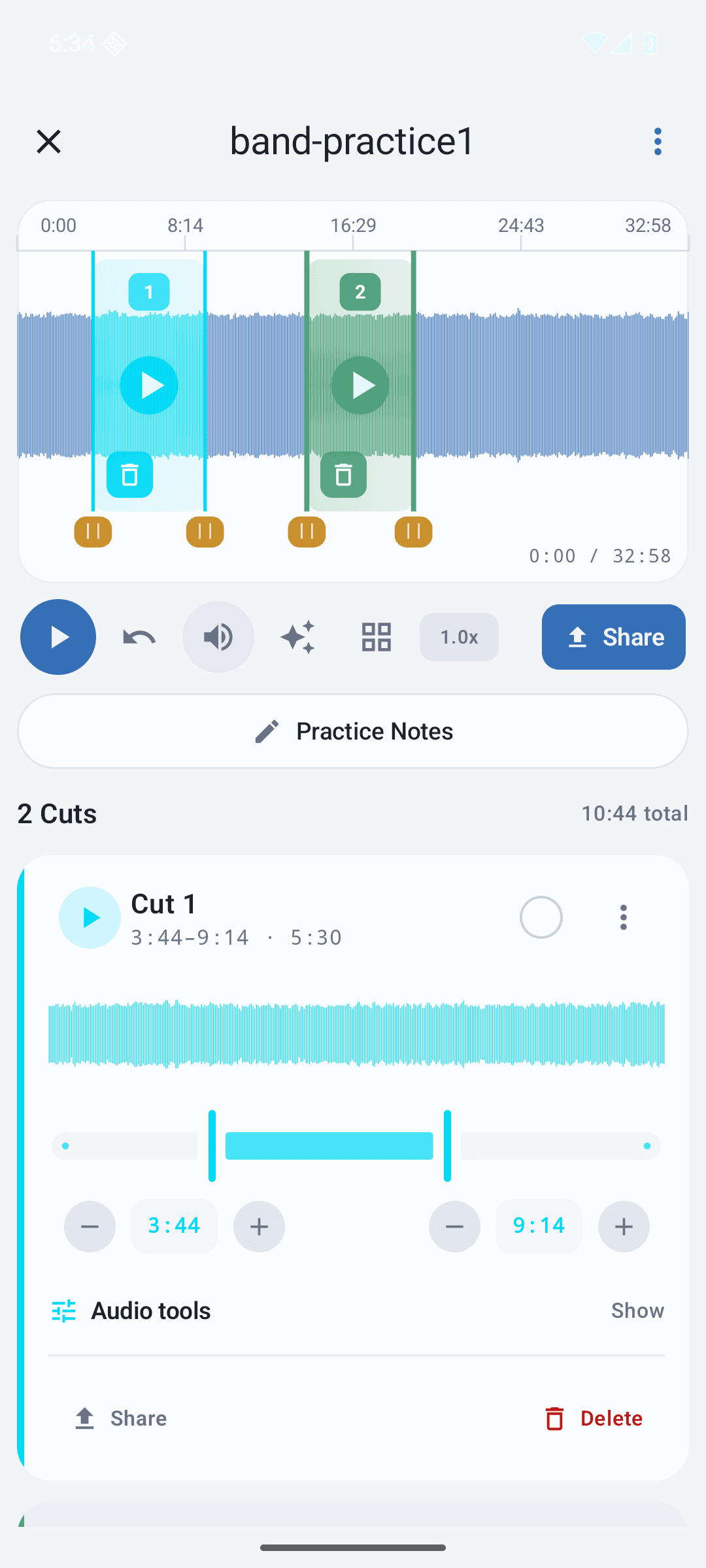
Turn a rehearsal, lecture, or voice recording into clips you can preview, adjust, and share from your phone.
What to try in the beta
- Import a long recording from Android Files or the share sheet.
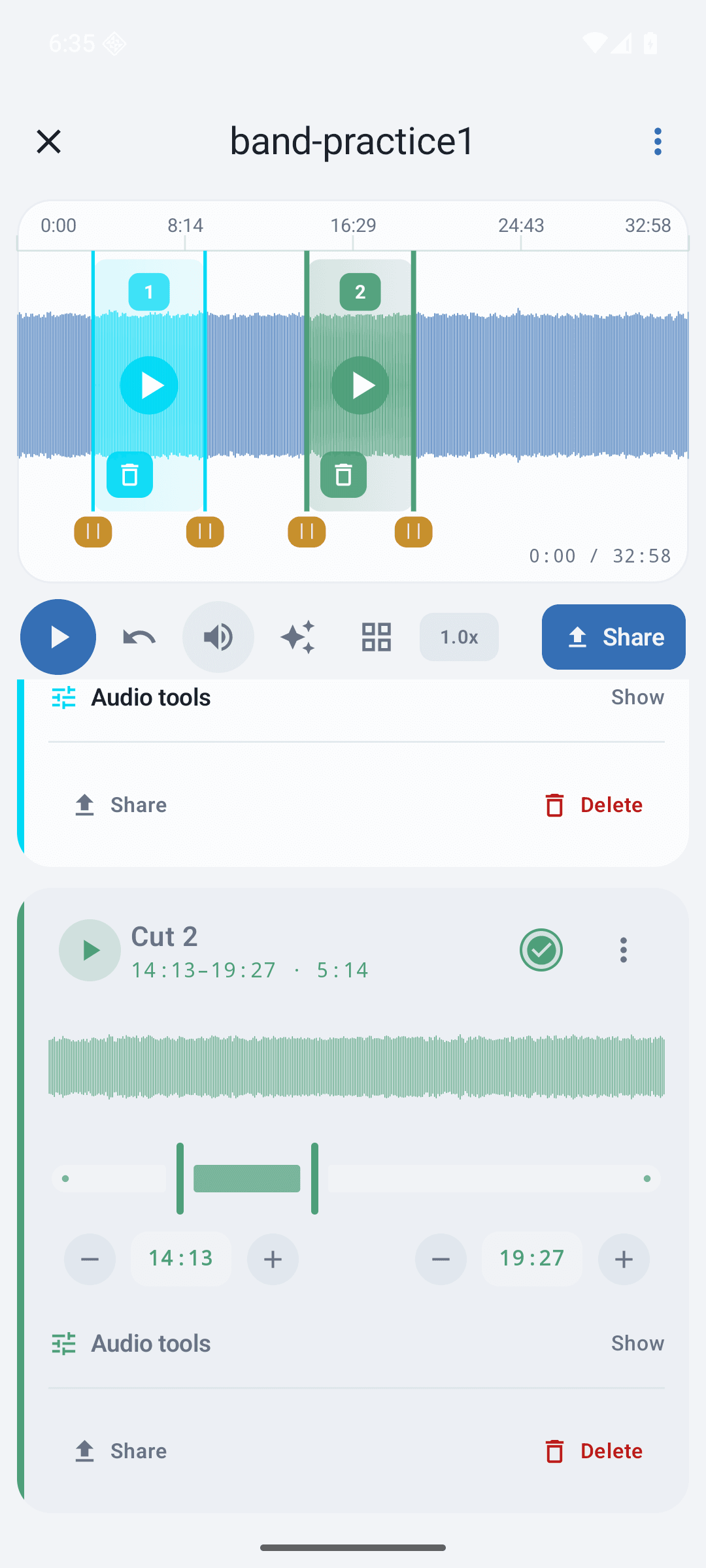
- Drag on the waveform to make several clips.
- Preview and fine-tune each clip before exporting.
- Share finished clips to Messages, WhatsApp, Telegram, or Files.
How joining works
Enter the Google account on your phone, join the tester group with it, then open Google Play and tap Become a tester. Until you tap it, the app won't show up for you on Google Play.
If you need help or want your signup removed, use the Android support page.