
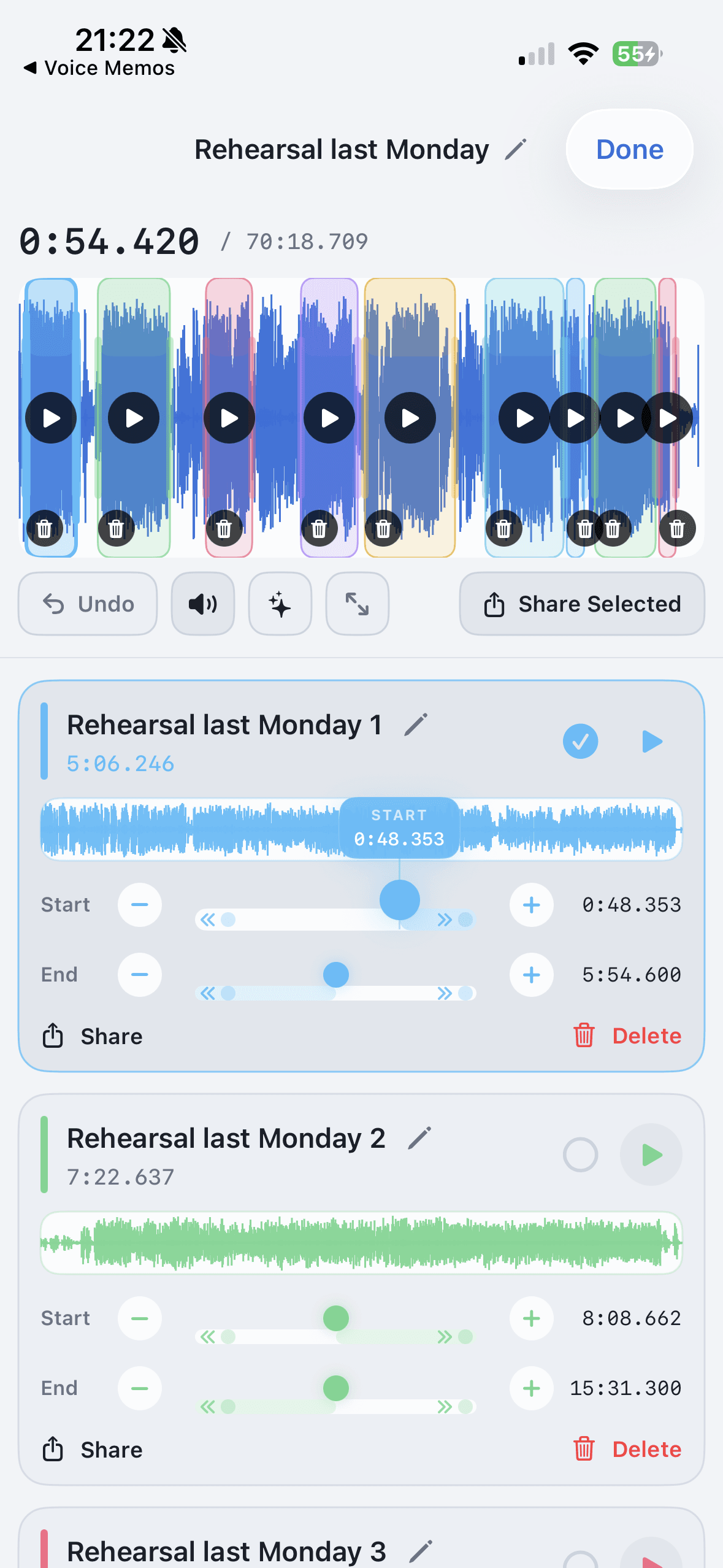
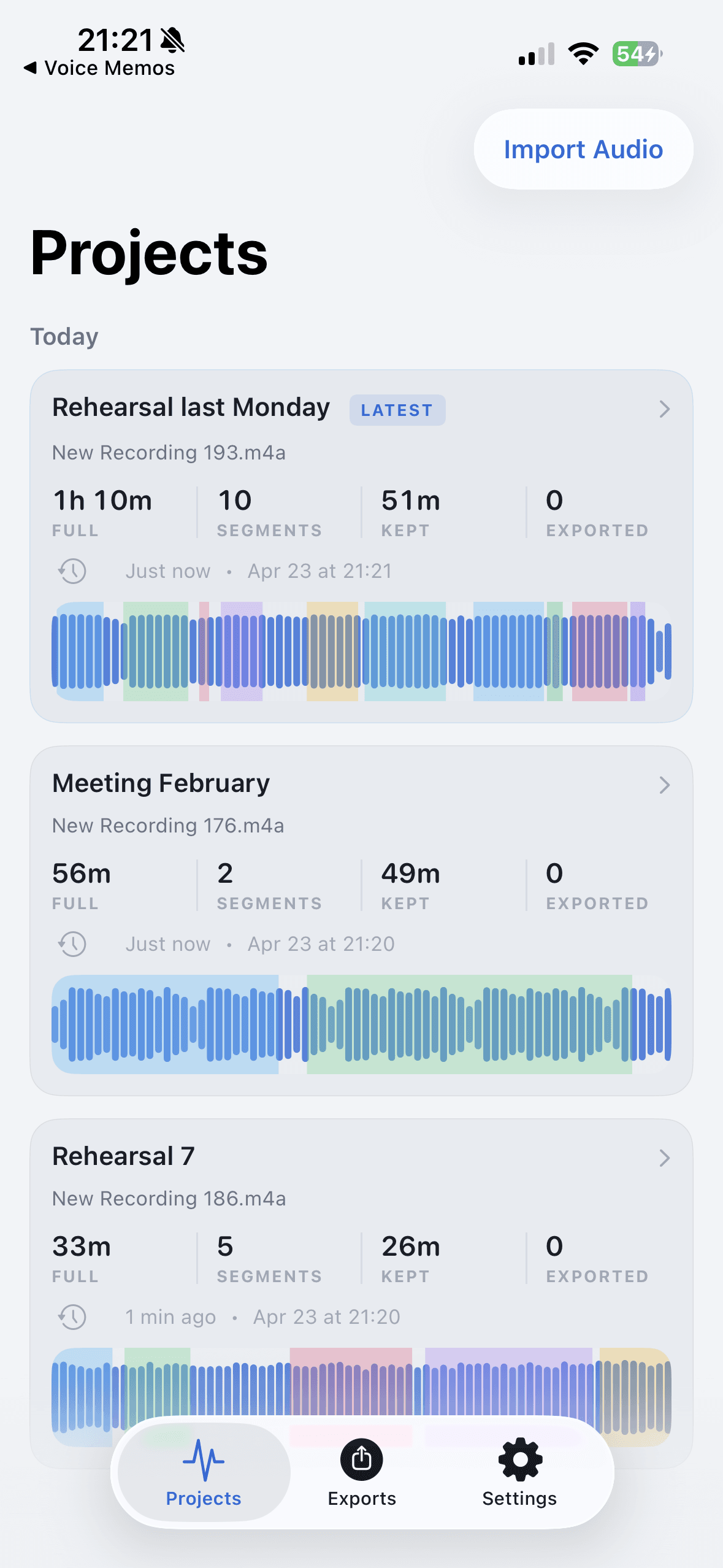
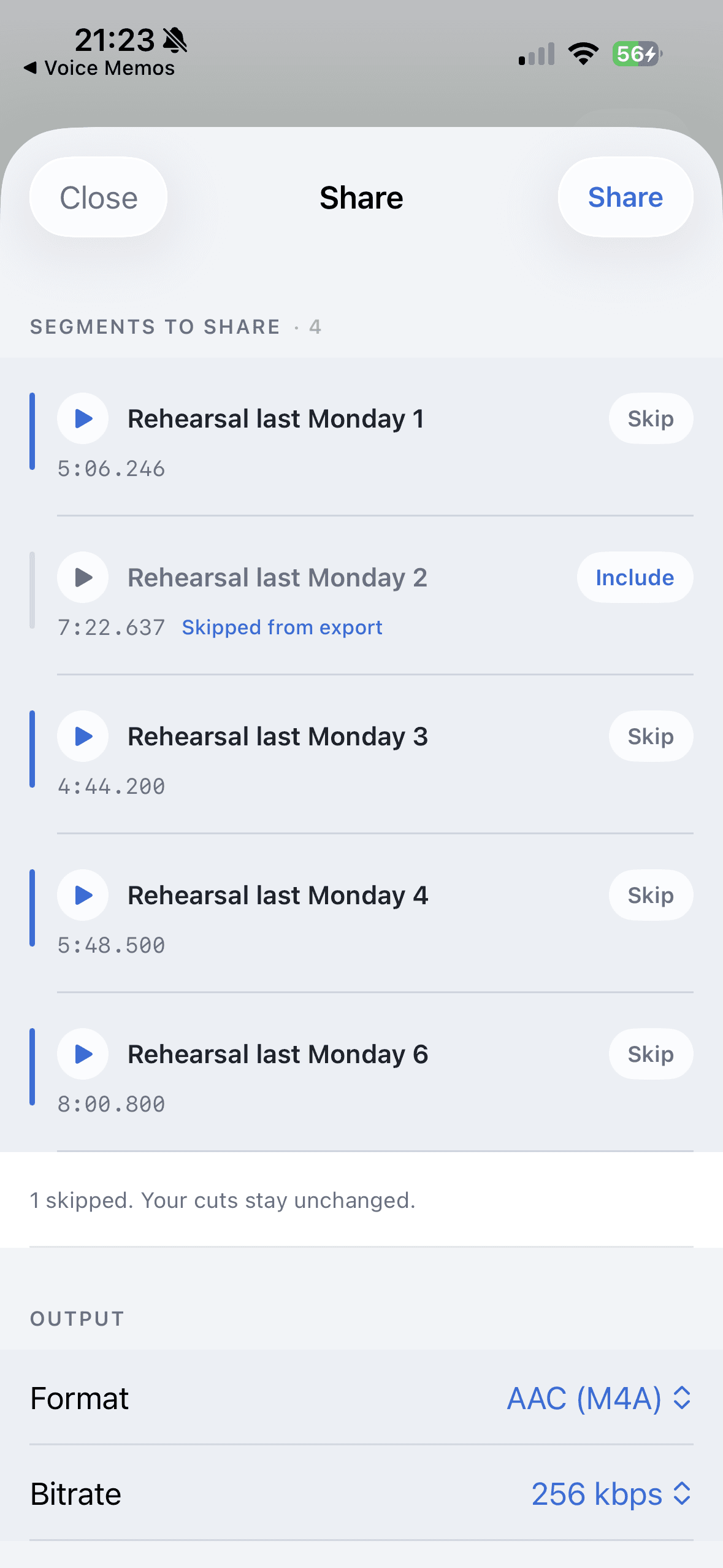
Voice Memos is great for capturing the recording. GarageBand is great when you want a music production workspace. Ferrite and Hokusai are closer to traditional audio editors. AudioMultiCut iOS is focused on one thing: import a long recording, split or merge the parts worth keeping, preview the edges, export, and share.
That focus matters. Most people are not trying to mix an album on their phone. They are trying to turn one messy recording into files they can send, save, or listen to later without learning a production app.
Best fit by iPhone audio task
| Task | Best fit | Why |
|---|---|---|
| Record a quick note | Voice Memos | It is already on the phone and gets you into recording quickly. |
| Split a rehearsal, lecture, meeting, or Voice Memo into clips | Segments, boundary preview, export, and sharing are central to the app. | |
| Merge several audio files into one export | The app is designed for import, merge, preview, export, and saved projects. | |
| Build a song with instruments and tracks | GarageBand | A music production workspace makes sense for composition or multitrack production. |
| Detailed spoken-word editing on a traditional timeline | Ferrite or Hokusai | A timeline editor can be the better fit when you want a fuller manual editing environment. |
What AudioMultiCut changes
AudioMultiCut skips the production timeline and asks a more practical question: which parts of this recording should become files?
That is why it feels different for long Voice Memos, rehearsal tapes, classes, interviews, and sample chains. The app keeps projects organized, lets you preview the beginning and end of each segment, and exports MP3 or WAV when the clips are ready.
When another tool is still better
Use Voice Memos when you just need to record. Use GarageBand when you are composing or arranging music. Use a more traditional editor when you need deep manual editing, effects, or a timeline built for production.
Use AudioMultiCut when the recording already exists and the annoying part is turning it into usable clips. That is the part Voice Memos does not try to solve.
FAQ
Does AudioMultiCut replace Voice Memos?
No. Voice Memos is still a good recording app. AudioMultiCut is the better next step when that recording needs to become several clips or a merged export.
Is AudioMultiCut a full music production app?
No. It is focused on splitting, merging, previewing, exporting, and sharing recordings. Use GarageBand or a desktop DAW for full production work.
More recording workflows
Long recording in, useful clips out
How to Split Long Recordings on iPhone with AudioMultiCut
A step-by-step iPhone workflow for splitting Voice Memos, rehearsals, lectures, meetings, and live recordings into clean MP3 or WAV clips.
Merge iPhone recordings without moving to a desktop
How to Merge Audio Files on iPhone with AudioMultiCut
Use AudioMultiCut iOS to combine recordings into one clean export for lessons, rehearsals, voice notes, sample chains, and shared listening.
Technical guide to iPhone recordings, codecs, and export time
M4A vs MP3 for iPhone Voice Memos: What You’re Actually Recording
A technical guide to iPhone Voice Memos: what the .m4a file really is, what Apple’s built-in microphones are actually doing, and why exporting to MP3 takes real CPU time.
Long messages get heard when they arrive in pieces
How to Send a Long Voice Memo in Parts
When a voice memo is too long to send or too long to expect anyone to play, split it into parts on your phone and share them together.
Related pages and tools
Try the focused iPhone workflow
Download AudioMultiCut for iPhone when you need long recordings to become clean clips or merged exports without a studio learning curve.