
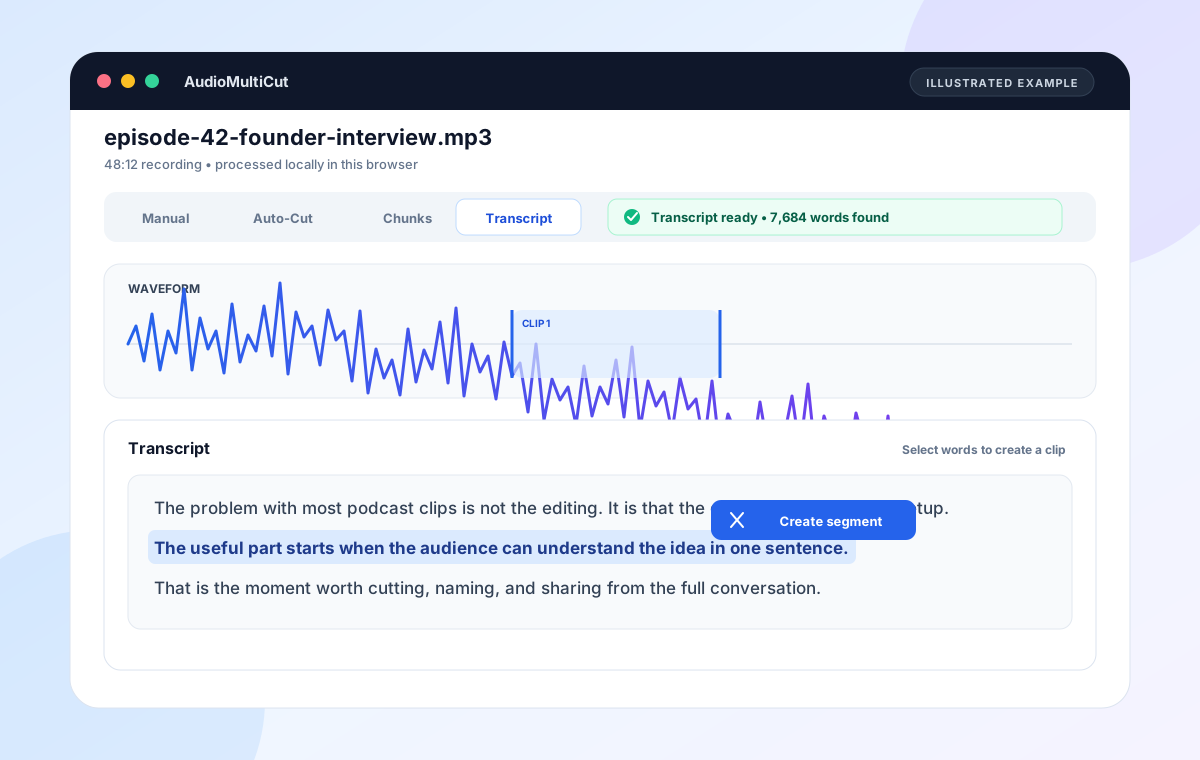
Choose AudioMultiCut when you have an existing English recording and want a private, local transcript to help find and cut audio passages. Choose Descript when the transcript is the main podcast or video editing surface. Choose Otter when the job is meeting transcription, summaries, action items, and shared notes. Choose Riverside when recording remote podcasts or interviews, speaker-aware transcripts, captions, and production belong in one cloud workflow.
These products overlap on speech recognition, but they are not substitutes in every job. AudioMultiCut is the narrow option: it turns locally detected words into clip boundaries. It does not export a transcript file, identify speakers, write notes, or replace a full podcast production suite.
AudioMultiCut, Descript, Otter, and Riverside compared
| Product | Best fit | How transcription is used | Important tradeoff |
|---|---|---|---|
| AudioMultiCut | Private clip extraction from an existing English recording | Local Whisper finds words and rough timings. Select words to create audio segments, adjust edges, and export clips. | No speaker labels, live capture, team workspace, automatic notes, or TXT/SRT transcript export. Browser and device support vary. |
| Descript | Podcast and video editing where text is the main editor | Imported or recorded media is transcribed into a script. Editing, deleting, or moving text changes the underlying media. | It is a broader project and publishing workflow. Use AudioMultiCut when you only need local clip selection from one file. |
| Otter | Meetings, searchable conversations, summaries, action items, and collaboration | Audio or video files are uploaded and processed into transcripts and AI-powered meeting notes. Otter also supports live meeting workflows. | Imported files use Otter's server workflow and count toward plan limits. It is not primarily a waveform clip-export tool. |
| Riverside | Remote podcast or interview recording with editing, captions, and transcript output | Record or upload, then use speaker-aware transcripts for text-based editing and download TXT or SRT outputs. | It is a cloud recording and production suite. The extra workflow is unnecessary when the file already exists and you only need a few local audio clips. |
Comparison is based on official product and help pages checked on August 21, 2026. Plans and product behavior can change, so verify the current product before choosing a paid workflow.
Pick by the output you need
| Desired result | Best starting point | Reason |
|---|---|---|
| Three audio quotes from a private interview | AudioMultiCut | The source stays local and selected words become separate audio clips. |
| A fully edited podcast episode | Descript or Riverside | Both cover a broader recording, transcript, edit, and publishing workflow. |
| Meeting summary and action items | Otter | Meeting notes and conversation workflows are the center of the product. |
| TXT or SRT transcript download | Descript or Riverside | AudioMultiCut does not currently export transcript or caption files. |
| Live remote guest recording | Riverside | Remote capture and separate recording tracks are part of its podcast workflow. |
| Local transcript navigation without an account | AudioMultiCut | Open the browser workflow, choose a file, and let the local model find words. |
The biggest difference is where the job ends
Speech recognition is only the middle step. The useful comparison is what happens after the words appear. AudioMultiCut turns a selected passage into an audio segment. Descript turns the transcript into an editing document. Otter turns a conversation into meeting knowledge. Riverside connects the transcript to recording, captions, and podcast or video production.
If you choose by the word transcription alone, every product can look similar. Choose by the output: audio clips, edited media, meeting notes, captions, or a publishable transcript.
When AudioMultiCut is the better fit
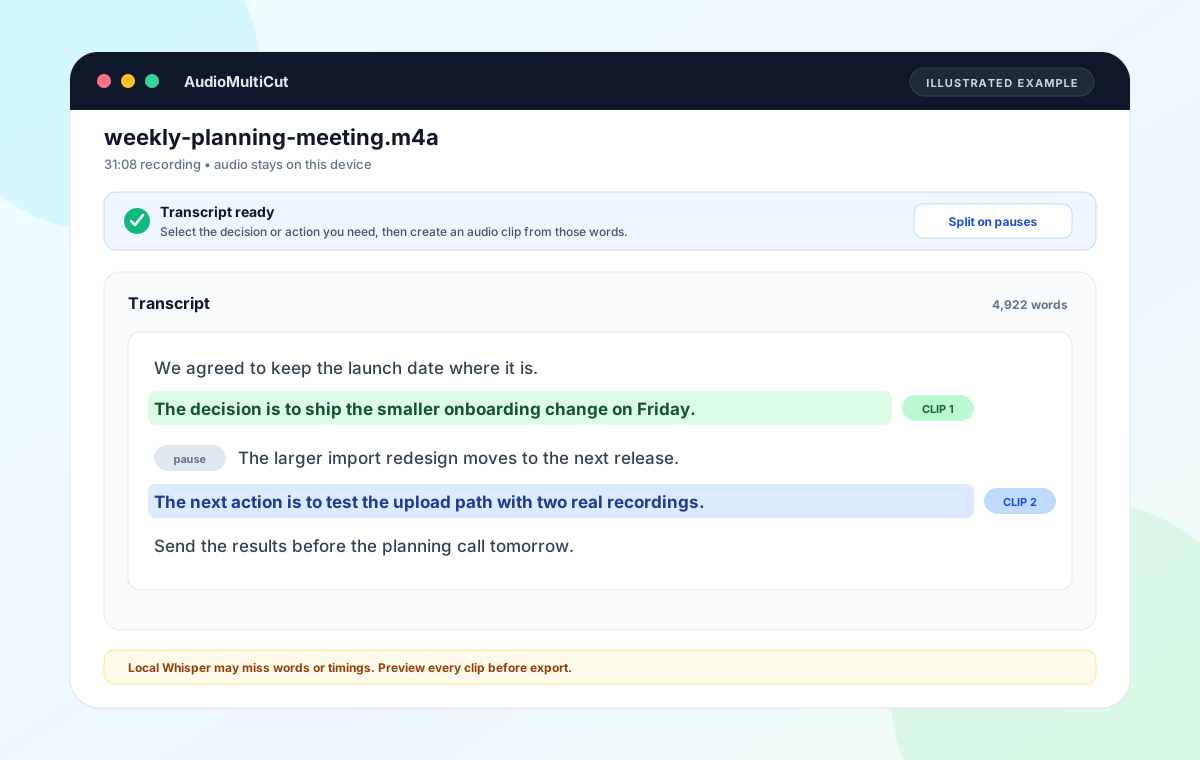
Use AudioMultiCut when the source is already a local file, the speech is in English, and the next action is cutting audio. This fits a podcaster pulling quotes from an interview, a researcher extracting a few answers, or a team sharing only the decision from an existing meeting recording.
The source audio is not uploaded to AudioMultiCut servers for this workflow. The browser downloads the model files, processes the recording locally, and can cache the detected words on the device. That is a narrower privacy boundary than uploading the recording into a cloud project.
When Descript, Otter, or Riverside is worth the bigger workflow
Use Descript when you want to delete, move, or correct media through the transcript and continue into a full podcast or video edit. Its official help describes a script editor where text changes update the underlying media, plus transcript correction and export workflows.
Use Otter when the recording is a meeting and the transcript should become searchable notes, a summary, action items, an outline, or a shared conversation. Otter's current import flow uploads the file, processes it on Otter's servers, and continues even after the upload finishes.
Use Riverside when remote recording, speaker detection, transcript editing, captions, and podcast or video output should live together. Riverside supports transcript and caption downloads and a text-based editor connected to its recording workflow.
The honest limit of local browser transcription
AudioMultiCut uses a small English model so it can run on supported computers without a transcription server. That keeps the workflow local, but the model can be slower and less accurate than larger services. It can miss punctuation, names, speakers, accents, overlapping speech, and words under noise or music.
Do not use the local transcript as a legal record, accessibility caption file, or finished meeting minutes. Use it as a map into the recording. Listen to every selected clip before exporting, and choose a reviewed transcript service when the text itself is the deliverable.
FAQ
Is AudioMultiCut a free Descript alternative?
Only for a narrower job. It can locally transcribe English speech and create audio clips from selected words, but it does not replace Descript's full text-based podcast and video editor, transcript correction, speaker tools, or transcript exports.
Is AudioMultiCut an Otter alternative for meetings?
It is an alternative only when you already have a recording and want to find and cut a few passages locally. It does not join live meetings, generate notes or action items, identify speakers, or provide a shared meeting workspace.
Is AudioMultiCut a Riverside alternative for podcasts?
It can replace the clip-finding step for an existing audio file, especially when local processing matters. It does not replace Riverside's remote recording studio, separate tracks, captions, transcript downloads, or full podcast and video production flow.
Which option keeps the source audio local?
AudioMultiCut's browser Transcript workflow processes the source audio on the device. Descript, Otter, and Riverside describe upload or cloud project workflows on their official pages.
Sources
Official Descript, Otter, Riverside, and Transformers.js pages checked on August 21, 2026. AudioMultiCut behavior was checked against the current browser implementation. No accuracy rankings are claimed.
More audio guides
Podcast transcription for finding and cutting the quote you need
How to Transcribe a Podcast Recording and Cut Audio Clips
Transcribe a podcast recording locally, scan a word-timed transcript, and turn selected quotes into audio clips without uploading the source audio.
Private meeting transcription for an existing recording
Meeting Transcription: How to Transcribe a Recording Privately
Meeting transcription for an existing English recording: find decisions and action items locally, then turn useful passages into audio clips.
Choose chunk lengths that balance accuracy, speed, and review effort
Best Audio Chunk Sizes for Transcription (Whisper, Google, AWS)
How to choose practical segment lengths before transcription so uploads are easier, retries are smaller, and timestamp review stays manageable.
Related pages and tools
Use the local option for transcript-assisted clips
Choose AudioMultiCut when the recording is already on your computer and the goal is to find spoken passages and export audio clips without uploading the source audio.