
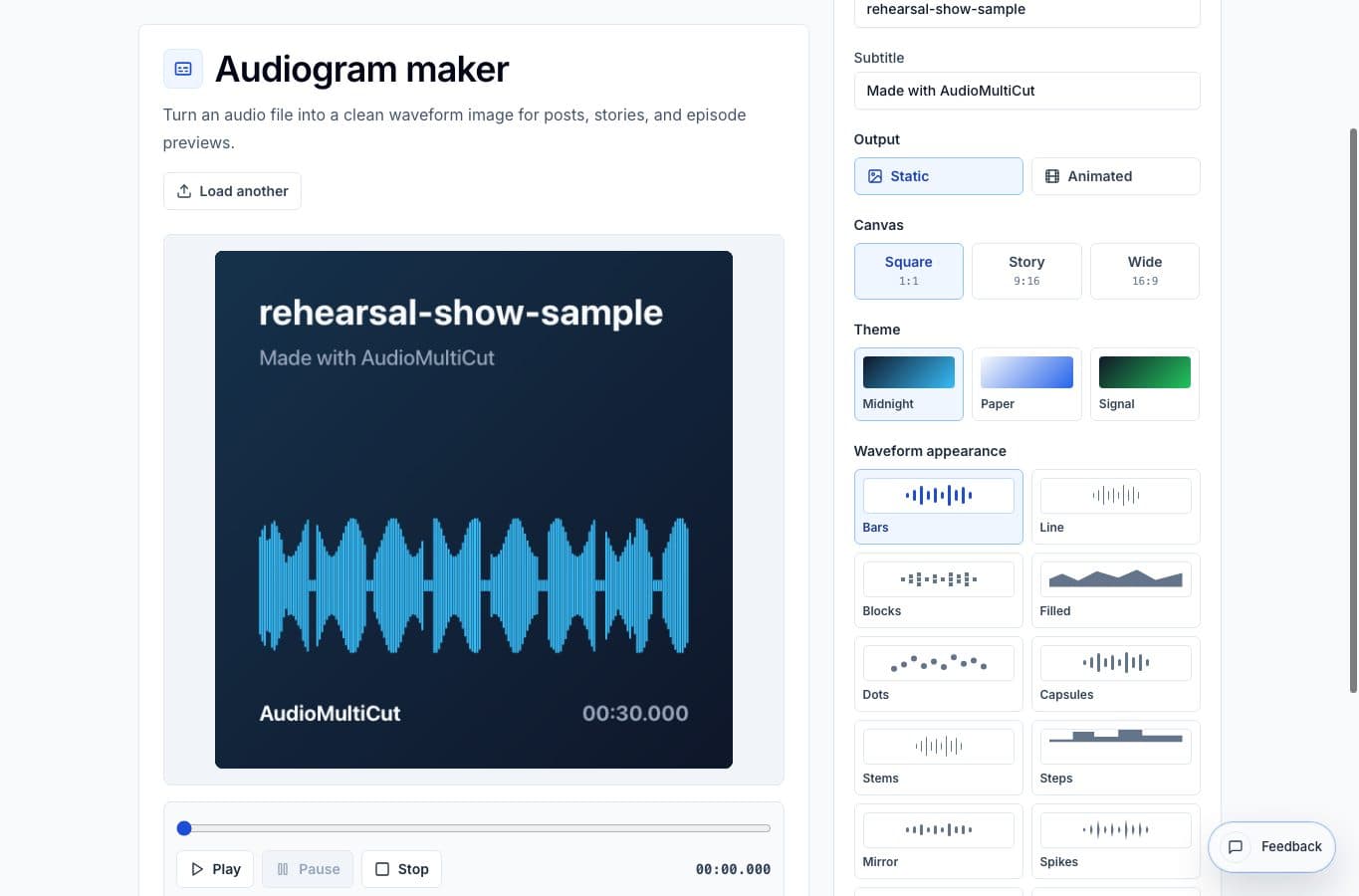
An audiogram is a visual wrapper around an audio clip. If the clip is too quiet, uneven, or hard to hear, the waveform graphic will not fix it. Prepare the audio first, then make the visual.
The clean workflow is to cut the moment, normalize the exported audio if needed, then import that final audio file into the Audiogram Maker.
What to fix before the audiogram
Start with the audio itself. Trim the quote or lesson snippet so it has a clear beginning and ending. If the clip has a long pause or mistake, remove it. If the speaker is too quiet or the clip jumps between loud and soft moments, run it through the Audio Volume Normalizer.
Only move to the visual step after the clip sounds good when played by itself. This avoids the common problem where the design looks polished but the listener has to turn the volume up.
Export, then import
Export the normalized clip as MP3 or WAV, then open the Audiogram Maker and upload that file. Choose square for feed posts, story for vertical social, or wide for embeds and video platforms. Add title text that explains the clip before someone presses play.
The audiogram maker should use the final audio. If you change the edit or loudness later, export the audio again and rebuild the audiogram from the updated file.
When this matters most
This matters most for speech clips: podcast quotes, interview answers, practice reminders, lesson excerpts, team updates, and voice notes. A quiet spoken clip can look fine on screen and still fail when someone plays it from a phone speaker.
For music-focused clips, be more careful with compression and quiet boost. Make the level usable, but do not flatten the dynamics just to make the waveform look bigger.
FAQ
Can I normalize inside the audiogram maker?
The safer workflow is to normalize in the Audio Volume Normalizer first, export the finished audio, then import that file into the Audiogram Maker.
Should I use animated or static audiograms?
Use animated video when the destination should play in-feed with audio. Use static PNG when the audiogram is more like a quote card or newsletter image.
More audiogram guides
Clip first, visual second
How to Make a Podcast Audiogram From a Finished Clip
A practical step-by-step workflow for turning a podcast quote or interview clip into a shareable waveform image or short audiogram.
Make quiet or uneven clips easier to hear
Best Use Cases for an Online Audio Volume Normalizer
When to normalize audio, raise quiet recordings, add light compression, and export a more consistent file without turning the process into mastering.
Turn the finished clip into something people can see
Best Use Cases for an Audiogram Maker
When to turn audio clips into waveform images or short videos for podcasts, interviews, lessons, newsletters, and social posts.
Related pages and tools
Make the clip sound right before designing it
Normalize the finished audio clip, then import that export into the audiogram maker for a square, story, or wide visual.