
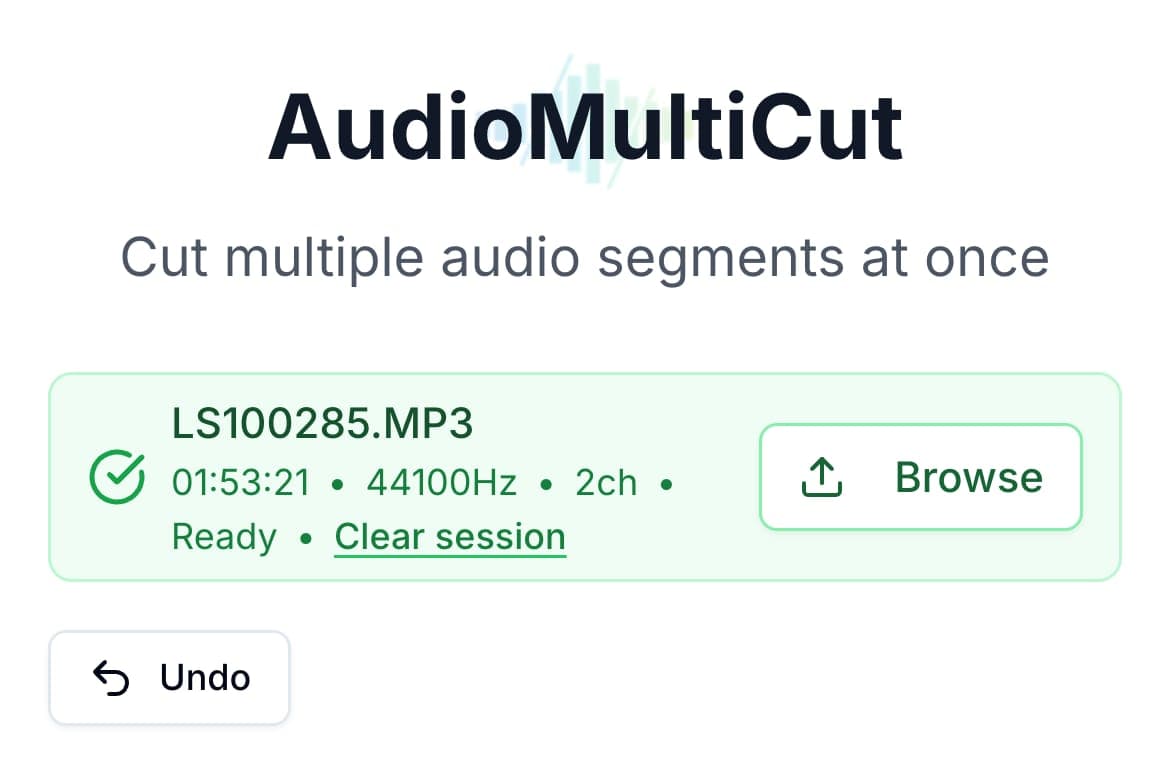
A tool can technically open on a phone and still be miserable to use there. The real question is whether the workflow stays light once your screen is smaller and you just want finished clips.
That is where focused tools win. AudioMultiCut keeps the job to one recording, several clips, fast edge cleanup, and export. That sounds simple, but on phone that simplicity matters because multi-segment audio cutting is usually where heavier editors start to feel frustrating.
Best choice by device context
| Situation | Best fit | Why |
|---|---|---|
| You recorded on your phone and want clips right away | AudioMultiCut | The workflow stays focused on splitting and trimming instead of broader project setup |
| You need deep waveform editing on a desktop | Audacity | Desktop editing power still matters when the cleanup is complex |
| You are editing audio as part of a video project | VEED or Kapwing | Their broader suites make more sense when the job includes visuals |
| You only need one quick trim on any device | AudioMultiCut | The trim workflow stays focused and easy to refine on both phone and desktop |
Why AudioMultiCut works well on phone
AudioMultiCut works well on phone because the workflow stays light. You can take a recording you already made, upload it, split it, and keep moving instead of getting pulled into a bigger project setup.
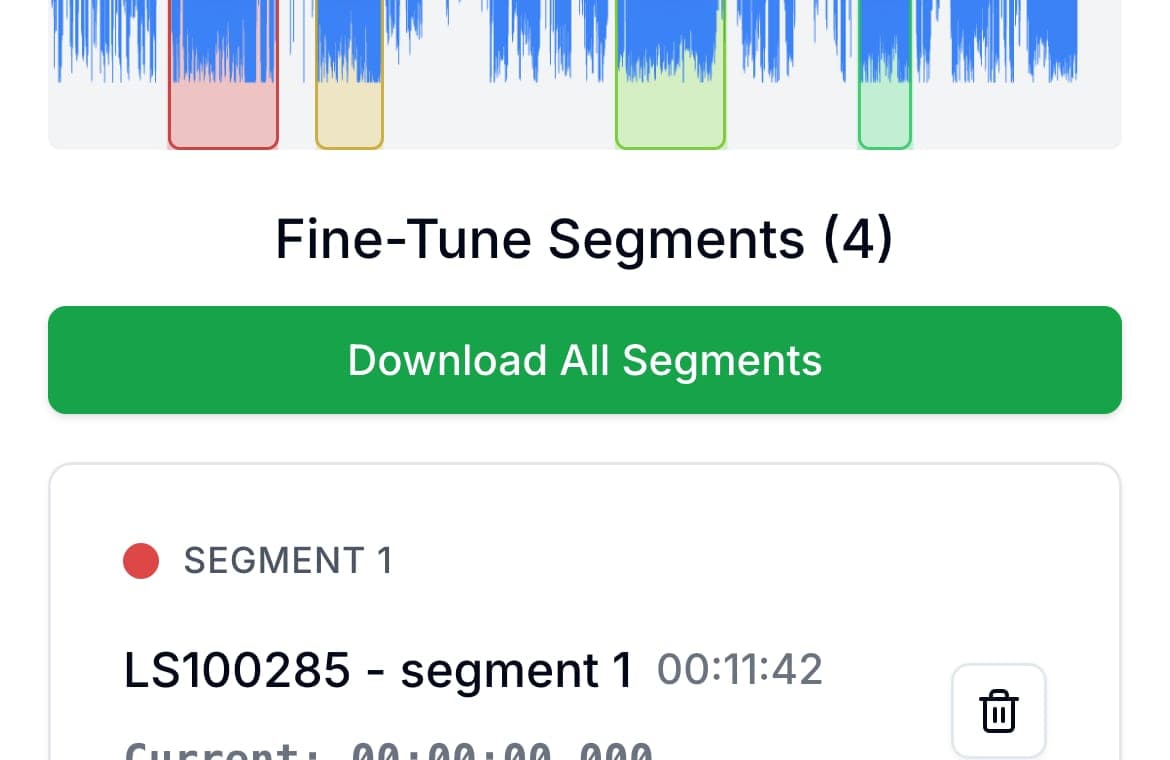
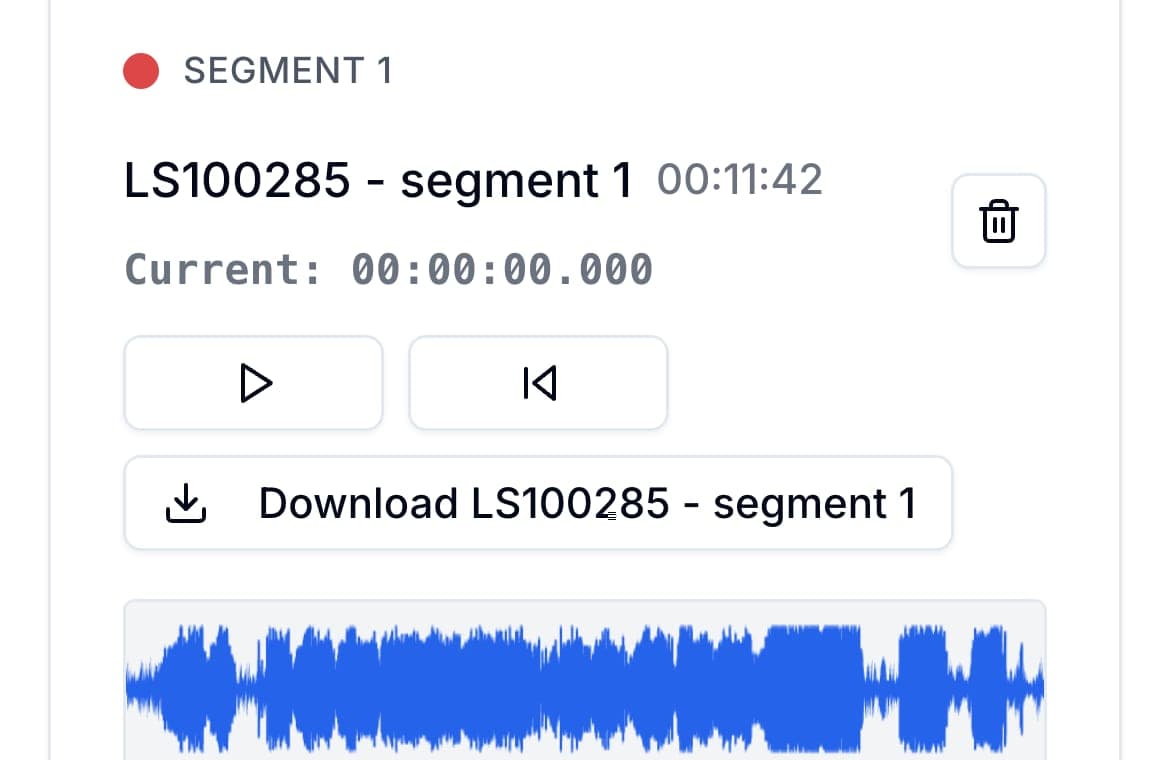
That matters because cutting one long recording into multiple files is surprisingly awkward on mobile in most tools. AudioMultiCut solves that with segment cards: each clip gets its own play, trim, and download controls, so you are not fighting one crowded timeline on a small screen.
Fine-tuning stays practical on touch
This is where the experience really separates. When you nudge a start or end point, AudioMultiCut automatically plays the first or last second you just changed. That instant boundary preview lets you clean up a word, a count-in, or dead air without replaying the entire clip.
On phone, that small loop matters even more. A heavy editor can technically do the job, but repeated trimming on a touch screen becomes slow fast when you have to keep zooming, scrubbing, and replaying. Here the workflow stays close to the exact boundary you are changing.
When desktop still wins
Desktop is still better for deep cleanup, restoration, pitch work, and longer sessions with many editorial decisions. That is where Audacity still earns its place.
The better way to think about it is simple: if the job is splitting and trimming, phone can be enough now. If the job turns into full editing, move to desktop. If it turns into video production, move to a broader suite.
Bottom line
If you want a light workflow that takes an existing recording and turns it into usable clips on phone or desktop, AudioMultiCut is one of the strongest options. It gets you to the finished clips without the process becoming frustrating.
FAQ
Is AudioMultiCut actually usable on a phone?
Yes. It is designed to stay focused on the clipping task, which is why it remains practical on smaller screens instead of feeling like a squeezed-down desktop suite.
When should I move back to desktop?
Move to desktop when the work becomes deep editing, restoration, or longer sessions with a lot of editorial decisions.
What makes AudioMultiCut strong on both mobile and desktop?
The same thing on both: less overhead. The workflow stays centered on the waveform, the clips, and quick export instead of on a large project environment.
Sources
Official product pages checked on August 9, 2026.
More recording workflows
Compare audio cutters by friction, learning curve, and time to useful result
Audio Cutter Comparison Table: Features, Privacy, Ads, and Speed
A practical comparison of AudioMultiCut, Audacity, VEED, Kapwing, Clideo, and random free cutters based on the things that affect real audio splitting work.
Compare audio cutters by real jobs, speed, and frustration level
Best Audio Cutter Alternatives for Splitting Long Recordings
The best audio cutter depends on the job. This guide compares AudioMultiCut with the biggest alternatives through 10 common real-world use cases, including how each one handles the work and how long it typically takes.
Chapter a lecture on your phone without turning it into a desktop project
How to Split Lecture Recordings Into Chapters on Your Phone
A phone-first workflow for turning one long lecture into topic-based chapters that are easier to review, study, and share.
Related pages and tools
Try the workflow that stays easy on any screen
Upload a recording on phone or desktop and see how the focused trimming flow holds up without the usual interface bloat.