
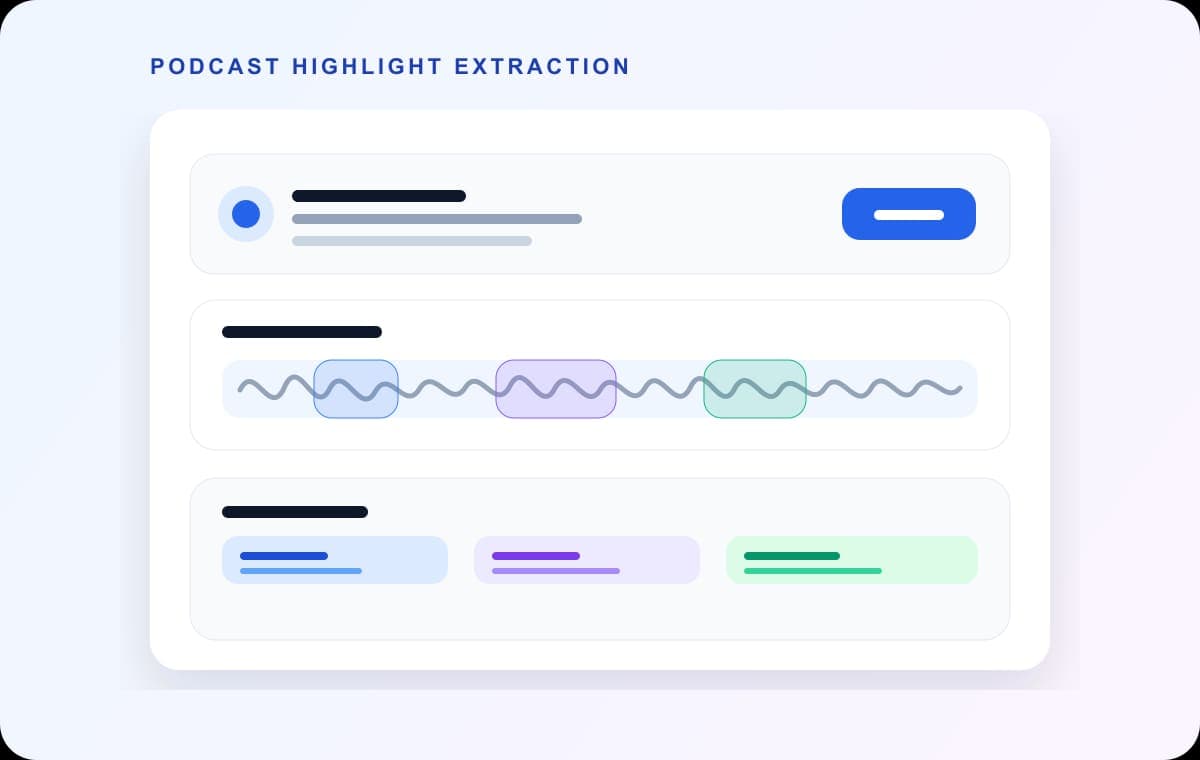
To get the sermon out of a full service recording, mark where it starts and ends, add segments for any songs or announcements you also want, and export each part as its own file. In AudioMultiCut you do it on one waveform in the browser, so it works on whatever computer the media volunteer has that week.
Most churches publish the sermon on its own, as a podcast episode or on the website, because few people listen to a 90-minute service from start to finish online.
What to cut and where it usually goes
| Part | Typical use | Tip |
|---|---|---|
| Sermon | Podcast feed, website, YouTube audio | Start a few seconds before the speaker begins and end after the closing line, not mid-applause. |
| Scripture reading | Keep with the sermon or publish separately | If the reading introduces the sermon, include it in the same file. |
| Worship songs | Internal review, team practice | Check licensing before publishing songs. Many churches keep these internal. |
| Announcements | Weekly email or social clip | Short, so export as MP3 to keep the file small. |
Publishing recorded worship songs online usually needs a streaming or podcast license that covers the songs. Check your church's licenses before posting songs.
Steps: split a service recording
Everything runs in the browser. The audio is decoded locally and is not uploaded to AudioMultiCut servers.
- Export the service audio from your mixer, recorder or livestream software (MP3, WAV or M4A all work).
- Open audiomulticut.com and load the file.
- Run Auto-Cut with the Live Show or Lecture Chapters preset for a first pass. Gaps between songs and the start of the sermon are usually clear breaks.
- Find the sermon and adjust its start and end by ear. Remove cuts that fall inside it.
- Mark any other parts you want, such as the announcements, and delete segments you do not need.
- Name the files with the date and title, for example 2026-10-04 sermon - Title, so your archive sorts by date.
- Export as MP3 for podcast and web use, and download all parts at once.
Before you publish
Check the level of the sermon file. Service recordings taken from the mixer are often quiet. AudioMultiCut's volume normalizer can raise the level evenly before you upload.
If you publish as a podcast, use the same naming pattern every week and add the speaker and passage to the episode description.
Other ways to do it
A desktop editor such as Audacity or a DAW can do the same job and adds noise reduction and compression, which helps if the room recording is rough.
Some livestream platforms let you clip the video after the stream. That works if you only need the video. For an audio sermon file, cutting the audio directly is quicker.
FAQ
How do I get just the sermon from a service recording?
Load the recording in an audio cutter, mark the start and end of the sermon, and export that segment. In AudioMultiCut you can mark the other parts at the same time and export them all together.
Can we post the worship songs online too?
Only if your licenses cover streaming or podcasting those songs. Many churches publish the sermon and keep songs internal.
Does it work on a Chromebook or an old laptop?
Yes, it runs in the browser with no install. Very long recordings need enough free memory, so close other heavy tabs first.
Is the recording uploaded anywhere?
No. The website cuts the audio locally in your browser. The file is not uploaded to AudioMultiCut servers.
More recording workflows
Raise the useful parts, protect the loud parts
How to Make Quiet Audio Louder Without Blowing Out the Peaks
A practical workflow for raising quiet recordings while avoiding clipping, pumping, and harsh compression.
Built for long files
How to Split a 2-Hour Recording Into Clips
Long recordings are where most audio tools give up. How to turn a two-hour rehearsal, lecture, or interview into usable clips in one browser session.
Related pages and tools
Split this week's service
Load the service recording, mark the sermon and any other parts you want, and export them all together.