
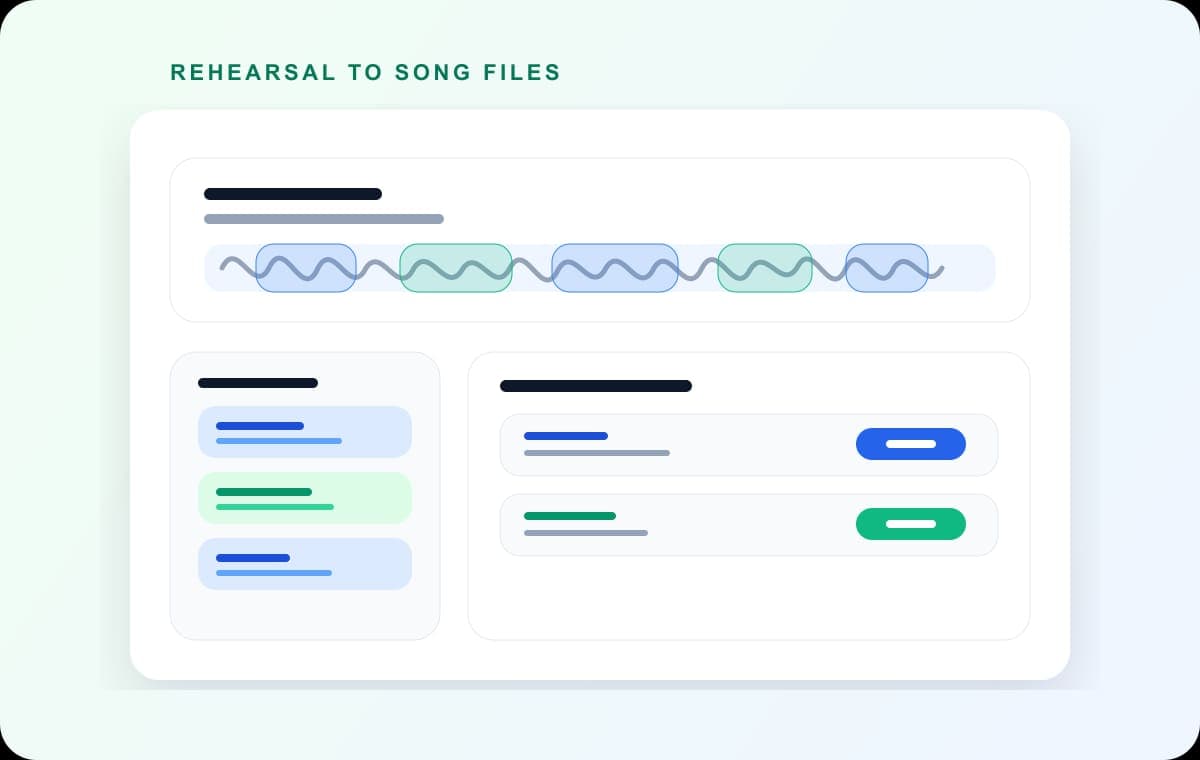
A two-hour recording splits the same way a two-minute one does in AudioMultiCut: open it, mark the segments, export. There is no length tier to hit and no upload, since the file is processed locally in your browser. The real work in a long file is finding the boundaries, and that is what Auto-Cut is for.
Two-hour files are common and badly served. Band rehearsals, lectures, live sets, board meetings, oral history interviews: the recorder ran the whole time, and somewhere in there are the eight or ten pieces that matter. Tools with upload steps and length limits make you solve their problem before you can solve yours.
Video transcript
Three hours of rehearsal in one file. Somewhere in there are the ten minutes you actually want. Don't scrub through it by ear. Open Audio Multi Cut in your browser, drop the file in, and press Auto-Cut. It looks for the quiet gaps between songs, or questions, or agenda items, and proposes the segments for you. Usually within seconds. There is no length limit, because nothing is uploaded. Your own device does the work, so the real ceiling is its memory, and two or three hours is fine on a normal modern machine. Now check the cuts. Click into a segment and play its start and its end. Nudge an edge that came early or late. Delete the stretches of noise between pieces, and drag out anything it missed. If the pieces have quiet passages inside them, and Auto-Cut is cutting too often, raise the minimum silence length. Live recording with a crowd? Crowd noise can hide the silences, so loosen the threshold, and expect to fix a few boundaries by hand. When it sounds right, export everything in one batch, as M P 3 or WAV. Need equal pieces for a transcription tool instead? Use split into equal chunks. Otherwise, let Auto-Cut do the first pass. It's free, in your browser, and on the iPhone app.


Let Auto-Cut do the first pass
On recordings over a few minutes, run Auto-Cut. It scans for the silences between songs, questions, or agenda items and proposes segments around them. On a two-hour rehearsal that usually means the songs land as segments within seconds of opening the file, and your job shrinks to reviewing boundaries instead of hunting through 120 minutes by ear.
The detection parameters are adjustable. If your recording has quiet passages inside pieces (a soft verse, a pause mid-answer), raise the minimum silence duration so those do not trigger cuts.
Review the boundaries, then export once
Click into each proposed segment and preview its start and end. Nudge the edges where the detection was early or late. Delete segments of noise between songs, and drag out any section the detection missed. Since previews are local, checking a boundary takes a second, and checking twelve of them stays quick.
Export at the end, in one batch. Each segment becomes its own MP3 or WAV file. Encoding happens on your machine at roughly 20x realtime for MP3, so a full two-hour recording's worth of clips finishes in a few minutes, and short clips are near-instant.
If you need equal pieces instead
Some long-file jobs want regular chunks rather than musical boundaries: transcription services with length caps, review workflows where each person takes thirty minutes. Use Split into equal chunks, choose a duration or a number of parts, and export. Chunk boundaries land mid-word by nature, so keep this mode for machine consumers and use Auto-Cut when a person will listen to the pieces.
On iPhone, the AudioMultiCut app handles long recordings the same way, with auto-cut and batch export. Recordings over 10 minutes need the Unlimited subscription.
FAQ
Is there a maximum file length?
No fixed one. Processing is local, so the ceiling is your device's memory rather than a service tier. Two-to-three-hour recordings work on typical modern hardware.
How long does splitting a 2-hour file take?
Opening and detection take seconds to a couple of minutes depending on your device. Most of your time goes to reviewing boundaries. Batch MP3 export runs at roughly 20x realtime.
Can Auto-Cut find songs in a live recording with crowd noise?
Sometimes. Crowd noise between songs can mask the silence that detection relies on. Loosen the silence threshold, and expect to add or adjust some boundaries manually.
More recording workflows
Get a clean first pass from Auto-Cut, then polish the edges before exporting
How Auto-Cut Works in AudioMultiCut and How to Get Clean Results
A practical guide to the Auto-Cut beta in AudioMultiCut: which preset to pick, how the silence-based detection actually decides where to split, and the final touches to do before you export.
Turn one rehearsal file into useful song files without the usual cleanup pain
How to Split Band Rehearsal Recordings Into Individual Songs
A practical workflow for taking one long rehearsal recording and turning it into clean song files your band can actually review and share.
Choose chunk lengths that balance accuracy, speed, and review effort
Best Audio Chunk Sizes for Transcription (Whisper, Google, AWS)
How to choose practical segment lengths before transcription so uploads are easier, retries are smaller, and timestamp review stays manageable.
Related pages and tools
Split a long recording
Upload a real recording and see how fast the split-and-preview workflow feels on your own material.