
A video editor can make an audiogram, but that does not mean it is the best tool for the job. A full editor is powerful when you need scenes, subtitles, overlays, and motion timing.
An audiogram maker is better when the audio clip is already finished and the output is a simple waveform visual for a feed, story, newsletter, or episode page.
Which workflow fits?
| Need | Better choice | Reason |
|---|---|---|
| A podcast quote card with a waveform | The layout is audio-first and quick to export. | |
| A social clip with B-roll and captions | Video editor | You need timeline control and visual layers. |
| A voice memo teaser for a newsletter | A static or simple animated visual is enough. | |
| A launch video with brand motion | Video editor | The visual system matters more than the waveform. |
Where the audiogram maker is faster
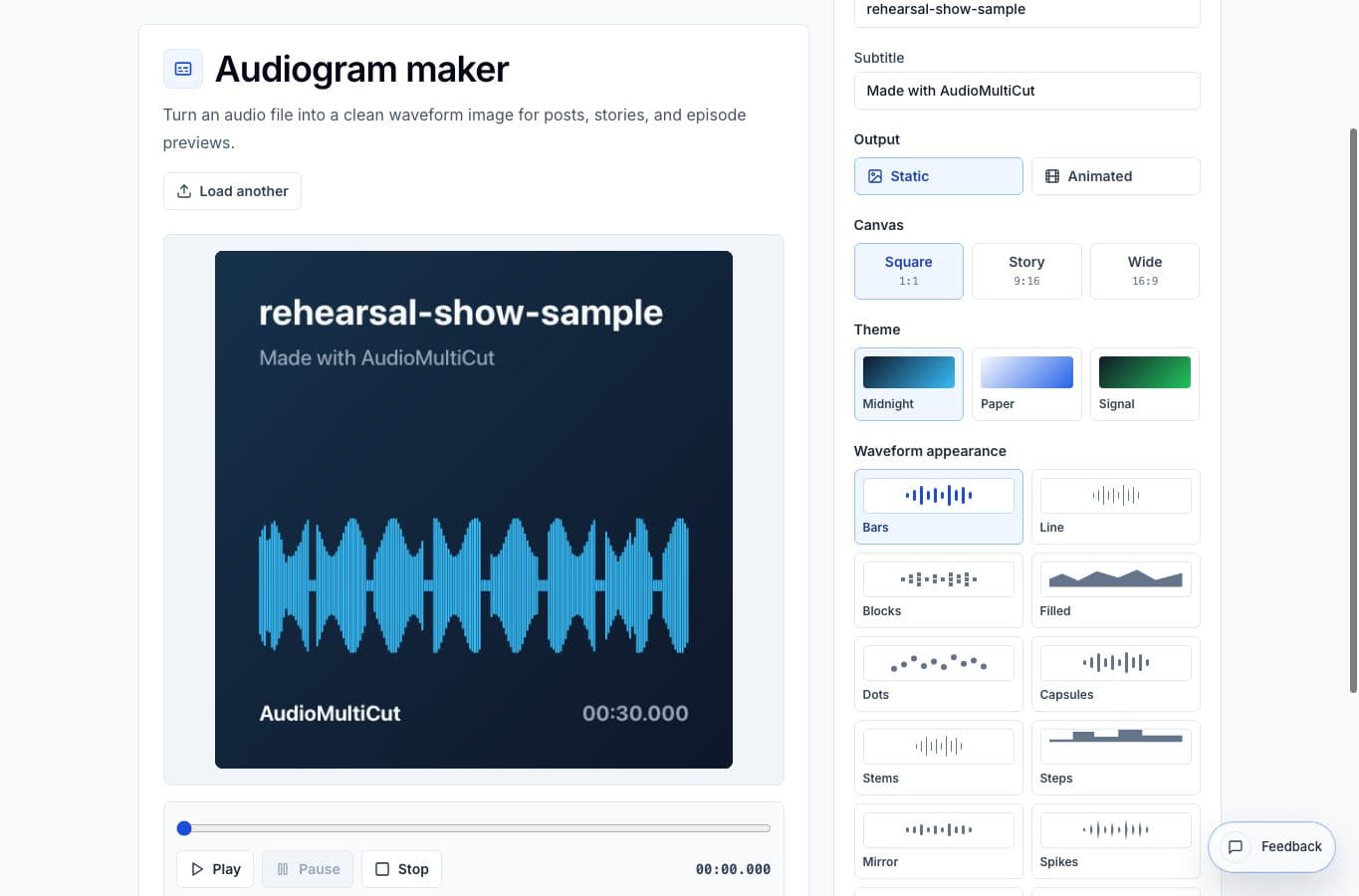
It removes timeline setup. Load the audio, choose the canvas size, edit the title, pick a waveform style, and export. That is a good fit when you need several small assets from finished clips.
It also keeps the audio as the main object. In a video editor, it is easy to spend most of the time arranging graphics when the actual goal is just making the sound shareable.
Where a video editor is better
Use a video editor when the post needs captions, cuts to footage, transitions, brand templates, or precise animated typography. A focused audiogram tool is not meant to replace that kind of production.
The practical split is simple: audiogram maker for clean audio visuals, video editor for designed video pieces. Mixing them up can make a small job take wierdly long.
More audiogram guides
Turn the finished clip into something people can see
Best Use Cases for an Audiogram Maker
When to turn audio clips into waveform images or short videos for podcasts, interviews, lessons, newsletters, and social posts.
Simple waveform visuals versus full creator suites
Best Audiogram Maker Alternatives for Podcast and Voice Clips
Compare AudioMultiCut's audiogram maker with Headliner-style tools, Canva, video editors, social apps, and manual design workflows.
Clip first, visual second
How to Make a Podcast Audiogram From a Finished Clip
A practical step-by-step workflow for turning a podcast quote or interview clip into a shareable waveform image or short audiogram.
Related pages and tools
Make the clip visual without a full timeline
Use the audiogram maker when the clip is ready and only needs a clean waveform visual.