
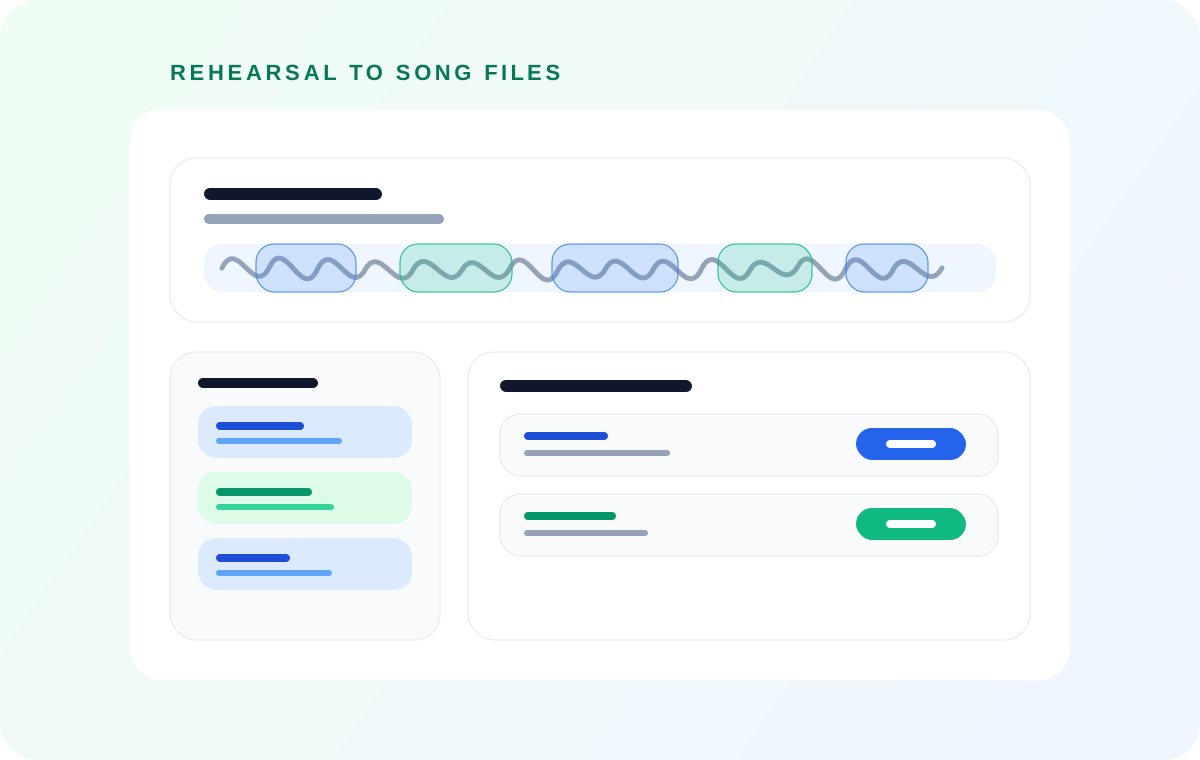
A transcript helps you find what someone said. Band Practice Notes aims to turn rehearsal discussion into song-based decisions, instructions, and open questions. Keep the audio clips when the thing to remember is how the band actually played. These outputs answer different questions, so choose the one your next practice needs.
AudioMultiCut's optional iPhone cloud feature processes selected audio to produce a transcript and rehearsal notes. It is separate from ordinary local splitting, the Telegram bot's quiet-gap detector, and the browser's local transcript selection workflow. Generating notes is not required to cut or share songs.
Choose the record of practice you need
| Output | Question it answers | What to check |
|---|---|---|
| Transcript | What words were spoken, and where? | Names, musical terms, overlapping voices |
| Band Practice Notes | What changed for each song, and what remains undecided? | Whether a suggestion became a decision |
| Song clips | How did that take sound? | Starts, endings, and the take you meant to keep |
A useful note keeps the outcome of the conversation
Consider this invented teaching example, not a customer transcript: someone proposes a quiet intro, another person asks whether the drums enter on the second round, and the band agrees to try that arrangement. A transcript preserves the exchange. A useful rehearsal note records the proposed entrance and whether it was agreed or still needs trying.
The Band Practice Notes workflow is designed to organize comments by song and retain concrete details such as sections, instruments, structure, endings, and unresolved disagreements. Song titles and timing can still be tentative. A guessed title should be checked against the recording rather than treated as identification of a released song.
Use a transcript when exact wording matters
If you need a quote, an unfamiliar chord name, or the words surrounding a timestamp, start with the transcript and listen to the source. Music under speech, room echo, and several people talking at once make recognition harder. A polished note can hide those uncertainties unless you check the passage it came from.
For an English spoken recording where your goal is selecting quotes into clips, AudioMultiCut's supported browser transcription workflow can build a local word-timed transcript and turn selected words into audio segments. That local tool does not provide the iPhone cloud rehearsal-note workflow. Choose the processing path before sending private audio anywhere.
Keep a short review checklist for generated notes
Read song names and timestamps first. Then check every claimed decision, arrangement change, and unresolved question against the relevant audio. A suggestion, a joke, and an agreed instruction can use similar words. Keep those distinctions in the version you share with the band.
A practical handoff contains the reviewed note and the corresponding song clip. The note tells an absent bandmate what to work on; the clip lets them hear it. Automatic Telegram song delivery moves audio into the group, but does not by itself generate or post a reviewed rehearsal summary.
- Confirm song names and the order of takes.
- Listen again where the notes mention a disputed change.
- Keep open questions open instead of converting them into instructions.
- Share the reviewed version alongside the relevant audio.
Cloud processing is a separate choice
Band Practice Notes requires starting the cloud feature and consenting to the selected-audio upload. Availability, recording limits, and AI access are shown in the app before processing. Ordinary editing or a lifetime export purchase should not be read as a promise of unrestricted cloud AI processing.
If the rehearsal contains material that must stay on the phone, keep local song clips and write the notes manually. If you choose cloud notes, check the result before sharing it. AI cannot recover a musical decision that nobody said clearly enough to hear.
FAQ
Does splitting a rehearsal automatically create Band Practice Notes?
No. Audio splitting and the optional cloud notes feature are separate actions. You can export songs without requesting notes.
Are rehearsal notes a word-for-word transcript?
No. Notes aim to summarize song-related decisions and open questions. Use the transcript and source audio when exact wording matters.
Does the Telegram split command transcribe the recording?
No. Direct Telegram splitting uses quiet gaps or equal-duration ranges. It does not generate the Band Practice Notes output.
Sources
Output structure, consent, and product boundaries checked against AudioMultiCut's cloud notes, local transcription, and Telegram implementations on October 16, 2026. The arrangement example is illustrative; no transcript accuracy benchmark is claimed.
More audio guides
Record on one iPhone and deliver completed songs to the band chat
Automatically Share iPhone Rehearsal Songs to Telegram
Connect AudioMultiCut on iPhone to a Telegram group, enable completed-song sharing, and understand Wi-Fi queues, delays, and privacy.
Sharing takes, repairing a recording, and building an arrangement are different jobs
AudioMultiCut vs Audacity vs GarageBand for Rehearsals
Compare splitting rehearsal takes, desktop cleanup, and multitrack arrangement. Choose by the files you need, with official Audacity and Apple sources.
Podcast transcription for finding and cutting the quote you need
How to Transcribe a Podcast Recording and Cut Audio Clips
Transcribe a podcast recording locally, scan a word-timed transcript, and turn selected quotes into audio clips without uploading the source audio.
Related pages and tools
Start with the songs you need to review
Keep a local rehearsal project and choose optional cloud notes only when you need a written record too.