
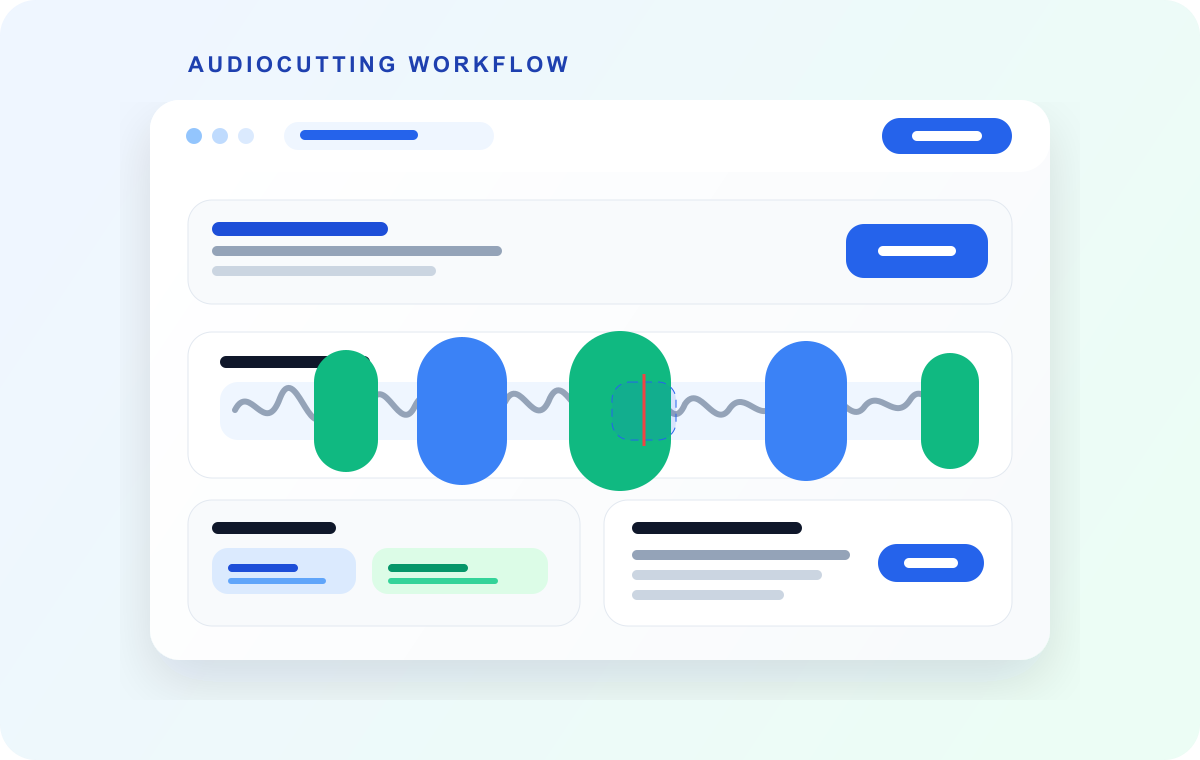
AI can do the slow part of splitting audio: finding where the cuts should go in a long recording. In AudioMultiCut, Auto-Cut scans for the silences between songs, questions, or sections and proposes segments around them, which turns two hours of hunting into a few minutes of reviewing. What it should not do is make the final call, because where a clip starts is a judgment about what the clip is for.
It helps to know which technique is doing the work, because the label AI covers several different things in audio tools, with different strengths and different privacy implications.
Video transcript
Can AI split my audio for me? Yes. The slow part. AI can find where the cuts should go in a long recording. What it shouldn't do is make the final call. Because where a clip starts is a judgment about what the clip is for. The label AI covers several different techniques in audio tools, with different strengths, and different privacy paths. Let's look at the ones doing the work. First: silence detection. The reliable workhorse. In AudioMultiCut, Auto-Cut measures where the audio drops below a threshold, for long enough, and treats that as a boundary. It runs locally. It works in any language. And it's very good at the recordings people actually split. Rehearsals, lectures and interviews all pause between their natural sections. On a two-hour file, that turns two hours of hunting into a few minutes of reviewing. Its blind spot is continuous audio. A DJ set with no gaps has no silence to find. On tricky files, give the settings thirty seconds. A longer minimum silence stops soft passages inside a song from triggering cuts. Second: word detection. For finding what was said. On supported devices, AudioMultiCut can run Whisper speech recognition locally, in the browser. It helps when you're looking for the moment someone said a specific thing. Because it's local, the audio still doesn't leave your machine. The catch: it depends on your device, browser and storage. It can be slow, or unavailable, on weaker hardware. Treat it as a search aid, not a guarantee. Third: where your ears still win. Detection finds candidate boundaries. It doesn't know that the first four bars are a false start. It doesn't know that a question and its answer belong in one clip. Or that the applause should stay on the end of the song. Reviewing boundaries, with instant preview, is the part that stays human. And it's fast, precisely because the automation already did the searching. What about bigger AI jobs? AudioMultiCut offers optional cloud features, like practice-note generation and stem separation. Those upload only the audio you select, only when you start them. They're separate from the core local cutter. And splitting by speaker? Speaker separation is a cloud-scale job that the local editor doesn't attempt. For that, run the recording through a transcription service with diarization, note the timestamps, and cut at those points in AudioMultiCut. So, can AI split your audio? It can take the first pass. Let Auto-Cut find the gaps. Use word detection to find the moment. Then listen, and decide. AudioMultiCut. Let Auto-Cut take the first pass, free, at audiomulticut.com
Silence detection, the reliable workhorse
Auto-Cut is signal analysis: it measures where the audio drops below a threshold for long enough and treats that as a boundary. It runs locally, works in any language, and is very good at the recordings people actually split, since rehearsals, lectures, and interviews all pause between their natural sections. Its blind spot is continuous audio, like a DJ set with no gaps, where there is no silence to find.
The parameters are worth thirty seconds of attention on tricky files: a longer minimum-silence setting stops soft passages inside songs from triggering cuts.
Word detection, for finding what was said
On supported devices, AudioMultiCut can run Whisper speech recognition locally in the browser to find spoken words in a recording, which helps when you are looking for the moment someone said a specific thing. Being local, the audio still does not leave your machine. The catch: it depends on your device, browser, and storage, and it can be slow or unavailable on weaker hardware. Treat it as a search aid rather than a guarantee.
Where your ears still win
Detection finds candidate boundaries; it does not know that the first four bars are a false start, that a question and its answer belong in one clip, or that the applause should stay on the end of the song. Reviewing boundaries with instant preview is the part of the workflow that stays human, and it is fast precisely because the automation already did the searching.
AudioMultiCut also offers optional cloud AI features for bigger jobs, such as practice-note generation and stem separation. Those upload only the audio you select, only when you start them, and they are separate from the core local cutter.
FAQ
Can AI split a recording into songs automatically?
Auto-Cut handles this well when songs have gaps between them, which covers most rehearsal and live recordings. Expect to review the proposed boundaries and adjust a few.
Does using Auto-Cut upload my audio?
No. Silence detection and the optional Whisper word detection both run locally. Only the separate, opt-in cloud AI features upload selected audio.
Can AI split audio by speaker?
Speaker separation is a cloud-scale job that the local editor does not attempt. For speaker-based splitting, run the recording through a transcription service with diarization, note the timestamps, and cut at those points in AudioMultiCut.
More recording workflows
Get a clean first pass from Auto-Cut, then polish the edges before exporting
How Auto-Cut Works in AudioMultiCut and How to Get Clean Results
A practical guide to the Auto-Cut beta in AudioMultiCut: which preset to pick, how the silence-based detection actually decides where to split, and the final touches to do before you export.
Built for long files
How to Split a 2-Hour Recording Into Clips
Long recordings are where most audio tools give up. How to turn a two-hour rehearsal, lecture, or interview into usable clips in one browser session.
After the voice is generated, make it usable in the real edit
How to Split ElevenLabs and AI Voice Generator Audio Into Clips
A practical workflow for cutting AI-generated voiceovers from ElevenLabs, Speechify, Murf, PlayAI, LOVO, and other voice-generator tools into sentences, lines, words, and production-ready clips.
Related pages and tools
Let Auto-Cut take the first pass
Upload a real recording and see how fast the split-and-preview workflow feels on your own material.