
People use Signal because they care where their messages travel. That standard should survive the editing step: uploading a private voice note to a random online cutter defeats the point of sending it over Signal in the first place. AudioMultiCut cuts audio locally, in your browser or in the iPhone app, so the recording stays on your device from Signal to the cut and back to Signal.
The job itself is the usual one: a voice note that runs long, an attachment cap somewhere in the chain, or a recipient who only needs two minutes of a twenty-minute message.
Video transcript
You chose Signal for a reason. So why would you upload a private voice note to a random online cutter? The job is usually simple. A voice note runs long, an attachment hits the size cap, or someone only needs two minutes of a twenty-minute message. AudioMultiCut cuts audio locally, in your browser, or in the iPhone app. From Signal, to the cut, and back to Signal, the recording stays on your device. Step one. Save the voice message. On iPhone, share it into the app. On Android, save the attachment. On desktop, save it from Signal Desktop. Step two. Mark the parts on the waveform, and preview the boundaries. Step three. Export MP3, and attach the parts in the chat. They arrive as audio attachments, not push-to-talk voice notes. They play inline, and each one keeps its filename. So name them well. If an attachment fails to send, it's almost always the size cap. Split it into smaller parts, or export MP3 instead of WAV. In disappearing-message chats, the timer applies to attachments too. Save your own copy first. The editor decodes, previews, cuts and exports on your own machine. No uploads. No account. Nothing kept afterward. A recording worth end-to-end encryption deserves an edit that stays on your device. AudioMultiCut. Split audio privately, at audiomulticut.com
Save, cut, send back
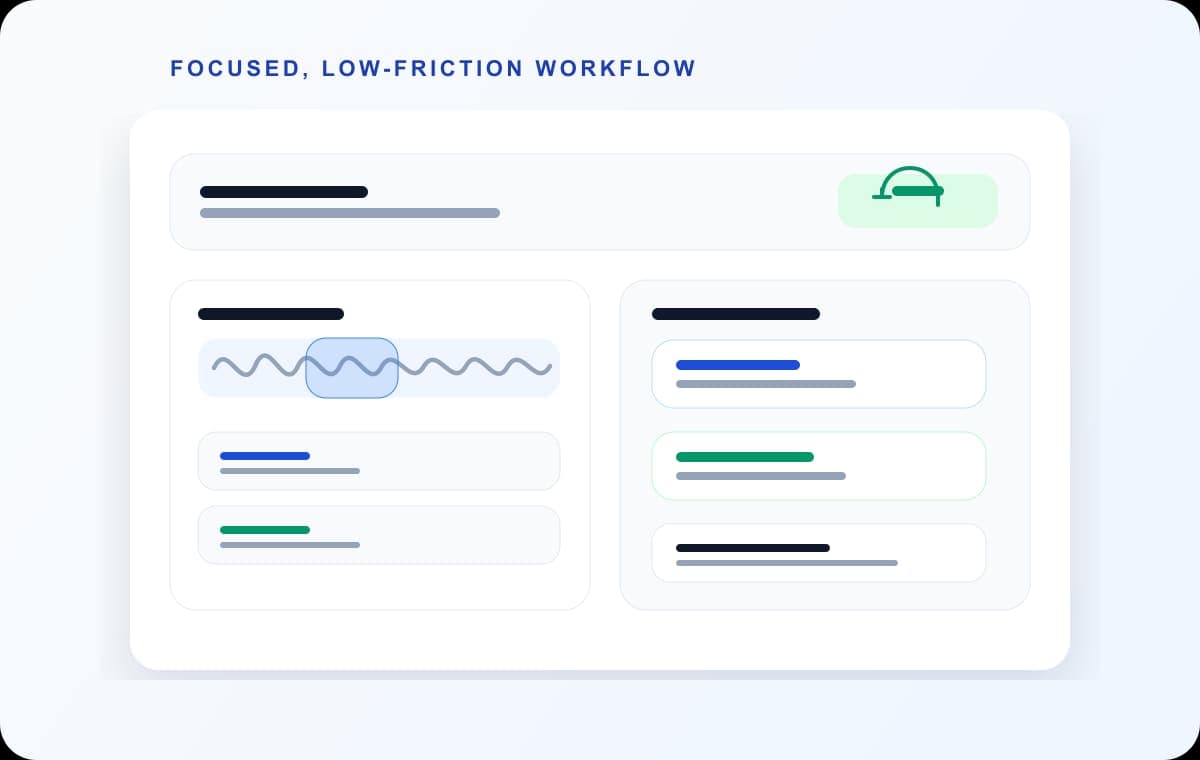
Save the voice message from Signal: on iPhone, share it to Files or straight into the AudioMultiCut app; on Android, save the attachment and open audiomulticut.com in the browser; on desktop, save the file from Signal Desktop. Mark the parts on the waveform, preview the boundaries, and export MP3. Then attach the exported files in the Signal chat.
Sent this way, the parts arrive as audio attachments rather than push-to-talk voice notes. They play inline, and each carries its filename, which is where a clear name earns its keep.
What stays local
AudioMultiCut's editor decodes, previews, cuts, and exports on your own machine. The audio makes no trip to a server during editing, there is no account, and nothing is retained anywhere afterward beyond the files you saved. For a recording that was worth end-to-end encryption in transit, this is the matching way to edit it.
Signal-specific notes
Signal caps attachment sizes and shows an error when a file is over; splitting into parts brings each under the cap without touching quality settings. Disappearing-message chats apply their timer to attachments too, so if the recording matters beyond the conversation, save your copy outside Signal before the timer runs.
FAQ
Can I edit a voice note inside Signal?
No. Signal records and plays voice messages but does not edit them. Cut the audio outside and send the result back.
Is cutting the audio in a browser safe for private recordings?
It is when the tool processes locally. AudioMultiCut's editor keeps the audio on your device through the whole edit; nothing is uploaded.
Why did my audio attachment fail to send?
Almost always the size cap. Split the recording into smaller parts, or export MP3 instead of WAV, and it will go through.
More recording workflows
Generous file limits do not make long audio listenable
How to Send a Long Voice Message on Telegram
Telegram handles big files better than most chat apps, but long voice messages still arrive as one unplayable block. Splitting them on your phone fixes that.
The upload error has a two-minute fix
How to Send Long Audio on Discord
Discord's upload cap cuts off long recordings fast. Split the audio into parts under the limit and post them in order instead.
The whole message, a few files at a time
How to Send a Long Voice Message on Messenger
Messenger cuts voice recordings short and rejects big audio files. Split the recording on your phone and send the parts so the whole message gets through.
Sent as files, the parts stay in the thread
How to Send Long Audio in iMessage
iMessage audio messages were built for seconds, not lectures. Send long recordings as split files instead, straight from your iPhone.
The file can stay on your machine
How to Split an Audio File Without Uploading It
Cutting audio in the browser does not require sending the file to a server. How local processing works, why it is faster, and how to check whether a tool actually does it.
From voice message to shareable clips
How to Cut a WhatsApp Voice Message
Save the voice note, cut or trim the part you need in your browser or the iPhone app, and send it back to the chat as an MP3. Free, and nothing is uploaded.
Long messages get heard when they arrive in pieces
How to Send a Long Voice Memo in Parts
Recording too big to send? Split it into parts in your phone browser on Android or in the iPhone app, then share all the parts at once.
Related pages and tools
Split audio privately
Upload a real recording and see how fast the split-and-preview workflow feels on your own material.