
iMessage audio messages, the ones recorded by holding the waveform button, are designed for quick replies: by default they expire from the conversation two minutes after being played unless the recipient taps Keep. A long recording deserves better handling. Record it in Voice Memos, split it into parts with the AudioMultiCut app, and send the parts as files in the thread, where they persist like any other attachment.
This is the cleanest of all the messaging-app cases because everything happens on the iPhone with Apple's own share sheet: Voice Memos to AudioMultiCut to Messages, three apps and no computer.
The three-step loop
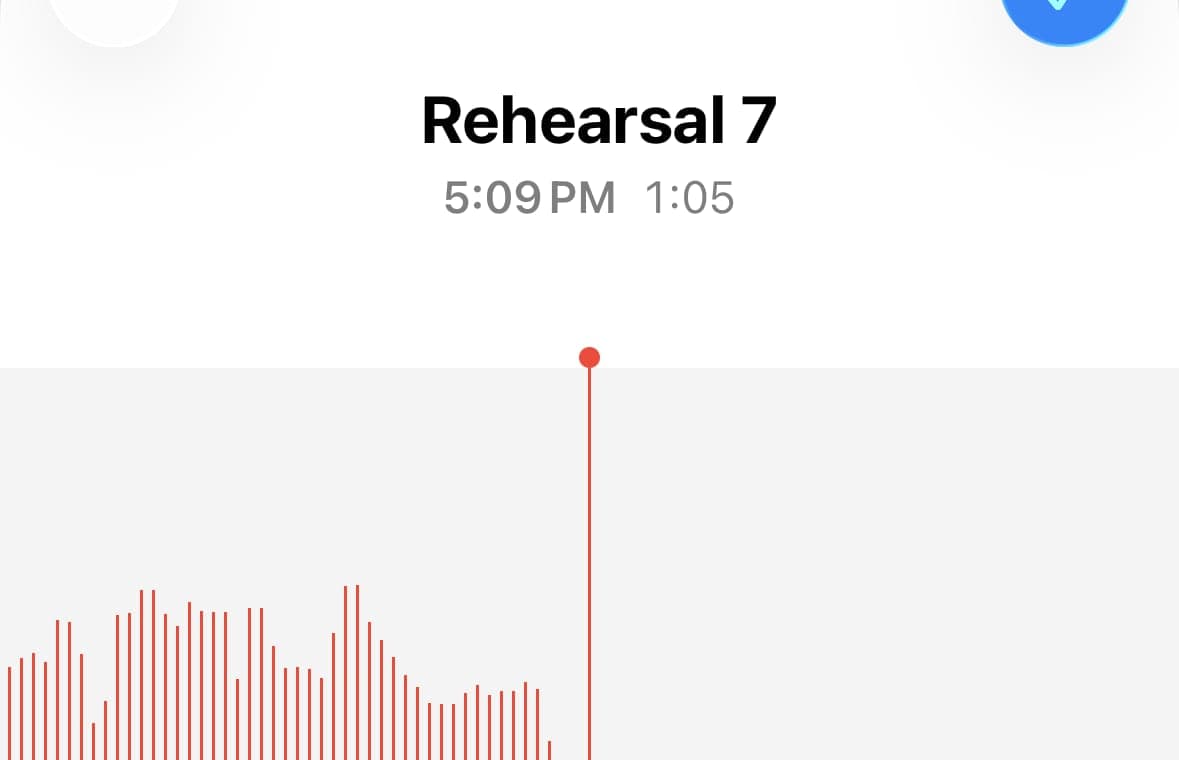
Record in Voice Memos, as long as needed. Share the recording to AudioMultiCut, mark a segment per topic or song, preview the boundaries, and batch-export. Then share the exported files to Messages; they land in the thread as audio attachments that play inline and stay there. The app is free for recordings up to 10 minutes; AudioMultiCut Unlimited covers longer ones.
For a big batch, sharing to Files first and sending from there also works, and keeps a copy organized outside the conversation.
Why files beat audio messages for long content
Beyond expiry, audio messages give the listener one undifferentiated stripe of sound. Named files give them a map: Rehearsal - Song 3, Grandpa's story - the war years, Lecture - week 4, enzymes. The recipient plays what they need, keeps what matters, and AirDrops a part onward without forwarding your entire recording.
When the recipient is on Android
The thread becomes SMS/MMS or RCS, and carrier limits on media are tighter and less predictable than iMessage's. Small MP3 parts travel best. For long recordings headed to Android, WhatsApp, Telegram, email, or a shared link is usually the kinder route, and the same split files work in all of them.
FAQ
Why do iMessage audio messages disappear?
By default they expire two minutes after being played unless the recipient taps Keep, a setting under Messages in iOS Settings. Audio sent as a file attachment does not expire this way.
Can I send a Voice Memo directly in iMessage?
Yes, and for a short memo that is fine. For long recordings, splitting first means the parts persist, carry names, and can be played selectively.
Does this need a computer?
No. Voice Memos, AudioMultiCut, and Messages complete the whole job on the iPhone.
More recording workflows
Generous file limits do not make long audio listenable
How to Send a Long Voice Message on Telegram
Telegram handles big files better than most chat apps, but long voice messages still arrive as one unplayable block. Splitting them on your phone fixes that.
The upload error has a two-minute fix
How to Send Long Audio on Discord
Discord's upload cap cuts off long recordings fast. Split the audio into parts under the limit and post them in order instead.
Editing should be as private as the messenger
How to Send a Long Voice Message on Signal
Signal keeps messages private but gives you no way to edit a long voice note. Cut it locally, so the audio stays as private as the chat, then send the parts.
The whole message, a few files at a time
How to Send a Long Voice Message on Messenger
Messenger cuts voice recordings short and rejects big audio files. Split the recording on your phone and send the parts so the whole message gets through.
Long messages get heard when they arrive in pieces
How to Send a Long Voice Memo in Parts
Recording too big to send? Split it into parts in your phone browser on Android or in the iPhone app, then share all the parts at once.
The recording is on the phone, so the editing should be too
How to Split a Voice Memo Without a Computer
The whole job, from Voice Memos to shared clips, on the phone itself. For iPhone with the AudioMultiCut app, and for any phone with the browser editor.
The format your phone records should be the format your cutter accepts
How to Split M4A Files and Voice Memos Into Separate Clips
M4A is what iPhones record, and most cutters handle it badly. Here is how to split M4A recordings in the browser or right on your phone, free and private.
Related pages and tools
Split audio on your iPhone
Upload a real recording and see how fast the split-and-preview workflow feels on your own material.