
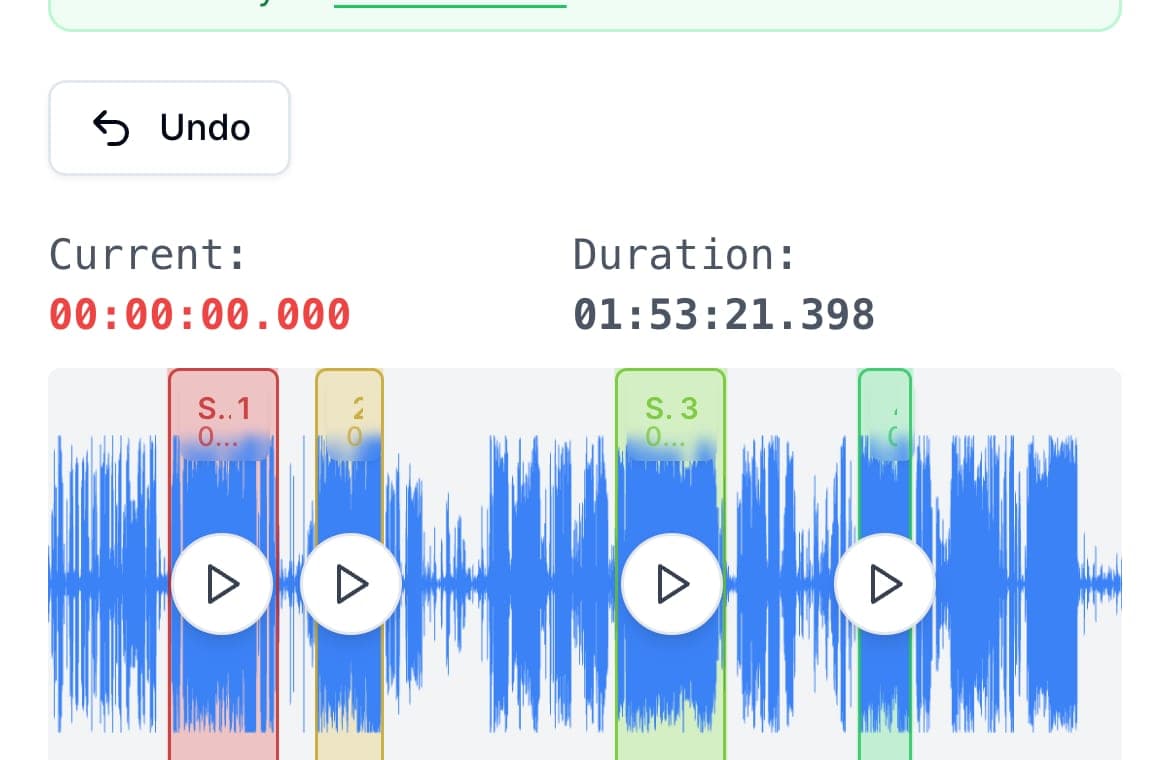
Splitting a voice memo does not require moving it to a computer. On iPhone, share the memo to the AudioMultiCut app and cut it there; on Android or any phone, open audiomulticut.com in the browser and do the same job. Either way the recording stays on the device, gets marked up on a waveform, and comes out as separate clips ready to share.
The desktop detour is a habit from when phones could not do this: AirDrop the memo to a laptop, find an editor, export, send the files back. Each transfer is a place to lose quality, lose the file, or lose patience. Phones have been able to run a real waveform editor for years now.
On iPhone, with the app
From Voice Memos, tap Share on the recording and pick AudioMultiCut. The waveform opens, and you mark segments the same way as on desktop: drag, preview the edges, adjust. Auto-cut finds the silences in longer memos. Export the clips and send them through Messages, WhatsApp, Telegram, AirDrop, or Files, several at once if needed. Projects are saved, so a half-finished edit keeps until you return.
The app is free for recordings up to 10 minutes. AudioMultiCut Unlimited, a monthly subscription, covers longer recordings, with Apple showing the local price before purchase.
On any phone, with the browser
The web editor at audiomulticut.com runs in mobile browsers, free, with no account. Load the file from your phone's storage, split it, and download the clips. Processing is local, so the memo is not uploaded to a server. On Android this pairs naturally with the file manager. The Android app is in closed beta.
What a phone screen changes
Less than you might expect. Precise boundary work benefits from zooming into the waveform, which touch actually makes pleasant. The one real constraint is memory on older devices with multi-hour files; if a very long recording struggles on an old phone, split it in a desktop browser once and do the finer cutting on the phone.
FAQ
Can I split an iPhone voice memo directly in Voice Memos?
Voice Memos can trim the ends of a recording and delete sections, but it does not split one memo into several files. To split a voice memo into parts, share it to AudioMultiCut.
Do I need to install anything on Android?
No. The browser editor at audiomulticut.com does the full job. The Android app is in closed beta, and you can join the Android beta to test it.
Where do the exported clips go?
From the iPhone app, wherever you send them with the share sheet, including Files. From the browser, into your phone's normal downloads location.
More recording workflows
Long messages get heard when they arrive in pieces
How to Send a Long Voice Memo in Parts
Recording too big to send? Split it into parts in your phone browser on Android or in the iPhone app, then share all the parts at once.
The format your phone records should be the format your cutter accepts
How to Split M4A Files and Voice Memos Into Separate Clips
M4A is what iPhones record, and most cutters handle it badly. Here is how to split M4A recordings in the browser or right on your phone, free and private.
A real iPhone workflow beats a repeat upload loop
Best iPhone Audio Splitter App for Long Recordings vs Online Cutters
Online cutters are fine for one quick trim. The AudioMultiCut iPhone app is better when you keep coming back to long recordings, saved projects, merging, and sharing.
Related pages and tools
Split on your phone
Upload a real recording and see how fast the split-and-preview workflow feels on your own material.